

The 6 Best Second Monitors For Work And Gaming
We may receive a commission on purchases made from links.
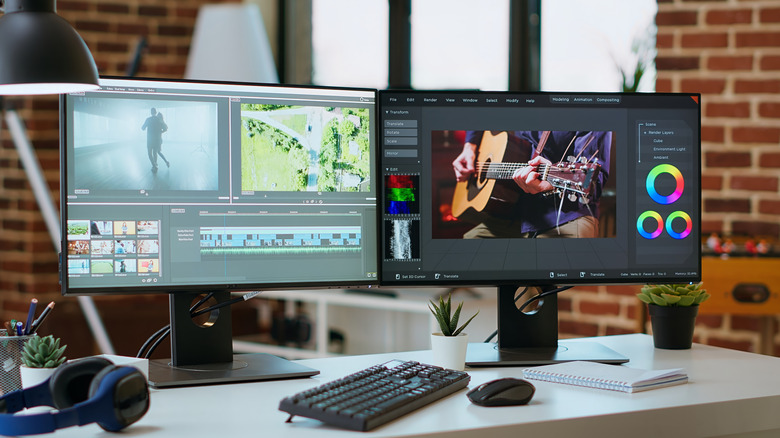
A dual monitor setup expands your screen real estate, giving you a boost in multitasking efficiency that a single display can't match. Developers can have documentation or meeting notes open side-by-side with their code, gamers can dedicate a second monitor to Discord, and streamers can manage live chat without interrupting the action on the main screen. Ultrawide monitor users may prefer single screens for certain use cases, but others tend to prefer the distinct window separation and standard 16:9 aspect ratio that comes with a traditional two-monitor setup — especially when working or gaming.
For many workers, second monitors are valuable primarily for keeping another program in view while their main workspace remains on a primary screen. In such cases, it's generally smart to buy a cheaper panel and invest the cost savings elsewhere. However, most creative professionals, gamers, and HDR enthusiasts will want something that can keep up with their main screen, which is when choosing between OLED vs. IPS panels is a more important consideration.
A "perfect" second screen isn't decided purely based on specs; what matters more is how it fits into your work or gaming setup. Everyone has different needs, so we've curated a range of secondary monitor options that are great for work and gaming based on utility, ergonomics, and panel consistency across viewing angles.
Dell UltraSharp U2725QE
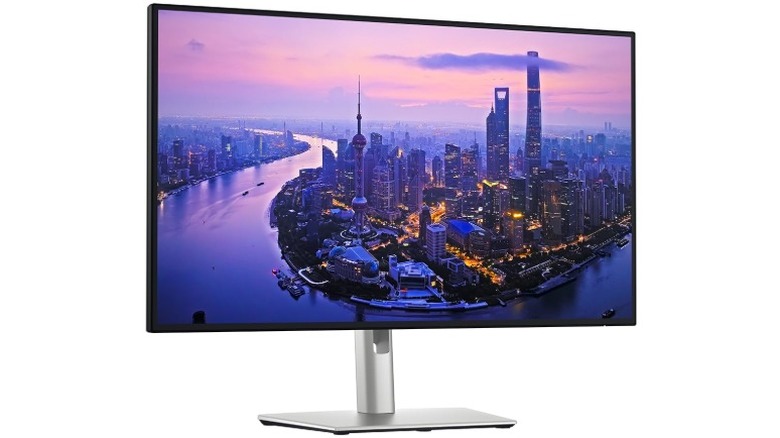
At $619.90 on Amazon, the Dell UltraSharp U2725QE is by no means a cheap monitor, but it has a high-quality panel and a handful of features that make it a great second monitor. It's a 27-inch 4K screen with a refresh rate of up to 120Hz, and its IPS panel has both wide viewing angles and high brightness. It features a total of 10 USB ports (five USB-C and five USB-A), allowing you to seamlessly connect all manner of peripherals with ease.
The real highlight of this monitor is its Thunderbolt 4 connectivity. It features one Thunderbolt 4 upstream port that enables you to connect your laptop with a single cable that simultaneously handles both video output and charging. There's also a Thunderbolt 4 downstream port, which means you can daisy chain a second monitor that supports Thunderbolt input. This eliminates the need to use a docking station with your computer.
Another great feature is the monitor's KVM switch, which allows you to use the same keyboard, monitor, and mouse set across multiple computers. This is ideal for easily switching between something like a work laptop and a gaming PC or console. Experts at Rtings.com also praised the Dell UltraSharp U2725QE as an excellent office monitor for its ergonomic features, namely for the stand with widely adjustable height, tilt, pivot, and swivel.
Espresso Displays 15
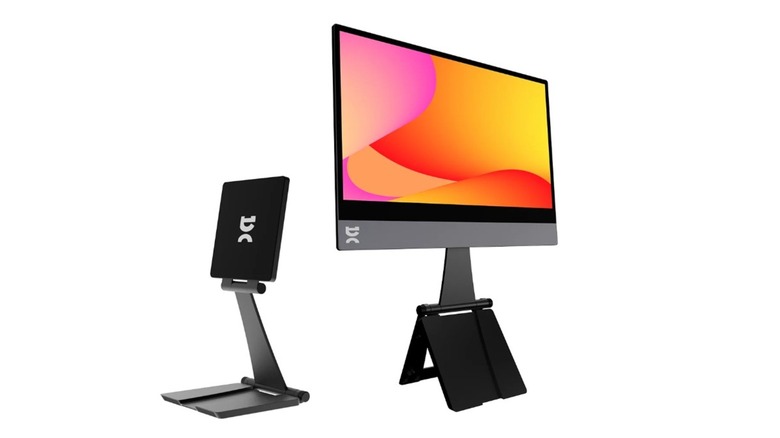
The Espresso Display 15 is a 15-inch monitor whose core strength lies in how travel-friendly it is. You might expect a portable monitor to feel flimsy, but the Espresso Display 15 boasts a durable aluminum frame and a clean, high-end appearance, all for a retail price of $299.00 on Amazon. With a 1080p IPS screen and a 60Hz refresh rate, this monitor's specs on paper aren't spectacular — but even so, it has notably good clarity and brightness.
This portable display stands out from others on account of its ergonomic magnetic stand. It offers plenty of adjustability for you to find the ideal height and angle, and you can also rotate the monitor for portrait or landscape use. With the right setup, you can position the monitor so that it rests right above your laptop screen, creating a seamless tower using the two displays. For connectivity, all you need is a single USB-C cable, although this means your computer's USB-C port will have to support DisplayPort Alt Mode.
If you want to get more mileage out of this monitor, the EspressoFlow app (available on both Windows and macOS) adds brightness, contrast, and scaling controls. The picture can also auto-rotate when you adjust the screen orientation. Because this monitor has a low refresh rate and poor motion handling, it's not great for gaming. However, it's a great secondary screen for laptop users on the go. The Espresso Touch is an alternative that includes both a touchscreen and onboard speakers, but at $499.00, this version of the device will cost you $200 more than the Display 15 does.
KTC M27P6
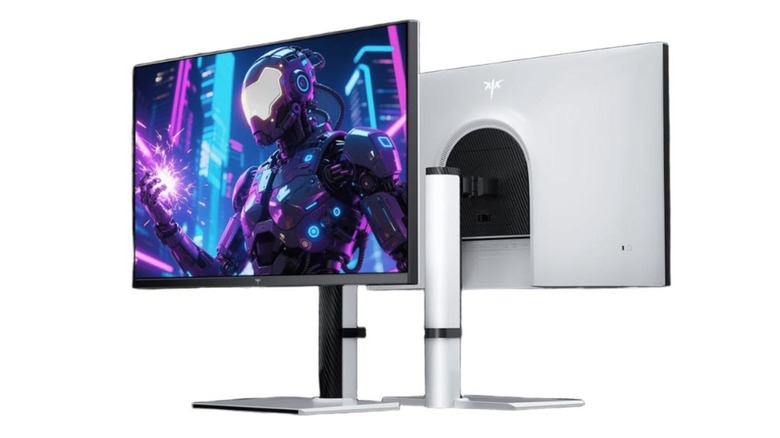
Retailing for $499.99 on Amazon, the KTC M27P6 is a monitor that punches above its price bracket. This 27-inch 4K monitor has a 160Hz refresh rate, so it's geared towards immersive gaming. It also has a "dual mode" feature, however, that allows you to switch to a 1080p 320Hz output. This is better for competitive gaming because it yields higher framerates. The monitor has an IPS panel with Mini-LED backlighting featuring 1,152 local dimming zones, allowing the screen to reach impressive brightness levels.
PCMag praised the KTC M27P6 for its phenomenal HDR experience, making specific mention of the screen's brightness, contrast, and deep black levels with HDR mode enabled. It's already a great primary monitor for gaming, but because it won't look washed out next to an OLED screen, it also makes for an ideal second monitor. Additionally, since it's a Mini-LED screen, you won't have to worry about preventing OLED burn-in, either. Since the monitor features a 65W USB-C port that supports video output and charging, it's also a great secondary monitor to go along with your laptop.
The KTC M27P6 also includes a KVM switch, which is not typically seen on gaming monitors at this price point. By changing the KVM input on the monitor, you can seamlessly switch between your laptop, gaming PC, and console displays while using the same peripherals. Finally, the stand on this monitor fully supports height, tilt, swivel, and pivot adjustments to help you find the right viewing angle.
Dell S2725DC
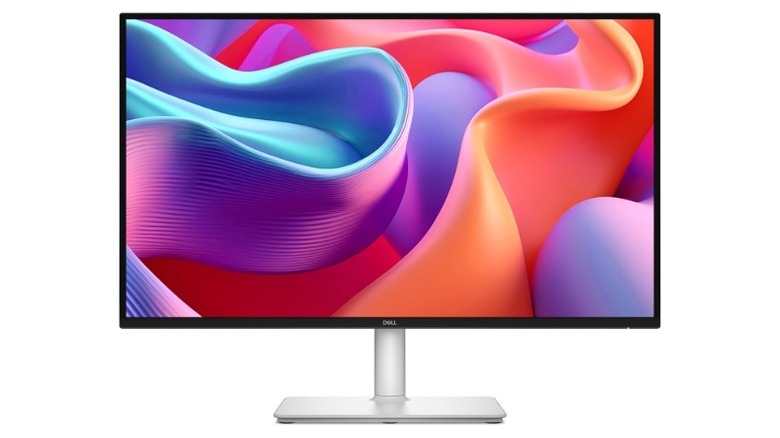
The Dell S2725DC is a versatile workhorse that sits somewhere between high-end professional display and entry-level budget screen. Priced at $253.22 on Amazon, it's a 27-inch monitor with a 1440p resolution and a 144Hz refresh rate. This makes it very usable for PC gaming, as it features low input lag and supports multiple variable refresh rate formats. The response time is a bit on the higher side, though, so this shouldn't be your first choice for running competitive games.
This monitor works well as a secondary display thanks to its text clarity, great viewing angles, and high brightness. Its 144Hz refresh rate makes for a responsive experience, and its low-profile bezels also make for a sleek look. If you want to use this screen with a laptop, you easily can — it features a 65W USB-C port so you can output computer video and charge your laptop simultaneously.
Like most other Dell monitors in this price range, the S2725DC features a highly ergonomic stand with tilt, swivel, pivot, and height adjustments. It also features a discreet, quick-access USB hub with both two USB-C and two USB-A ports to charge or connect extra devices.
LG UltraGear 24GS60F-B
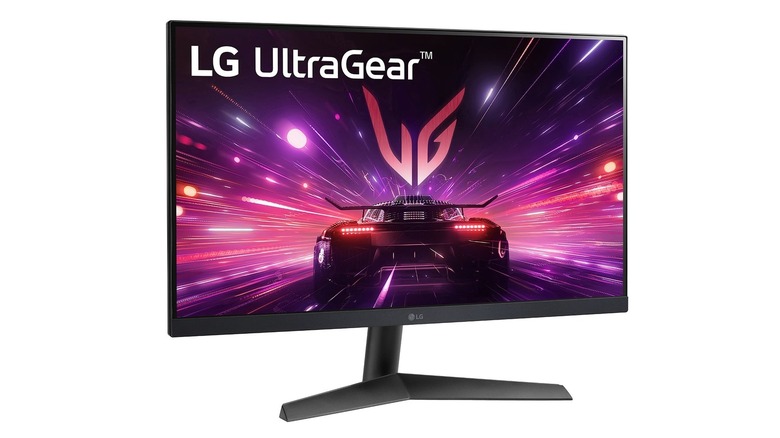
The LG UltraGear 24GS60F-B leans toward the traditional second monitor standard that most gamers are after. It's a 24-inch 1080p display, so it's small enough to fit comfortably next to a main monitor in either portrait or landscape mode. With a fairly modest price of $248.31 on Amazon, it makes for an attractive gaming monitor. Sure, you could just use it for Discord, live chat, or Spotify and call it a day. But beneath that smaller screen size and 1080p resolution is a high-quality IPS panel with a 180Hz refresh rate, wide viewing angles, and a matte coating for glare reduction.
LG markets this as a strong budget gaming monitor, but its specs also make it a reliable second monitor that won't distract you with a low refresh rate or poor colors. Thanks to the IPS panel, text clarity and color accuracy also remain intact when looking at the screen off-center.
It's worth noting that with budget gaming monitors like this one, there are some important tradeoffs. For example, the stand on the 24GS60F-B isn't anything special, and some Amazon reviewers call it out for feeling "cheap." Thankfully, it features a standard VESA mount, so you can easily mount the screen to a monitor arm and avoid dealing with the stand. Keep in mind that it doesn't include Type-C input, though, so you'll have to rely on HDMI or DisplayPort inputs when connecting a laptop.
Dell SE2425HM
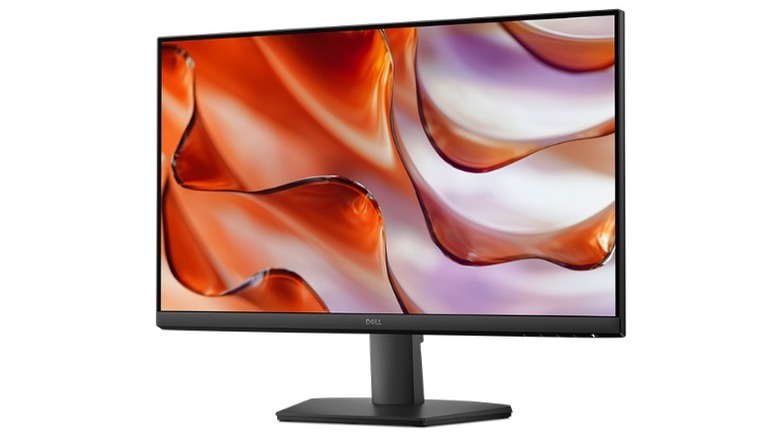
Several people keep their older, cheaper displays to turn into second monitors once they eventually upgrade. In those cases, secondary monitors aren't usually anything to write home about, but they get the job done if all you need is some extra screen real estate. But if you don't have an old monitor lying around and don't want to break the bank, the Dell SE2425HM (priced at $109.99 on Amazon) is a great budget option.
This is a no-frills 1080p monitor with a 24-inch screen size, but it has a higher-than-expected refresh rate of 100Hz. As a result, moving the cursor and dragging windows feels far smoother than on traditional 60Hz office displays. It doesn't support variable refresh rates or HDR, however, so it's far from a gaming powerhouse. That said, the IPS panel is bright enough for daily use, and its off-center viewing angles are clear. The monitor's slim bezels also make for a clean design.
The trade-off here is the lack of creature comforts, which is reflected in the screen's low price point. For example, there's no USB hub for peripherals, the stand can only tilt, and connectivity is limited to HDMI and VGA. If you want those features, the Dell P2425H might be the better fit for you. However, at that price, you could also just buy a good gaming monitor with an even better panel. Ultimately, this is the monitor for those who want a cheap, reliable, and sharp display to monitor emails, manage extra tabs, or keep secondary apps in view.
Methodology
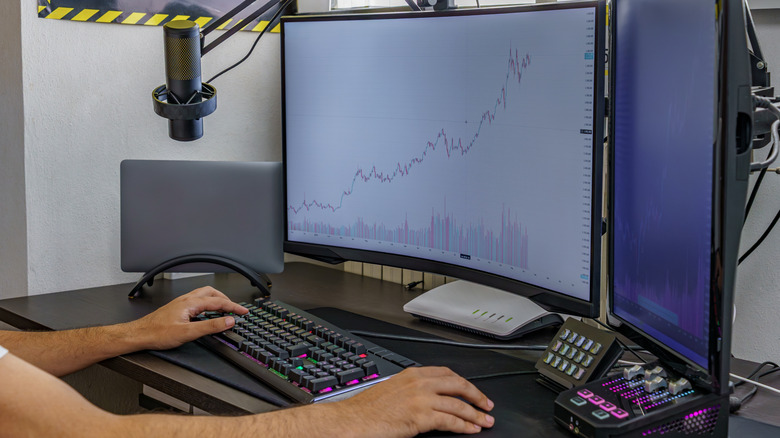
Most people choose their primary monitors based on maximum immersion, competitive specs, and a feature set that suits their needs. But for secondary monitors, purchasing decisions tend to focus more on utility, ergonomics, and integration with one's existing workflow. For this reason, we selected secondary monitor options that are easy to set up and adjust, maintaining a low profile when not in use.
Panel consistency and viewing angles were important considerations, so we largely stuck to IPS displays. IPS panels tend to have sharp image clarity and retain color accuracy even when viewed from skewed angles. All included monitors can be connected via HDMI, and most of them also support USB-C connectivity for easy setup with laptops.
We also looked across different budgets and use cases, catering both to those who just want a basic secondary display and to those who want a powerful work or gaming hub. The monitors listed here are based on a mixture of personal experience with various displays and rigorous testing data from expert sources, including RTings.com, PCMag, and Tom's Hardware.