

5 Things You Should Always Plug Into Your TV's HDMI 2.1 Port
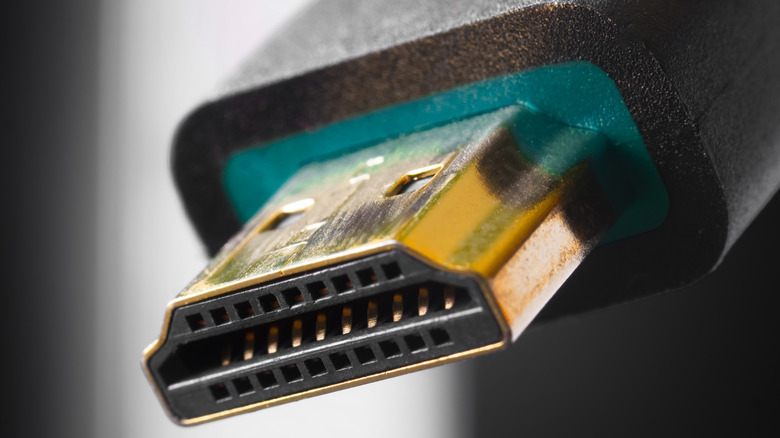
To this day, prioritizing the HDMI 2.1 port on a smart TV is important, as not every manufacturer offers several of them on a television. More commonly, customers will find one to two HDMI 2.1 ports on a new TV, but depending on more premium models, up to four ports might be available.
While the HDMI Forum recently introduced the new HDMI 2.2 standard, the current HDMI 2.1 version continues to be the main one users should be looking for, especially to avoid getting a "fake" HDMI 2.1 port. After all, this standard should include high-quality features like 4K/120hz support, variable refresh rate, auto low latency, and 48 Gbps of bandwidth.
However, with the 2.0 standard now discontinued, the HDMI Forum offers partial HDMI 2.1 implementation, which means users looking for an HDMI 2.1-enabled product also need to make sure they're getting Fixed Rate Link support, as this is what ensures all the benefits from the standard. Otherwise, customers will feel like they're just using another HDMI 2.0 port. With that said, these ports are made for those who want to take the most advantage of their peripherals, and connecting a PlayStation 5, Xbox Series X, the 2022 Apple TV 4K, a 4K UHD Blu-ray player, and an AV receiver are among the best products you could choose to plug in.
PlayStation 5
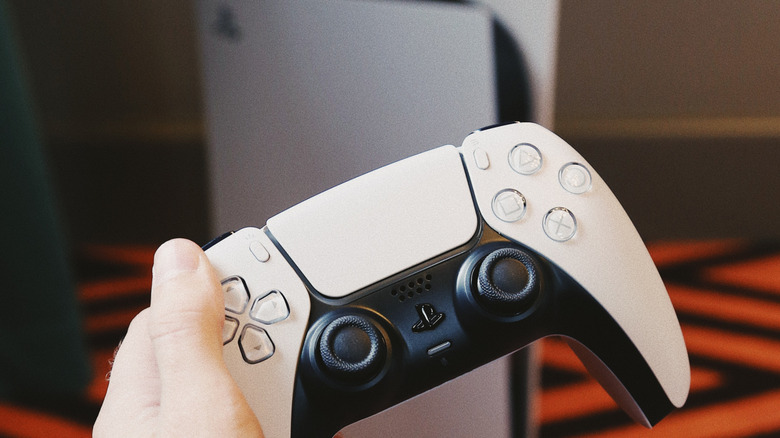
Released around five years ago, the PlayStation 5 is Sony's main console. This device is like a powerful computer, as it includes 16GB of RAM, a powerful chip developed by AMD with an eight-core CPU, and fast SSD storage. Over the years, Sony improved the PlayStation 5 with technologies that can take advantage of an HDMI 2.1 port. For example, in 2022, the PlayStation 5 received a variable refresh rate, which makes the gameplay even more enjoyable.
By plugging this console into an HDMI 2.1 port, users can take advantage of 4K at up to 120Hz support, which enables smoother motion in supported titles. Other technologies include auto low-latency mode, which is great for online games or matches that require the smoothest experience possible. It also offers full HDMI audio when paired with a TV's HDMI 2.1/eARC port, allowing uncompressed surround audio back to a receiver or soundbar to have a more immersive experience with your PlayStation 5. With those features, gamers can enjoy their favorite titles by making the most of their TV and console.
Xbox Series X
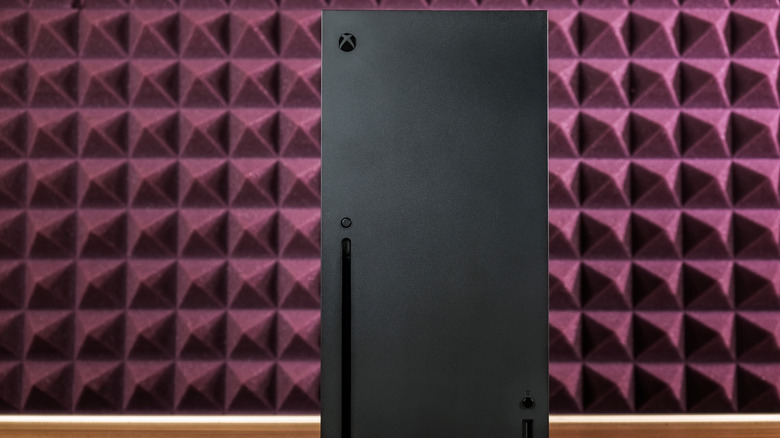
Like the PlayStation 5, if you own an Xbox Series X, and like it as much as we did in our review, you'll get a better experience by connecting it to an HDMI 2.1 port. If your TV only supports one port of this standard and you have both consoles, you'll have to discover which one is your favorite. An Xbox Series X on an HDMI 2.1 port brings resolutions up to 4K at up to 120Hz for supported games, variable refresh rate, and auto low latency mode. When paired with a TV's HDMI 2.1/eARC port, users can also get uncompressed surround audio back to a receiver for an immersive audio experience.
These technologies pair very well with the Xbox's custom AMD Zen 2 CPU and RDNA 2 GPU architecture. Users can also take advantage of Dolby Atmos and DTS:X audio support, Wi-Fi, gigabit Ethernet, and more. While an HDMI 2.0 port will still run games in 4K at a 60hz refresh rate, users won't be able to take full advantage of the other specs of this console.
Apple TV 4K (2022)
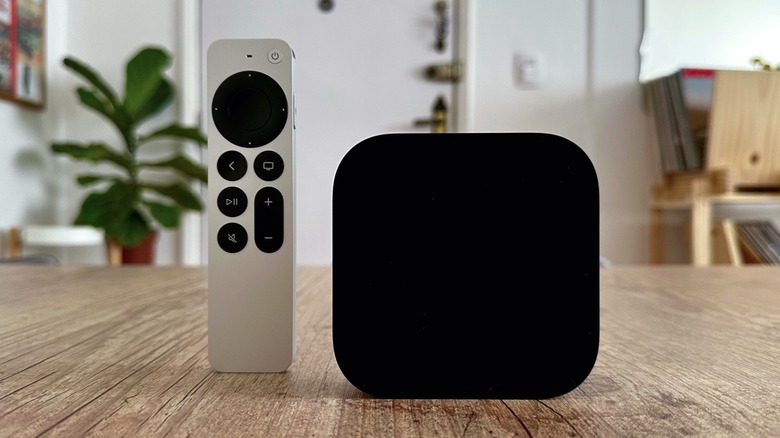
The third-generation Apple TV 4K is one of the devices that you should use with an HDMI 2.1 port. Even though, to this day, Apple still limits the maximum output to 4K and 60fps, this set-top box could theoretically support up to 120Hz of refresh rate due to offering HDMI 2.1 support. Still, what Apple takes the most advantage of is the eARC compatibility when you pair two speakers, like these HomePod 2 models, to the Apple TV 4K and use them as the output sound of all the other devices connected to your TV.
The Apple TV 4K offers one of the best streaming app catalogs thanks to the App Store, in addition to other perks from its ecosystem, including Apple Arcade games, Apple Fitness+ sessions, Apple Music Sing, FaceTime calls, and more reliable AirPlay connectivity. Since this device features a custom A15 Bionic chip, a similar chip available on the iPhone 13 Pro, Apple doesn't require extra processing from the TV, making the most of the display, but leaving all the processing on the set-top box.
4K UHD Blu-ray player
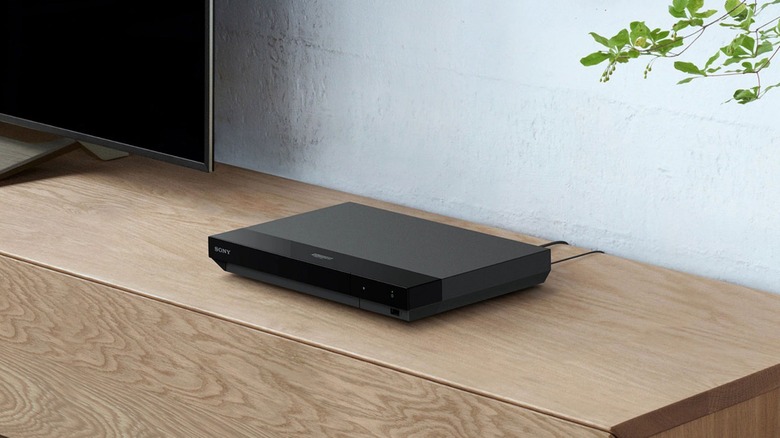
Unlike gaming consoles, a 4K UHD Blu-ray player won't take advantage of a 120Hz refresh rate or other gaming features. However, if you have an extra HDMI 2.1 port, a Blu-ray player can take advantage of eARC routing support. This allows lossless surround formats to be sent back to a receiver or soundbar without compression, delivering the best possible audio experience from physical media. After all, most people who still purchase Blu-ray discs and have an updated model want the best image and audio quality possible when watching their favorite TV shows, movies, and concerts.
Still, it's important to note that most image capabilities of the Blu-ray player can be enjoyed by an HDMI 2.0 port, as Blu-ray is capped at 4K and 60Hz, and the 2.0 standard already supports HDR 10, HDR10+, and Dolby Vision support with better color depth, as well as up to 10-bit color and wide color gamut (B.2020). That said, the HDMI 2.1 port here doesn't improve picture quality, but it helps streamline audio routing in modern home-theater setups.
AV Receiver
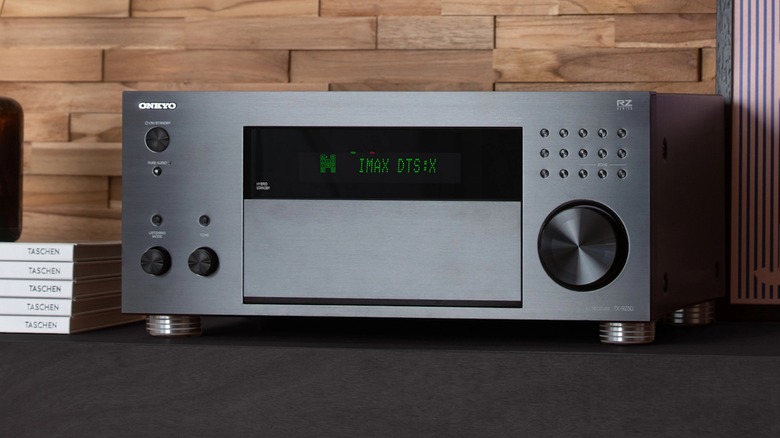
Connecting an AV Receiver to your TV's HDMI 2.1 port might be the nerdiest, yet best thing that could ever happen to your TV experience, if you have the proper equipment. Since the HDMI 2.1 standard brings eARC integration, a receiver that supports this technology can act as a source hub and the audio decoder for your TV. This means that streaming apps can send full audio bitstreams back to the receiver without losing high-bandwidth formats like Dolby Atmos or DTS-HD Master Audio, and you can pair it with 5.1/7.1 channels for a more immersive sound experience.
The AV receiver can work as the main hub of your TV experience, being powerful enough to handle those high-spec connections, and delivering uncompromised data with the quality you expect from your Apple TV, gaming console, or Blu-ray player. In addition, you can connect all of the devices mentioned above to the AV Receiver, as it will be the one handling everything while still ensuring that all HDMI 2.1 technologies will continue to be available, such as variable refresh rate, auto low latency mode, and 4K and 120fps if your peripheral supports it.