

4 Unique Uses For Your Old Nintendo Wii U
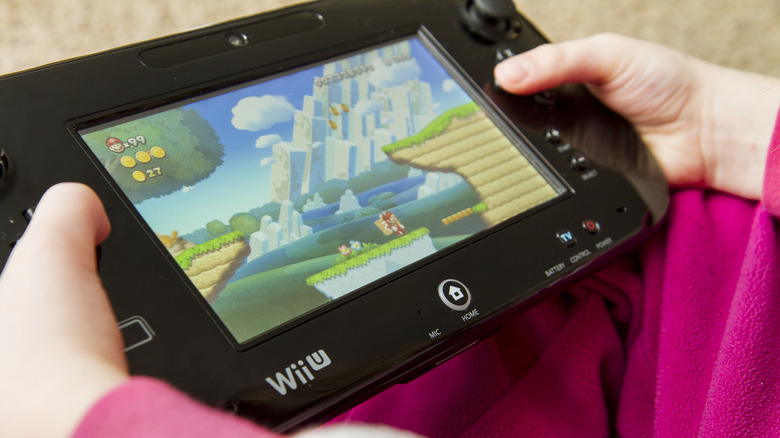
Having only just come out in 2025, the Nintendo Switch 2 is still in its early years, and it feels surreal that the Nintendo Wii U came out over a decade ago. The Wii U is Nintendo's shortest-lived console — the system debuted in 2012 and was discontinued in 2017. For comparison, the Nintendo Switch will have been out for nine years in March 2026, and the console is still alive and kicking. The Wii U's lifespan is nearly half that of the Switch.
If you're a Wii U owner who's disappointed by the lack of mileage you got out of your console, there are some things you can do with it that don't involve using Nintendo's now-defunct proprietary online functionality. You could install custom firmware and use homebrew apps, or you could repurpose the hardware itself for use on other platforms. No matter what you choose to do with your Wii U, your old Nintendo console can still be used — so before throwing it away or donating it, consider one of a few different methods.
Mod your Wii U for retro gaming
As long as you're comfortable with modding, you can turn your Wii U into the ultimate retro gaming machine using custom firmware. Since Nintendo shut down the eShop on older hardware, you can no longer purchase new titles there. But if you've ever kicked yourself for missing out on any Virtual Console titles, you no longer need to. Installing custom firmware unlocks your Wii U's emulation potential! We recommend referring to a guide before you attempt any mods yourself; Wii U Hacks, for example, provides step-by-step instructions for getting Aroma up and running. For modding purposes, you'll need an SD card that works with your Wii U, but a microSD in an SD adapter will also work.
Once you've modded your console, look for RetroArch as a supported download for your custom firmware. Aroma is one of the newest custom firmware setups, so it's taken some time to properly optimize RetroArch to work with it. But in contrast with the outdated Tiramisu and Haxchi software options, Aroma is a great firmware choice for modern enhancements and modding support. YouTube user FunkyScott47 explains how to install both Aroma and RetroArch on your Wii U. After installing RetroArch, you'll need the system's cores and designated ROMs to get the emulator going.
What sets the Wii U apart from other consoles is its legacy support for Wii and GameCube games. It has the internal hardware to run those titles, meaning you'll also be able to emulate them. The dual-screen mode from TV to GamePad also makes it a delectable choice for running Nintendo DS ROMs. If you only want system-specific emulators, though, you can look into Nintendont for running GameCube games or Not64 for playing Nintendo 64 titles.
Run a variety of homebrew apps and plugins on your Wii U
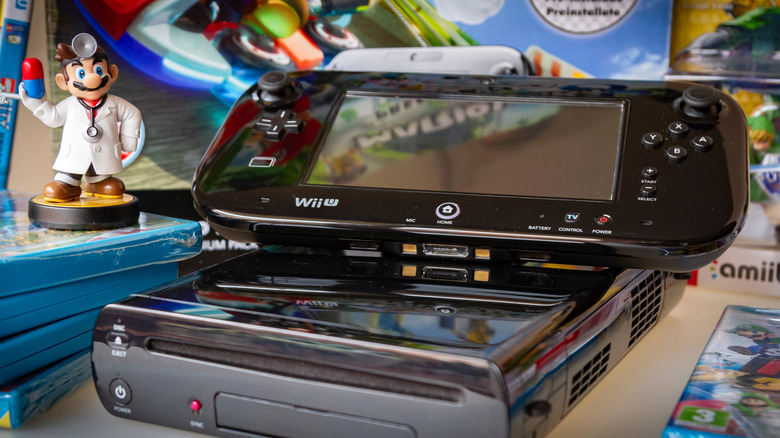
Installing custom firmware doesn't just open up brand-new avenues for retro gaming — it will let you do things beyond game emulation. With custom firmware, you can access an array of new apps and plugins you never could have used with the console's outdated stock software. Again, just remember that jailbreaking your Wii U comes with risks, and you should only proceed if you are comfortable doing so.
The Homebrew App Store has plenty of apps that are browsable by platform, so you can easily find plugins for custom themes, Discord support, YouTube support, and even fun programming software like "Scratch Everywhere!", which is still supported to this day. These plugins are designed to work on different custom firmware, but there is a specific section for Aroma plugins. Legacy plugins are still listed, but they may be outdated or incompatible with your chosen custom firmware. It may also be fruitful to check out utility plugins, such as Bloopair, for using non-Nintendo controllers via Bluetooth pairing. There's also a mod called SaveMii for managing and backing up your save files.
Install Pretendo on your Wii U to restore online functionality for old titles
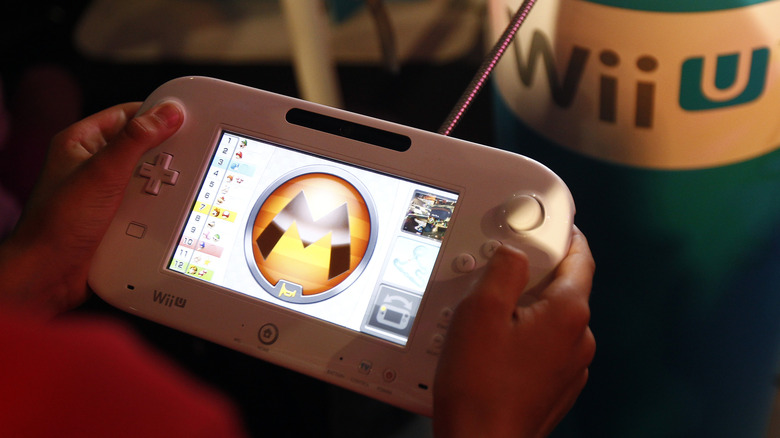
If you're something of a social butterfly, then your Wii U is worth keeping around for one reason alone: Pretendo. Pretendo is an open-source tool that replicates Nintendo Network, the online service Nintendo once hosted. To take advantage of it, users need to create a Pretendo Network ID and acquire the plugin. You can do this by jailbreaking your Wii U using Aroma or by opting for a DNS-based method. The latter option will limit functionality, but it won't require you to modify your console.
Pretendo is a work in progress, so not all titles work with it just yet. But if you're a fan of Mario Kart 8, the original Splatoon, or even Super Mario Maker, you'll likely be interested in this fan-made service. Installation instructions can be found in the official documentation on the Pretendo website. If you're interested in this tool but would rather avoid modding your console to use it, you can refer to Pretendo's SSSL instructions for guidance. While SSSL is easy to configure, note that not all ISPs will allow you to make the required manual changes to your DNS settings.
Repurpose your Wii U as a controller for other systems
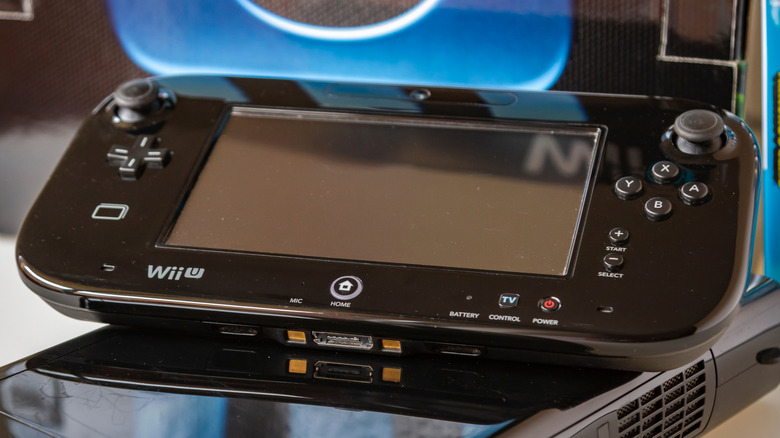
Your Wii U GamePad can actually work as a controller for other systems, although if you do use it that way, you won't be able to use its motion controls or its onboard screen. You can, however, use your old Wii U GamePad with your PC by downloading GamePad-to-PC controller software. That requires some configuration at the outset, but once you have it done, you can use your GamePad as you would other controllers meant for PC use. It's a comfortable fit — even if it is a little big compared to modern Xbox and PlayStation controllers — and it pairs well with many emulated games owing to its traditional button layout.
If you have a Wii U Pro controller, you can also repurpose it for use on your PC and Nintendo Switch. It does involve buying an adapter, but luckily, there are a few good options out there. 8bitDo, a company that makes great Bluetooth gadgets and tech like third-party gaming controllers and accessories, sells decent wireless USB adapters that can work with your console controller. However, as part of the setup process, you'd have to customize the Wii U's controller layout to match the Xbox controller. You may also need to undertake additional steps, such as installing special drivers, for your controller to work with certain PC titles. If you prefer wired controllers, however, then you might want to consider Mayflash. It's a trusted third-party brand that makes adapters for both wired and wireless play.