

5 Cheap Ways To Upgrade Your TV's Audio
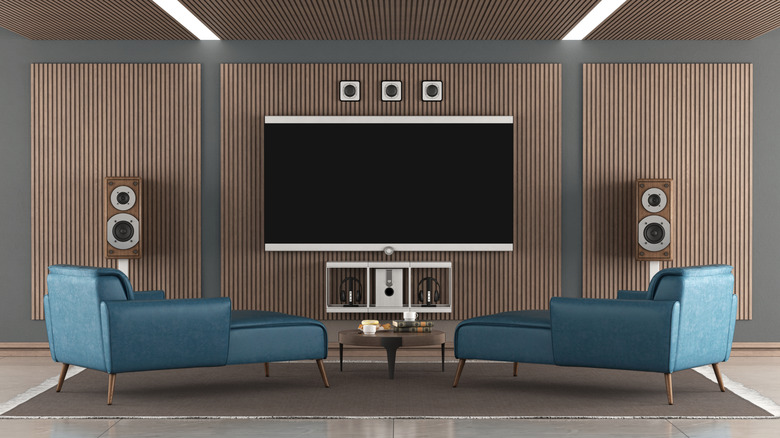
While video clarity is an important factor in a TV, another aspect that's just as vital but often gets ignored is the audio quality. In the past decade, television sets have become slimmer, which looks great — but this trend has hurt sound quality since an inch-thick TV can't really house a decent set of speakers. That's the reason buyers often go with expensive home theater systems to enjoy a surround sound experience. But if you're willing to settle for something less, there are many cost-effective options to upgrade your TV's audio. It won't be as loud or quite as cinematic, but it will still be a massive step up from your TV's default experience.
Speakers and soundbars have become more affordable in recent years, with reliable picks available in the $100-$150 range. Additionally, with growing demand, manufacturers have released a wide array of models, giving buyers more options to choose from. So, before you go with an expensive setup to boost your TV's audio, take a look at the recommendations below to find out how the same can be achieved either for free or at a much lower price.
Check the TV's sound settings
A common mistake most people make is investing in a decent set of speakers right away, even when the built-in speakers aren't the problem. Sometimes, the audio settings are misconfigured or an incorrect mode is set, which may have automatically lowered the sound levels. So, the first thing you should do is try adjusting the available options, as there are several TV settings that can completely change your audio.
To do that, open your TV's settings and head into the Sound/Audio section. Generally, decreasing the "Bass" and increasing the "Treble" helps with clarity, but there's no one-size-fits-all configuration. So you will have to test out the different combinations until the audio quality improves and dialogue becomes clearer. Also, if there are built-in sound presets like Movie, Standard, or Speech Boost, check them out. It's very possible that switching to Movie or Speech Boost will help.
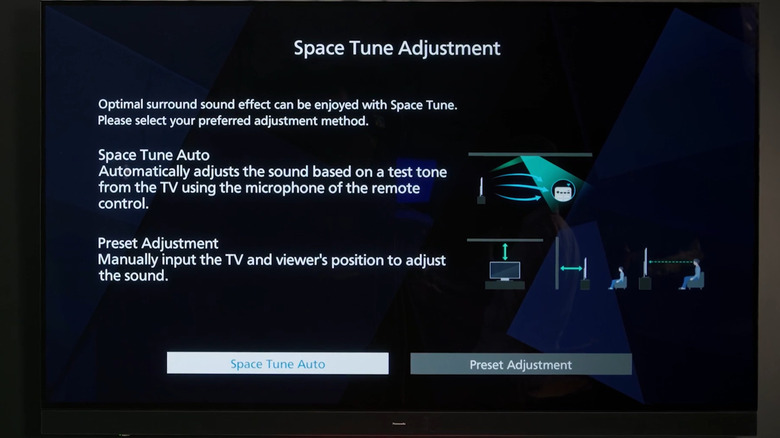
Some modern TVs also come with auto-sound tuning features, like Panasonic's Space Tune, which automatically adjust the output based on the room's setup. The TV will send out a series of test signals to gauge how far it is from the walls, objects, and the listener, then optimize parameters like frequency, treble, and bass to deliver the best results. If your TV has the same or a similar feature, using it would be a smart choice.
Use a Bluetooth speaker in smaller rooms
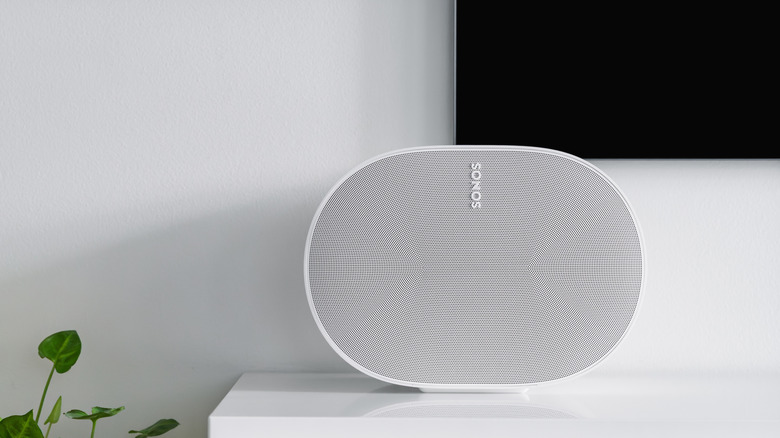
If the TV is placed in a small room and you're not aiming for a cinematic sound experience, Bluetooth might be a good option. If you already have one lying around, pairing it with your TV would be a clever way to reuse that old Bluetooth speaker.
Most modern TVs come with Bluetooth connectivity built-in, so pairing the two shouldn't be an issue. In case your TV doesn't support Bluetooth, inspect the ports on the back end, and you would ideally find a 3.5 mm headphone jack, which could then be used to connect the two devices for seamless audio playback.
For some, there might be a tiny delay in audio playback over Bluetooth connections. It shouldn't be an issue in most cases, but if it is, you can usually reconfigure audio sync in the TV's sound settings. Keep in mind that a compact Bluetooth speaker isn't necessarily the best upgrade for your TV's audio, but it's budget friendly and helps in smaller, more personal setups.
Get a soundbar on the cheap
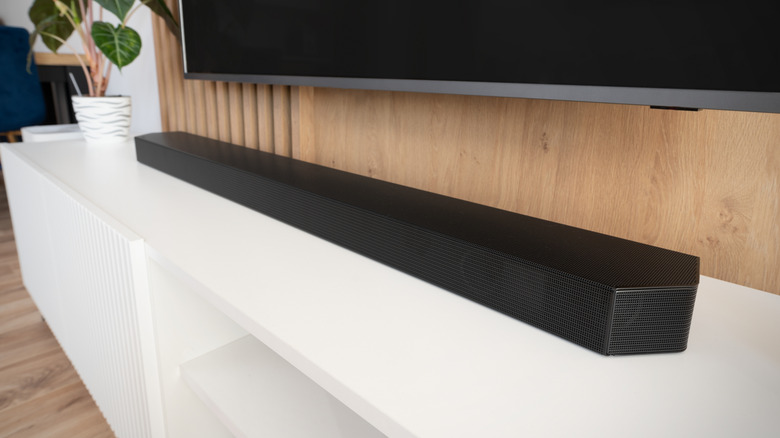
Another cheap (and extremely common) way to boost your audio experience is to get a good TV soundbar. These were developed for this very purpose, to make the sound louder and clearer on modern TVs. That's the reason many models are wall-mounted, so that they can be fixed right underneath the TV. This saves space and enhances the overall visual appeal of the setup.
With soundbars, you have a ton of options. Want something simple for a small space? Try a 2.0 soundbar, which usually costs less than $100. If you're looking for options for the living room with bass, a 2.1 or 5.1 soundbar should handle the job, depending on the space and your requirements. If you want something more advanced, say 3D sound, check out Dolby Atmos soundbars. These are particularly expensive, but you should be able to find a decent one in the $500-$1,000 price range. If there's a budget constraint, you can always look for deals or check out the used market.
Buy a sound tower for even better audio quality
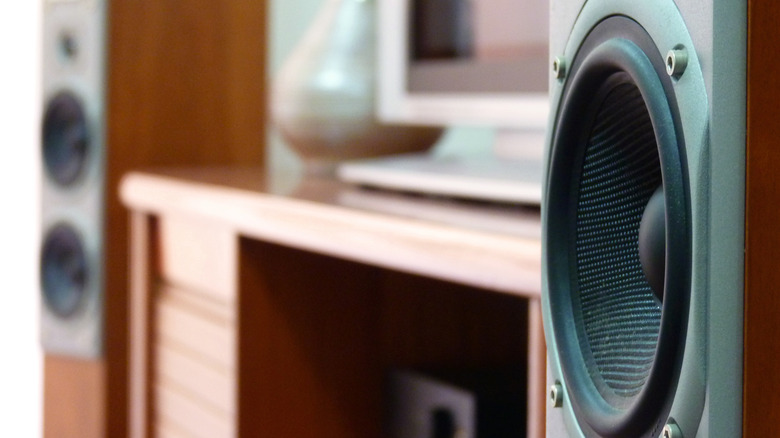
If you're willing to shell out between $150 and $300, a sound tower could be a good choice. Compared to soundbars, these deliver louder sound and better overall audio quality, given the bigger drivers and more physical space between the speakers. The prices for sound towers start at $100 and can go up to $500, depending on the underlying technology, size, and setup.
Sound towers do have a few drawbacks over soundbars. First, they take up more space. So, they wouldn't be as efficient in smaller setups, where space is a constraint. Then, these are more expensive. While soundbars start at around $50, even entry-level sound tower models will be almost double the price. But they are still more budget friendly than a full home theater setup.
Sound towers are best for people who want powerful, room-filling audio, and stereo separation, ideally for movies or music. If you have decent space around the TV, a sound tower will be a useful upgrade. And if this is your first such purchase, buy an active tower speaker since these are usually plug-and-play.
When all else fails, use headphones
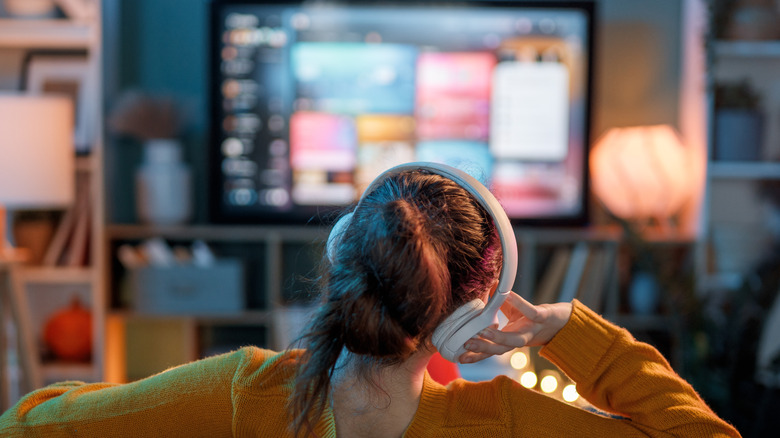
If your budget is really low and you're the only one watching, you might want to use headphones to upgrade your TV's audio experience. These are super simple to set up, can be used with other devices like your laptop or mobile phone, and are portable, so you can easily move them around the house. Headphones are particularly great for late-night movie sessions without waking up others in the house. The best part is that they are more affordable than almost any other investment you can make here. And if you already have a pair lying around, it would be a great way to repurpose your old headphones.
Newer models have better noise cancellation and a range of audio presets that will instantly upgrade your TV's sound experience. But since you'll be relying on Bluetooth connectivity, there's the likelihood of latency, and unlike speakers, wired connections are not usually an option here. Those are practical trade-offs at the price range, but thankfully not something that will kill the vibe.