

5 Simple Ways To Help Make Your Home More Secure
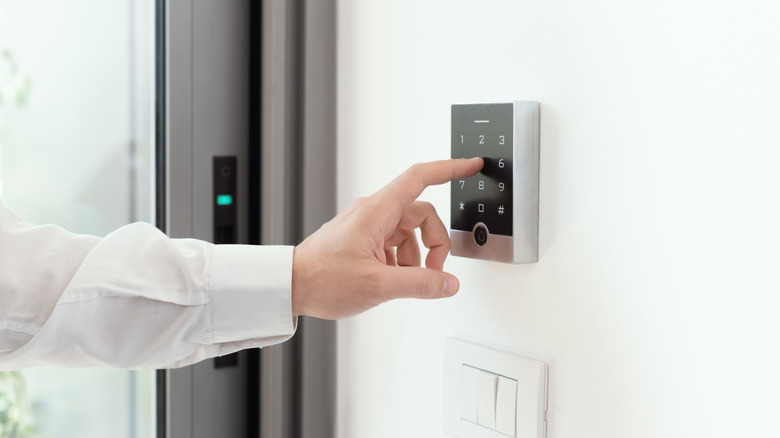
Keeping your home secure now matters more than ever as tech becomes more advanced each day. With a few clicks, you can turn on or off the lights of your home, control thermostats, and even install a smart doorbell to protect the house. Tech like this is quickly becoming part of normal life for many users, but it also creates new paths into your network and it's necessary to take some steps to ensure that your home stays protected, both physically and digitally.
For example, each new device that you install might come with some trade-offs, since every time that you buy one can mean another account, another permission request, and another reason to worry about your privacy. So one weak password or a missed firmware update can be enough to expose your camera to others, leak data, or reveal whether the home is empty, which is why it's important to know how to protect your smart home from hackers.
The good part is that keeping the home secure doesn't require a complicated setup of smart products or a huge budget. With simple habits and the use of some tools, it's possible to close many common loopholes that criminals can use, so a handful of small changes are more than sufficient to reduce the risk of being invaded.
Protect your network with strong passwords
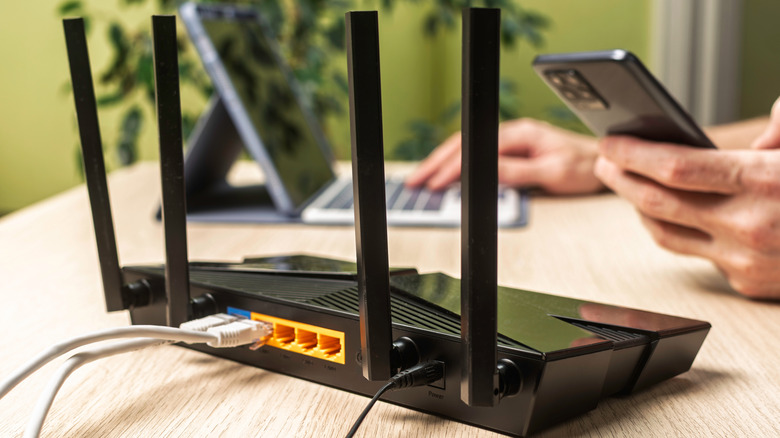
It's tempting to leave the factory-default password in place when installing a new router in your home, since if you put something complex or different, you'll probably end up forgetting it. However, these passwords are often widely known by many users and one vulnerable device can become the door that someone needs to invade your network. The best thing to do is to use a strong and unique password, even if it feels annoying when someone asks for it again, but that little detail is what keeps everything secure.
In addition to preventing a stranger from using your bandwidth without authorization, this security process is also important on the router, since most of them come with a simpler password. So instead of making common Wi-Fi mistakes like using the standard login, which is easy to discover, the better thing to do is change it immediately, since a vulnerable router can give access to the settings panel to anyone connected to your Wi-Fi.
Some headaches can be also avoided if you set up a guest network in addition to the main network, one being the private one that you connect core devices to and one especially for guests. Most routers come with this function and it can be enabled in settings, giving better control of which devices can have access to your data and keeping everything safe.
Secure your home with smart locks
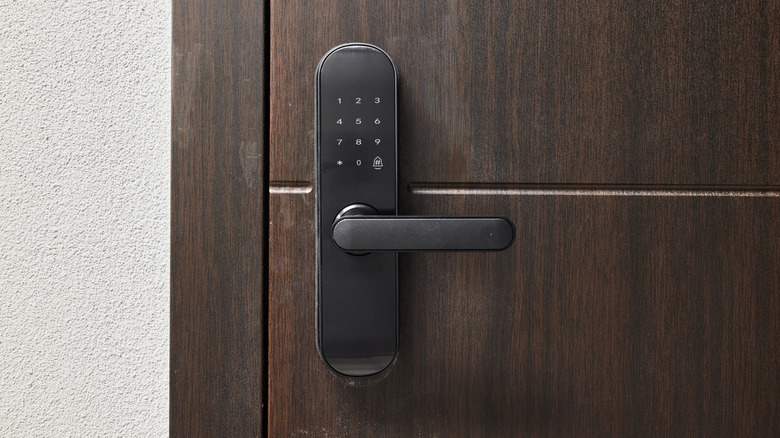
Physical keys are one of the weakest points in everyday security, since they're something easy to lose and even easier to copy, especially when the spare copies end up hidden under a mat or passed around for convenience. That way, to avoid some problems with this, investing in a good smart lock helps secure the home by reducing how many physical entry methods exist in the real world, so instead of relying on metal keys, it's possible to control access by passwords and manage it more easily.
Many smart locks come with a temporary PIN code feature, so if you aren't at home, but need someone in, you can authorize them inside your home with just a few clicks. You can also delete the code afterward when it is not needed anymore, which is much safer than giving the physical key to someone. Also, many of those smart home gadgets come with an activity history to see when the door was locked or unlocked and by whom.
However, when buying one, it's important to treat a smart lock as a security system, not like other simpler devices that you connect to your network. So keeping the device app and firmware updated and not sharing the master code with everyone are some things that every user must do and also ensures that the smart lock remains effective.
Create a routine with a smart speaker
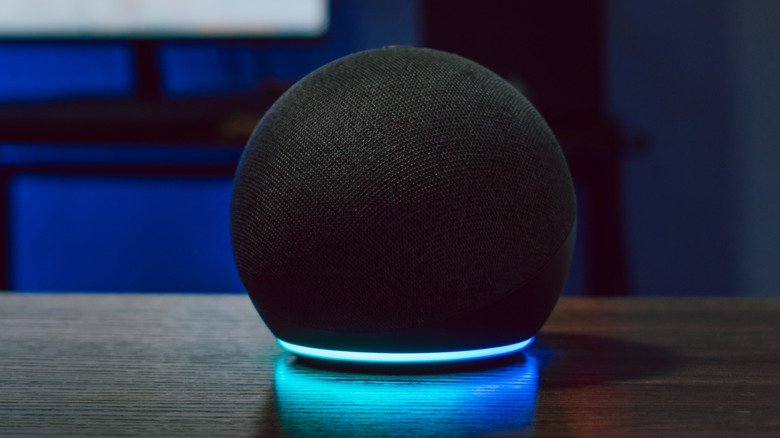
By using a smart speaker like an Amazon Echo or a Google Nest, it's possible to create security routines or schedule them, making it easier to control every other smart gadget that you have at home. So, for example, instead of activating every alarm, turning off the lights, and locking all the doors manually, you can do all that in seconds with just a voice command.
However, the major downside to this action is that to work properly, it's necessary to have many smart devices already installed in your home. So buying only a smart speaker to set up a routine is not possible. That said, if those gadgets are already connected to the network, creating routines is the easiest way to do a simple upgrade to security. However, it's also important to make sure that the speaker account is protected by a strong password, since it becomes a central control point for the entire home.
With these smart speaker functions, you also reduce the chance of human error. For example, it's not uncommon for someone to forget to set up an alarm clock or check if a door is locked properly after the end of a long day, leaving the house vulnerable without noticing it. So by creating a routine, you can do all that at the same time with only a voice command, but you'll have to remember to do it too.
Place cameras to keep your home secure
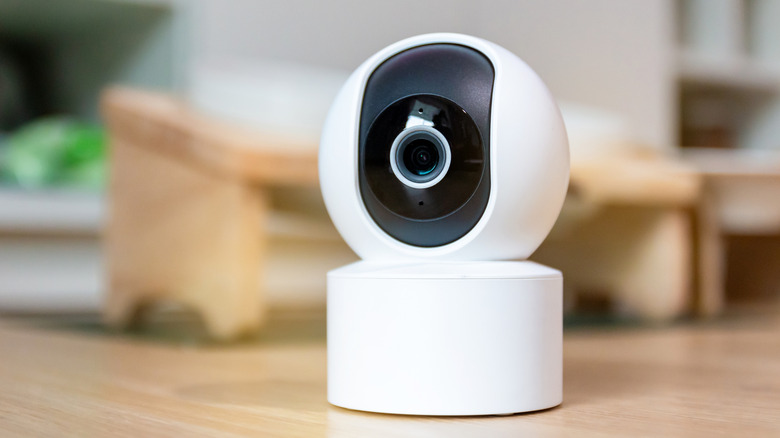
Security cameras are one of the best tools to keep homes safe, since they are capable of delivering real-time footage or visual evidence if anything goes wrong. So they become an important addition to make any household safer. However, before buying any model, it's essential to research how the manufacturers will handle all the data, since some of them can have access to all of the footage, meaning that the cost of protecting the home comes with a serious privacy trade-off.
When placing them, for outdoor coverage, the best setup is to have the security cameras pointed at some blind spots that the home may have. Instead of just installing one camera facing the street, the goal is to map out every possible vulnerable area, such as dark side passages, garage corners, or even a hidden window, since someone could approach unseen in these places. Another tip is to position the camera high enough to have a greater field of view and also to avoid tampering from others.
For an extra layer of security, it's also possible to install some security cameras indoors, but they work best as confirmation tools when something triggers an alarm and for monitoring activity during absences. So the best placement for these gadgets should be on chokepoints, such as the main hallways, the living room, or a back door. However, it's important to make sure that they don't record intimate spaces, respecting the privacy of everyone in the house.
Simulate presence with smart lighting
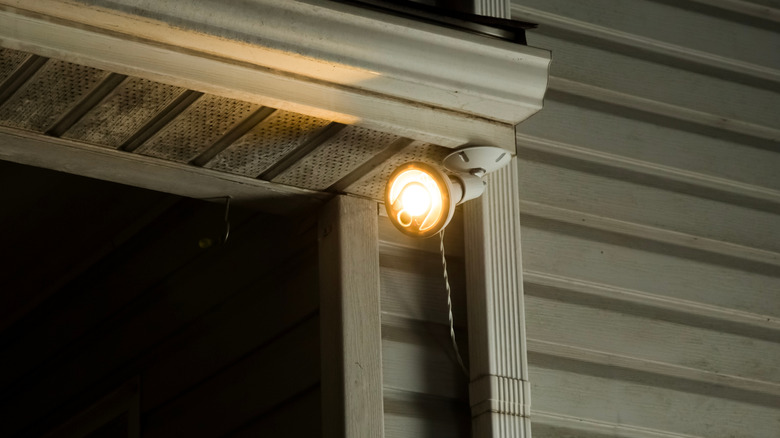
When searching for a home to invade, intruders tend to look at some factors to make sure that it is empty, and lights turned off can be a clear sign that no one is inside. So in homes with some smart light bulbs installed, it's possible to use them in the household's favor by scheduling them to turn on and off at different times across different rooms, simulating that someone is still moving around the house. This is particularly useful when residents are traveling or away from home for a few days.
Smart bulbs have become more accessible in the past few years and most of them also fit into standard sockets, without the need to make a complex setup. Prices also have dropped, so starting small with two or three of the best smart bulbs can already make the place look lived-in. Since many models run on Wi-Fi, you can change schedules from anywhere. Even when you are miles away from home, performing this trick allows you to have a bit of peace of mind.
To push the idea further, it's also possible to use smart bulbs outside too. For example, by pairing smart lighting with motion sensors you can make the yard and garage react instantly. So the light that snaps on the moment that someone steps into your home can break the element of surprise, and that sudden brightness also helps security cameras capture more detailed footage if anything happens.