

4 Apps That Work Better On iPhone Than Android, According To Users
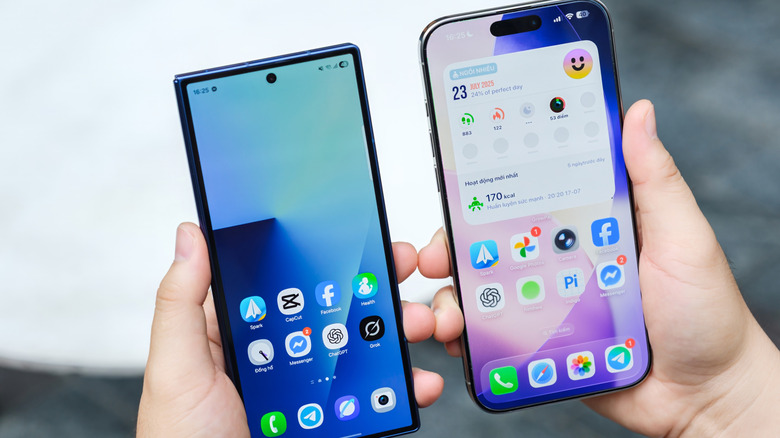
The Android vs. iPhone debate has been raging for years, with each side claiming to have an edge. While both have their share of benefits, app UI and performance are aspects where iOS truly shines. That's because Apple controls both the software and hardware on iPhones, making it easier to develop apps for the OS. Additionally, at any point, there are only a handful of iPhone models actively sold in the market. This means developers can more easily optimize apps for them. On the other hand, there are hundreds of different phones running Android, each with different specifications and screen sizes. Fine-tuning apps for each is a herculean task for developers.
Besides, according to statistics, iOS users spend more on apps and subscriptions compared to Android users, which is another reason why developers prioritize the former. Moreover, as per users, social media apps like Instagram, TikTok, and Snapchat, dating apps, and even some Google apps work better on the iPhone. Keep in mind that the experience is also influenced by the phone's processing power, resource allocation, and display clarity, where iPhones have an upper hand over many budget Android phones. But based on consensus among users, these four apps deliver better UI, performance, and overall experience on iPhones compared to Android.
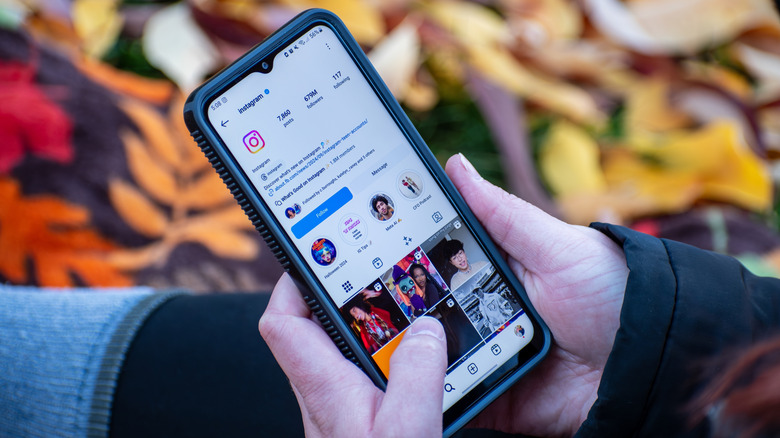
First on the list, and one of the most popular social media apps — Instagram – tends to work more smoothly on iPhones. It has better quality media uploads on iPhones compared to Android devices, as per many users. According to a few, even after reconfiguring upload quality and app performance settings, the posts were still grainy, and videos had a lower FPS. This is largely the case with most Android devices, not just budget models. Even Samsung's flagship Galaxy S24 and S25 series have reportedly shown similar issues.
A user who tried uploading videos from both Android and iOS responded to a Reddit post complaining, "Instagram destroys the videos I upload from my S23 Ultra. The same video taken from an iPhone and uploaded to Instagram looks soooo much better, even though when viewed in the phones themselves, the S23 usually looks better and at worst, the same." Then, Instagram's interface feels a lot smoother on iPhones. Capturing and uploading photos/videos using Instagram's native camera is more streamlined on iOS, since it takes better advantage of the hardware capabilities. Lastly, Instagram is more stable on iPhones. The app tends to have faster load times and fewer issues, crashes, and bugs on iOS compared to Android, as the latter's fragmented ecosystem can lead to more bugs.
Gmail
Gmail is one of the most popular email services worldwide, with over 1.8 billion users. While it's developed by Google, the app, as surprising as it may sound, often works much better on iPhones. People have, for years, highlighted issues with Gmail's Android app. For instance, users have pointed out how the Android app doesn't load the "All Inboxes" section upon relaunching the app, even if it was the last viewed section, while the iOS app does. Another commonly cited issue was that Gmail didn't allow users to mark emails as "Read" directly from notifications on Android, while iOS supported the feature.
Even though Google began rolling out the feature in 2025, it shows how even apps like Gmail can be better optimized for iPhones. A user recently took to Reddit to share their frustration with Gmail's Android app, and wrote, "It (Gmail) looks leaps and bounds better in iOS than it does on Android." From a stability standpoint, Gmail on iOS generally performs better, with fewer crashes and slowdowns. On Android, Gmail seems like a work in progress. It's improving but hasn't yet matched the iOS experience.
1Password
Password managers are another category where iPhones shine compared to Android devices. A popular choice, 1Password, is better integrated in the iOS ecosystem than it is on Android. According to users, features like auto-fill work seamlessly on iPhones, but on Android, they are not always reliable. Sometimes, when login credentials, i.e., the username and password, appear on separate screens, the autofill functionality fails. Then, there are apps that don't consistently register inputs from password managers like 1Password. Even Google Chrome, at times, prioritizes its native password manager over third-party options.
On a Reddit post comparing the 1Password experience in Android and iOS, a user commented, "On iPhone and Windows, it's almost perfect. Autofill works as expected more than 90% of the time." Automatic fetching and filling of login credentials is hassle-free on iOS. You get a dedicated shortcut on the keyboard for the active password manager, including 1Password, ensuring quick access. So, if you have to pick between iPhone and Android phones when it comes to password managers, the former is clearly a better choice.
Amazon Music
Audiophiles who tried Amazon Music on both platforms have noticed how well the app works on iPhones. The Amazon Music app for iOS has a more modern interface, loads faster, and runs a lot smoother compared to its Android counterpart. Even though the core functionality and feature set are identical across both platforms, iPhones have an edge when it comes to overall user experience, according to many. The iOS app is also comparatively stable, with better animations and fewer crashes. A user took to Reddit after switching from Android to iOS, noting a significant difference in the Amazon Music app.
They said, "I changed from Android to iOS lately. But when I see the iOS version of Amazon Music, it is much better than the Android version, in my opinion. Also, the now playing screen looks much better." Keep in mind that an app's performance on a smartphone, whether it's Android or iPhone, depends on a wide array of factors. While an app may currently have a more favorable experience on one platform, that might change with future updates if developers roll out the same or improved features for the other OS. But for now, these apps feel noticeably smoother and user-friendly on iPhones.