

The 5 Things You Should Do First If You Get Hacked

The advancements in AI over the past few years have led to a rise in cyber threats and hacks, with the year 2025 witnessing as many as 2,200 cyberattacks every day. Often, after a massive breach, the compromised credentials end up on the dark web for sale. While there are tools to discover if your data has been leaked online, not every breach is massive or targets organizations and tech giants. Some are designed to prey on unsuspecting, everyday users who are more likely to click on links embedded in emails or download a malware-infected file from the web. And once you get hacked, the first few hours are critical. The sooner you act, the better your chances of minimizing the damage.
But before we get to that, it's vital to understand how you can identify whether your PC, smartphone, or account has been hacked. Signs of hacking include your device behaving strangely or suddenly slowing down, new files appearing on the system, and accounts and cards showing suspicious activity. If you notice this behavior, it's time to detect the threat, identify the affected parts, eliminate the virus or malware, and reclaim your system.
Disconnect from the internet
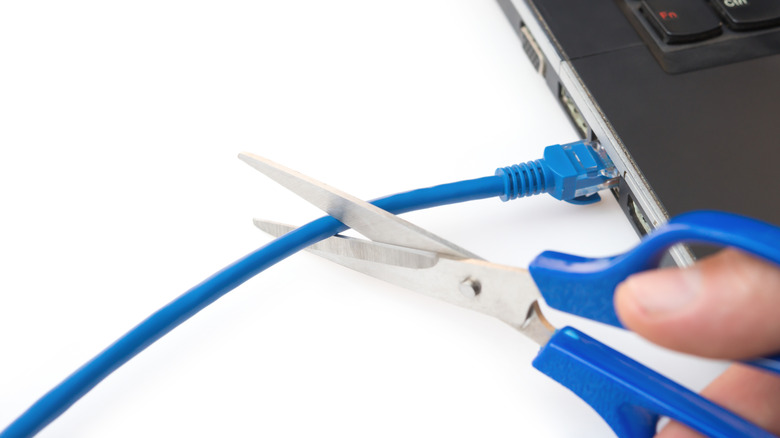
If you suspect that you have been hacked, the very first thing you must do on the compromised device is limit internet access. As long as the device is connected to the internet, the malware or virus can send data back to the hackers, and the attackers can even control its operations, running tasks remotely. Hackers often use remote access software such as AnyDesk or TeamViewer to remotely access and control target devices. If you notice such apps running on your device, force-stop these to limit the hacker's control over your device.
If it's a wired connection, remove the Ethernet cable. For Wi-Fi, turn off the feature, and also disable mobile data if your smartphone is compromised. You can also go a step ahead and switch on Airplane Mode. Finally, don't forget to also switch off Bluetooth as some malware can even spread to other peripherals and even take control. Remember, the idea is to isolate the affected device.
Freeze your credit card
If you notice any suspicious activity on your credit card or it was used for transactions you didn't authorize, immediately block the card. Reach out to the bank or authority that issued the card and get it canceled immediately. As for transactions that have already been approved, dispute them. Banks usually have a mechanism to reverse unauthorized charges. Additionally, if you believe that your personal information can be used for issuing new cards, a credit freeze will prevent that.
In some cases, the issuing authority detects fraudulent transactions before you do and reaches out. If that happens, ask them to block the card and send a new one to your registered mailing address. Keep in mind that the first few hours are critical in minimizing financial loss, and if you act smartly, you can even eliminate the very possibility of it. Lastly, contact the local cybercrime authorities and report the fraud. This will help you with legal protection and future claims.
Change passwords for all your accounts
If the hack was aimed at stealing data from your online accounts, the next step is to change the passwords. Don't do it from the device that has been infected. Instead, use another trusted computer or smartphone. And make sure not to use a password similar to the one that was hacked into. Go with a completely different one for each of your accounts. Having the same or similar passwords across accounts can put others at risk when one is compromised. After you have changed the passwords, enable multi-factor authentication on all accounts using authenticator apps or hardware keys. Many providers offer the service. If that's not available, go with SMS for 2FA.
Lastly, review if the hackers have added their own recovery methods to your account to regain access. If so, you will have to remove those as well. This ensures that your account remains safe in the long run. In the rare case that an email account can't be recovered immediately, unlink it from everywhere, whether it's your online profiles, banking profiles, or social media handles.
Scan the device for threats
Now that you have secured your cards and online accounts, it's time to eliminate the threat. Keep in mind that this may take a few hours, depending on the device and the extent of malware infection. Most operating systems come with built-in threat detection tools like Windows Security/Microsoft Defender on Windows and XProtect on macOS, but they operate differently. Some native utilities allow running manual scans while others primarily operate in the background and don't permit much manual intervention.
So, if your Windows PC was compromised, run a full system scan using Windows Security. On macOS and Android, you can use a reliable third-party security app like Norton, Avast, or AVG. When threats are detected, the utility can auto-quarantine them, but if that doesn't happen, you can manually remove the infected file(s). After doing so, run another full system scan to verify that both the malware and infected files have been deleted. If any are still detected, remove them and check again.
Factory reset the affected device
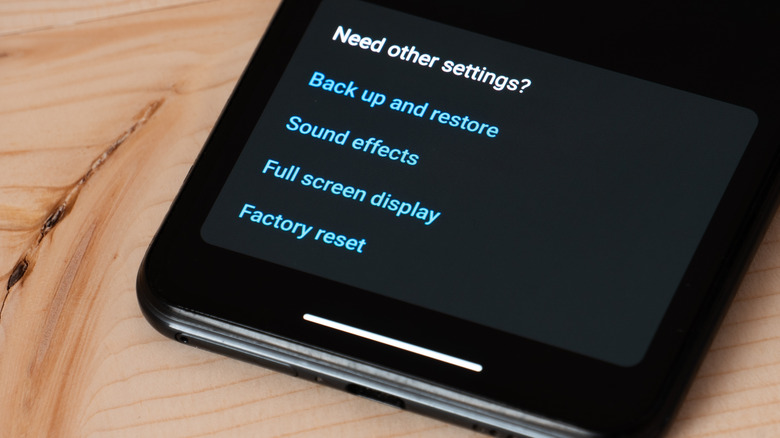
While not the most ideal scenario for most, resetting your phone or laptop helps when you are dealing with advanced threats that antivirus tools can't handle. For instance, if your computer was hacked and you still see random apps pop up or unknown tasks running in the background even after multiple scans, a full system reset will effectively eliminate the malware or virus.
When performing system resets, the biggest drawback is data loss. And while you can't save every piece of data, some can be salvaged. These include personal files like photos, videos, and documents. These are far less likely to spread infections, unlike other common file types like ".exe," ".bat," ".msi," or ".pkg." So, you can safely back these up on a flash drive or an old external disk after scanning with an antivirus, and restore them after the reset or a clean OS reinstall. Never try recovery from automatic backups post-reset, especially any that were created after the device was hacked. This could reintroduce the threats. Only restore personal files that you manually backed up, and have already scanned for viruses using an updated antivirus.