

Why USB Flash Drives Are Risky For Backups (And What To Use Instead)
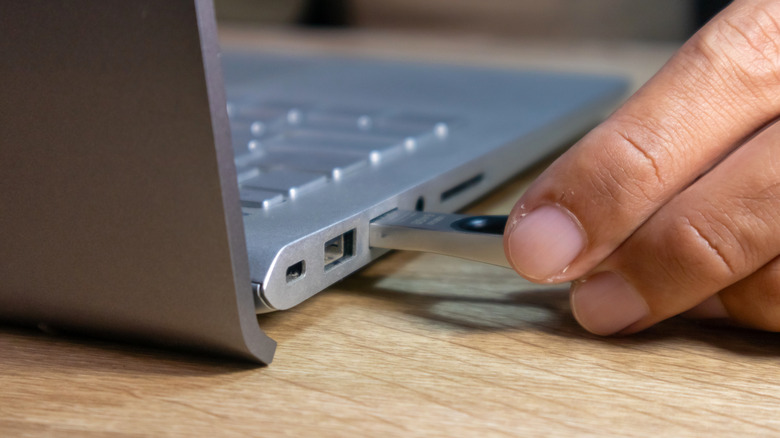
Flash drives are common for good reason: they're cost-effective storage solutions. Apart from that, they're small, allowing you to carry them almost everywhere. Then, there's the convenience. You plug them in, drag files from a folder to the drive, wait for the transfer to complete, and unplug it. Given these upsides, many users have started using flash drives as local backup solutions. If you do this, keep in mind that your data can be lost to drive failure or even into the hands of threat actors.
Flash drives, as the name suggests, use flash memory for data storage. The same technology is used in SSDs, but there's a significant difference between the two. SSDs have multiple-level cells (MLC) allowing more write operations compared to a flash drive.
Additionally, SSDs have much better wear-leveling. This helps with more even wear across the drive instead of it being concentrated to a specific part. These protections are typically missing from the vast majority of cost-effective flash drives. Even though the underlying technology is similar, flash drives can't be compared to SSDs, and shouldn't be considered viable backup solutions.
Flash drives can fail without warning
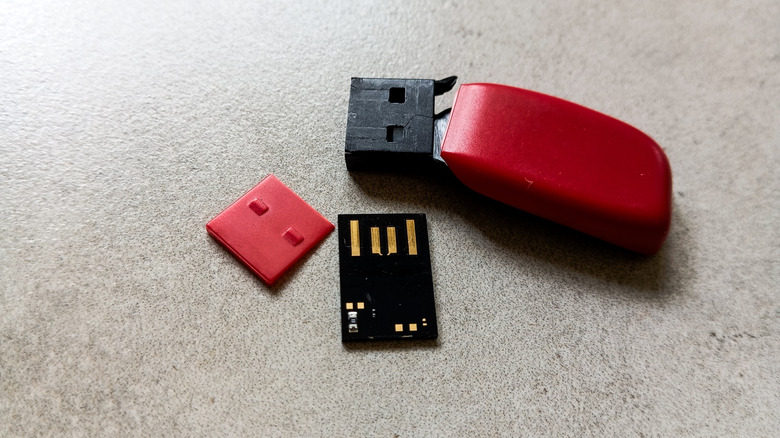
Flash drives were never designed for long-term storage. Although some can last over a decade, the chances of early failure are always there depending on the quality of the flash drive and how you use it. Flash drives can withstand 10,000 write cycles or more, depending on the quality.
Under average use, a normal flash drive should last 5-10 years. I still have a 15-year-old flash drive I occasionally use for smaller file transfers. But there's no guarantee your flash drive will last this long. Some fail prematurely without any signs or warnings. Once they do, data recovery becomes a challenge. You can't rely on a flash drive to back up critical files.
Apart from reliability, there's also privacy and security. Flash drives, being compact, are easy to lose. Anyone who finds it can access all your files in the absence of password protection or encryption, which most standard flash drives lack. You must be very careful about how and where you keep the flash drive. Besides, flash drives are prone to malware or virus infection. Just plugging into an already infected system may suffice. Once that happens, malware may corrupt your data, or worse, expose it to hackers.
Better local backup alternatives exist
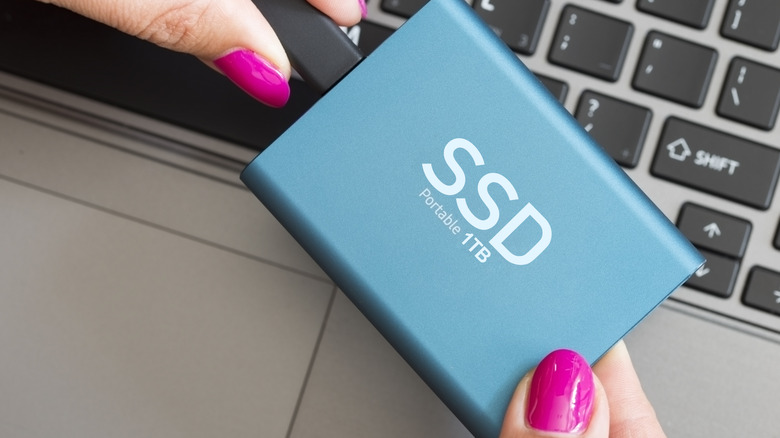
Flash drives were once a popular choice, but as better alternatives became more mainstream, they lost much of their relevance. When it comes to data, everyone expects three things: ease of access, privacy, and reliability. While a flash drive is easily accessible, it lacks privacy and reliability. That's why users are now opting for external storage drives or even cloud storage solutions for backups.
Cloud storage is a great alternative to flash drives. If you choose a top-rated cloud service like Google Drive, your data is generally encrypted to help prevent misuse even if a breach occurs. Additionally, files stored on the cloud can be accessed from all your devices, a major upside for many. As for external storage drives, you have HDDs and SSDs. Although both are more expensive than flash drives, they deliver better performance and a longer lifespan.
Many HDDs and SSDs typically outlive the system they ship with. So, if you want to store data locally but can't compromise on reliability, external storage drives are a smart choice. Keep in mind that HDDs are cost-effective and better suited for occasional file access, while SSDs, given their faster transfer speeds, are preferred for frequent use and quicker backups. The existence of alternatives doesn't make flash drives obsolete. You can still use them to transfer data between systems or as bootable OS installers. But never treat flash drives like a primary backup solution.