

4 Clever Uses For Your Old PlayStation Vita
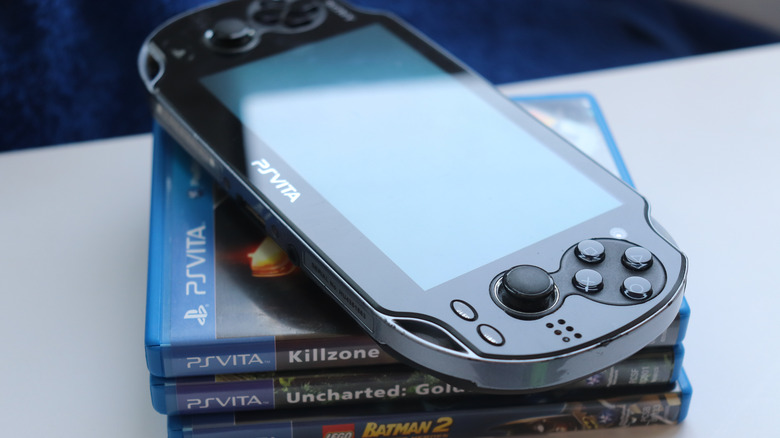
Sony's PlayStation Portable successor, the PlayStation Vita, launched on February 22, 2012, in North America, Europe, and other regions after debuting a few months earlier in Japan. Looking back, a lot of things have changed in the gaming industry since this beloved handheld came onto the scene. Thankfully, the PlayStation Vita is not a dead system — though, if you've let yours gather dust for years, it might literally be dead until you charge it for a few hours. Once you've got your trusty Vita up and running, however, you'll be happy to know that you can still teach an old dog new tricks, just like how you can find new uses for your old PlayStation 5.
Now, if you're comfortable with modding, there's a lot you can do with your PlayStation Vita. Just note that this is the same as jailbreaking your hardware, which means you'd be removing the software restrictions imposed by Sony by installing an unofficial, community-supported firmware version. By doing this, however, you can unlock homebrew apps and features.
Even if you aren't comfortable with hacking your PlayStation Vita, there are ways to get more mileage out of it. Only some of the entries on this list — namely, the emulation and manga sections — rely on a modded PlayStation Vita. The other options can be done using the default software that comes with your system.
Play your digital PlayStation 1 and PlayStation Portable titles natively
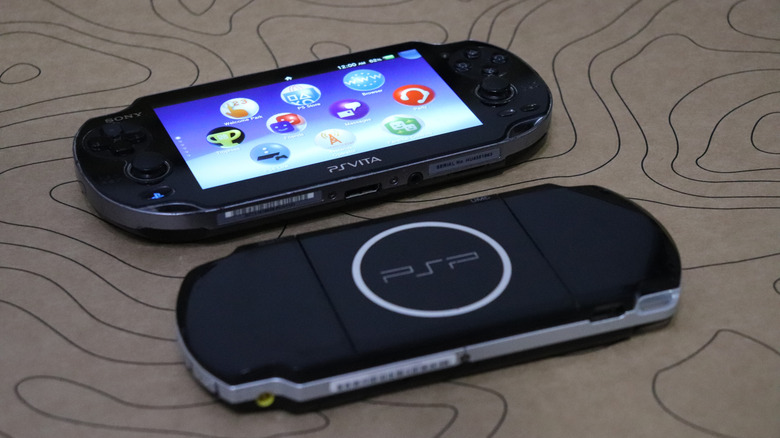
It's not exactly a hack, but having a system that can play digital PlayStation 1 and PlayStation Portable titles natively is still rewarding. The trick is that, even though Sony still has the PSN store open for the PlayStation Vita, you can no longer add a debit or credit card to your account while using the store on your PlayStation Vita. But you can still add funds to your wallet if you can access your account through another device, like a PC or a PlayStation 5. Adding funds can also be done with PlayStation Store gift cards, which transfer over to your PSN store funds on your PlayStation Vita.
But once you're set up, you can access an assortment of digital titles on your PlayStation Vita, like the occult classic "Xenogears" or the legendary Japanese RPG brawler "Dissidia 012 Final Fantasy." It's a great way to revisit old titles, since Sony seems allergic to native backward compatibility and has yet to release a new handheld successor. Some of these titles are otherwise difficult to play without actual emulation, and that's if you're willing to mod your device to do it. But if you want an easy way out without jailbreaking your system, take advantage of Sony's refusal to shut down the PSN store and add some PlayStation 1 or PlayStation Portable titles to your library.
Mod your PlayStation Vita for emulation
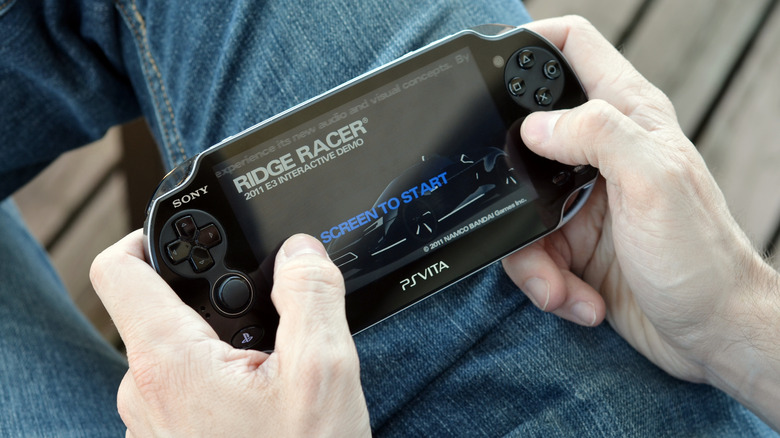
Perhaps the single best reason for modding a PlayStation Vita's firmware is emulation. This is an excellent option if you're interested in PlayStation 1 titles that never received PSN releases, or if you don't have access to the digital licenses for new PlayStation Portable titles (for example, "Black Rock Shooter: The Game" was never released in Canada or Mexico).
A modded PlayStation Vita can also run SNES, Dreamcast, and some Nintendo 64 titles. Just don't expect to run games that push the PlayStation Vita's hardware limits — emulating PlayStation 2 or PlayStation 3 games usually requires better hardware (and architecture support) than the Vita offers, even if you're overclocking it. If you want to play PlayStation 3 titles on your handheld, you'll have better luck hunting down the specific PlayStation Vita ports (of the PlayStation 3 versions) and emulating them.
But if you're all in on emulation, you'll need to install compatible custom firmware to run homebrew apps. If you've never modded before, the Vita Hacks Guide is an excellent place to start. It walks you through jailbreaking your PlayStation Vita and installing Ensō (the latest custom firmware still supported by the community). After you've installed and set up Ensō, you'll be able to access the HENkaku homebrew environment. The first app you'll want to acquire is VitaDB Downloader. This makes it easy to find other homebrew apps and plugins. From there, you can search for popular emulators like RetroArch (multi-platform emulation) and DaedalusX64 (for Nintendo 64 titles).
Read comics and manga on a hacked PlayStation Vita
If you're able to mod your PlayStation Vita, you can install Noboru. This is a homebrew app that lets you stream comics and manga online or download them for offline use. You can also technically use the app to import your existing collection. Plus, the PlayStation Vita makes a solid reading device because of how comfortably it sits in your hands, and if you don't have a dedicated e-reader or tablet, it's a nice option to use instead of your phone.
To get Noboru installed on your modded PlayStation Vita, you'll first want to ensure you're using a compatible custom firmware like Ensō mentioned above. Next, you'll want to use VitaDB Downloader to find Noboru, or you can install it using VitaShell, which serves as a file manager and installer for open-source apps (you may want to use a PC or a device that supports FTP transfers while setting it up). Once you have the Noboru app installed, you can tweak a few settings to suit your reading style, such as changing the default orientation, choosing a reading direction (since manga are typically read from right to left), and configuring the zoom mode.
Remote Play for your PlayStation 4 titles
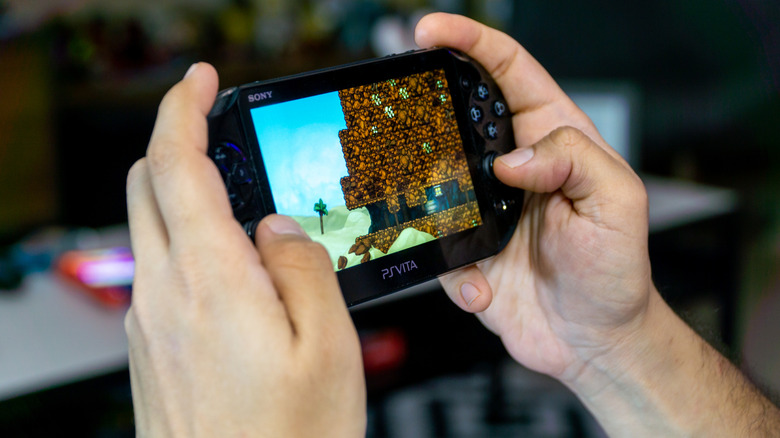
Remote Play is a nifty feature — so nifty that Sony released a dedicated device to stream your PlayStation 5 games. That device is called the PlayStation Portal. It makes gaming portable and convenient when you can't sit in front of your console. You can do something similar with your PlayStation Vita by using it to stream your PlayStation 4 titles — just make sure your network connection is strong enough to avoid choppy gameplay.
Setting up Remote Play is easy, as long as you have access to your PlayStation 4 console in addition to your PlayStation Vita. On your PlayStation 4, open Settings, head to "Remote Play Connection Settings," then enable the "Enable Remote Play" and "Connect Directly to the PS Vita" options. The final step on your PlayStation 4 is to set your console as the primary for your account. To do that, visit "Account Management" inside Settings, then select "Activate as Your Primary PS4" and choose "Activate."
The next step is to configure your PlayStation Vita. First, you'll need to ensure you're logged in to the same PlayStation account as your PS4 so both devices can recognize each other. On your PlayStation Vita, choose "PS4 Link," then "Start and select Remote Play." If you've never connected your PlayStation 4 console to your PlayStation Vita, you'll need to sync them using an 8-digit code displayed on your PlayStation 4's screen. Be aware that you only have five minutes to enter the code. Once you've registered both systems, you will be able to use the Remote Play feature. Keep in mind that you can adjust the video quality by visiting Settings under "PS4 Link," then selecting "Video Quality for Remote Play" and adjusting the value under "Resolution."