

One Of Your Samsung Phone's Best Features Isn't On By Default
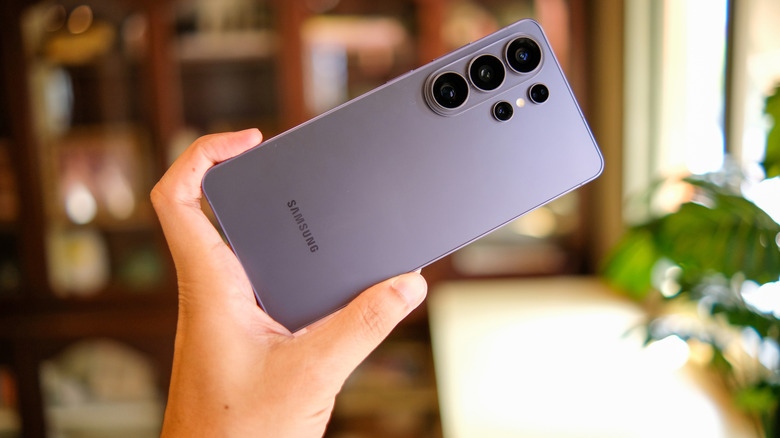
It's no secret that all the time we spend on screens can cause things like eye fatigue, dry eyes, blurry vision, and even headaches. Anything you can do to ease the strain is worthwhile, starting with reducing your screen time overall. You should also follow the 20-20-20 rule, which dictates that every 20 minutes, you should take a 20-second break to look at something that's at least 20 feet away. This will give your eyes a chance to refocus and reduce the potential for eye-related discomfort.
Most phones have features designed to help reduce eye strain and fatigue as well, including dark and other special viewing modes, brightness adjustment, and even features like Apple's "iPhone Too Close" alert. With Samsung Galaxy phones like the new Samsung Galaxy S26 series, there's a specific feature that's arguably one of its best. It's not on by default, which means you probably don't have it enabled because you didn't even know it was there. Called Eye Comfort Shield, it's the best Samsung Galaxy phone feature you aren't using.
Using Eye Comfort Shield on your Samsung Galaxy device
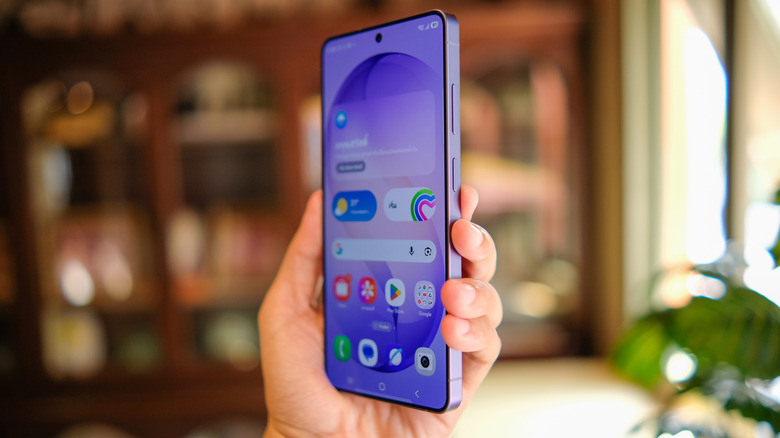
Eye Comfort Shield is available on any Samsung Galaxy phone running One UI 3.1 or higher. To turn it on, swipe down from the top of the phone's screen with two fingers to open the Quick Settings panel. From there, select the Eye Comfort Shield icon. If you don't find it there, open the Settings app, choose "Display," and you'll see a slider to turn Eye Comfort Shield on or off. With newer models, you can even use the Bixby voice assistant to turn it on — one of those cool new Galaxy S26 features you need to try.
Once the feature has been enabled, you'll notice a slight tint to the screen. Eye Comfort Shield is adaptive by default, automatically adjusting color on the screen depending on the time of day and ambient light. But you can switch to "Custom" from the same Settings menu where you turned the feature on, if desired.
If you select "Custom," you can also set a schedule. Choose to have Eye Comfort Shield on from sunset to sunrise, for example, or for a custom time, like only during the weeknights when you tend to be on your phone more and want to prevent sleep disruption. You can also adjust the color temperature from brighter to warmer using a slider. Adjusting the color contrast and temperature results in lower saturation levels and thus a less harsh view, which is ideal when you consider that sleep is dramatically impacted by smartphone use, especially if you're scrolling late at night or right before bed.
Other Samsung Galaxy features to reduce eye strain
Eye Comfort Shield isn't the only option in Samsung Galaxy phones that you can leverage to give your eyes a break. With Dark Mode, device menus, settings, and Samsung apps will appear with a darker theme that's easier on the eyes. Note that it might not work with all third-party apps, though. You can turn Dark Mode on and off at your leisure or set a schedule so that it comes on automatically at certain times every day. A pleasant byproduct of using Dark Mode is that it can also extend your phone's battery life.
There's another feature called Extra Dim that will dim the screen with one button to make it more comfortable to view. And as with any smartphone, you can also simply adjust brightness using the slider to make the phone less bright if you find it's too harsh on your eyes. All these options can be accessed either through the Quick Settings panel (when you swipe down from the top of the screen with two fingers), and/or in the Settings app under "Display."
By making use of features like Eye Comfort Shield, looking at your phone for long periods of time can be more comfortable and put less strain on your eyes. It's always advisable to reduce screen time when you can, of course. But features like Eye Comfort Shield on compatible Samsung Galaxy phones can help for those times when you're scrolling endlessly or getting work done and just can't look away.