

USB Vs XLR Microphones: Is It Worth Upgrading Your Audio Setup?
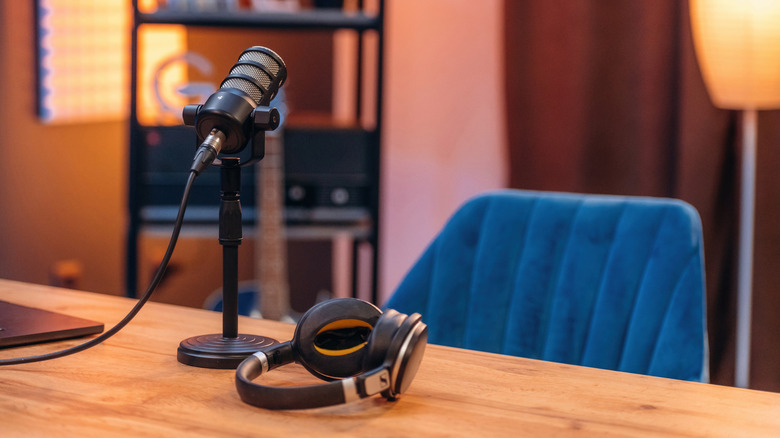
USB microphones are fairly common, and often the top choice for streamers, gamers, and professionals alike. You can communicate with anyone via streaming apps and record your voice just as you would a traditional microphone, but the USB connectivity makes everything simple thanks to plug-and-play support with a variety of devices and systems. Most people can get away with using a USB microphone for whatever task they have planned. You'll get decent audio, reliable voice clarity, and depending on whether or not you employ a pop filter, there isn't much distortion to deal with. Those foam microphone covers similarly protect from audio distortion. In addition to streaming, they're good for conferences and video calls, light recording, and general communication, like over Discord or with friends.
But if you want a more professional setup it might be better to go with an XLR microphone — the top choice for podcasters, voiceover work, and creatives like musicians. Why? What's the difference? XLR microphones are pricier, in general, but also usually require specialized equipment, versus a USB microphone that plugs into any USB port.
That's because XLR mics output or capture raw audio as analog signals rather than digital data, meaning if you're connecting them to a computer, laptop, or modern digital setup, you need extra gear. Primarily, you need a separate audio interface or mixer, which provides the preamplification for the audio stream itself and then offers an analog-to-digital conversion for use with modern systems. Some mics offer both an XLR and USB connection, with XLR the preferred method for audio clarity and balance. Is it worth upgrading if you have a USB mic? That depends on what you're doing and what kind of audio quality you want.
Is it worth upgrading to XLR from a USB microphone?
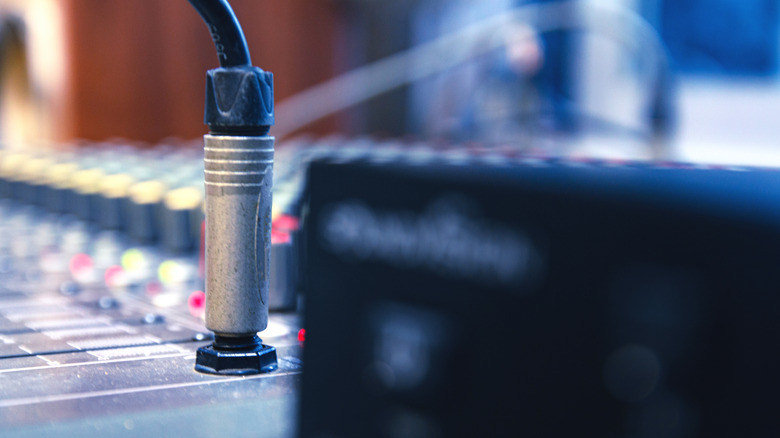
Professional settings prioritize XLR over USB. The recording setup offers more flexibility, more control, and better, well-balanced audio thanks to the raw analog stream. Moreover, XLR microphones can be used with a wide range of studio-grade equipment versus USB microphones that work with USB devices, mostly computers and phones. You can use XLR mics with amplifiers, mixers, speakers, and even dedicated field recorders for portable or remote use. But is XLR really worth the trouble of upgrading?
The answer is more nuanced than you might expect. Both USB and XLR microphones are capable for many tasks. USB is better when you need plug-and-play support. If you want to plug in a mic, adjust the gain and quickly get recording, or speaking, it's the winner. There's far less fussing over optimal audio with a USB mic, yet that's the drawback, you have less control over the audio quality. So, it really depends on what you're doing with the mic and what you hope to achieve.
If you're streaming for fun, talking with friends over game chat, or meeting with a few co-workers in a video call, a USB microphone, such as the Rode XCM-50 USB microphone, will work fine. There are also high-quality USB microphones like the Rode XDM-100 USB mic. If you're recording audio and want a pristine, natural tone, professionally streaming to a live audience, recording high-quality video content for your YouTube channel, or podcasting, XLR is probably the better fit. Examples include the Shure SM7B, Rode NT1-A, and Maono PD200X. That upgrade comes with added costs, as you'll need the audio interface or mixer and any other equipment you hope to use — maybe a reliable XLR cable, too.