

Here's What The Infinity Button Does On Your JBL Speaker
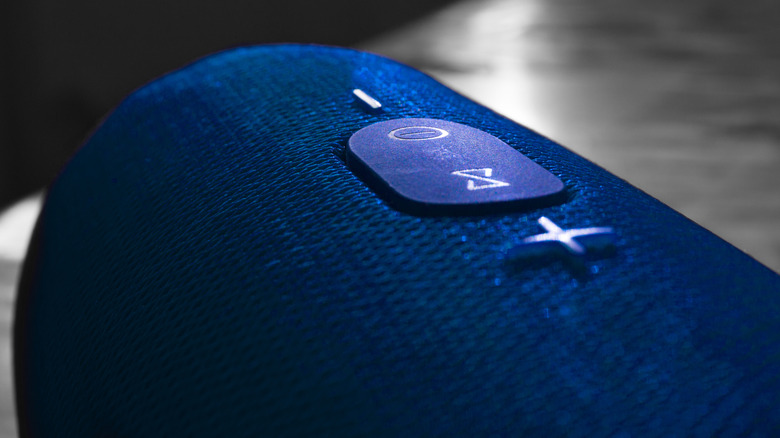
The best JBL speakers have a wide variety of buttons, some of which have a clear purpose, like increasing or decreasing the volume, but others, like the infinity button, might not. This could become less clear were you to press it and nothing happens. But, if you have multiple JBL speakers, ignoring the infinity button means missing out on a great feature. The infinity button on many JBL speakers activates PartyBoost mode, which lets you pair more than one device at the same time to all play the same music.
This is ideal for covering larger areas with synced tunes. Another neat aspect of PartyBoost is that you can synchronize up to 100 JBL devices at the same time. While that may be unnecessary for the casual user, it's fun to imagine the possibilities. Just be aware that not every JBL model is compatible with PartyBoost, as some older models use Connect+ instead.
The infinity button connects multiple JBL speakers
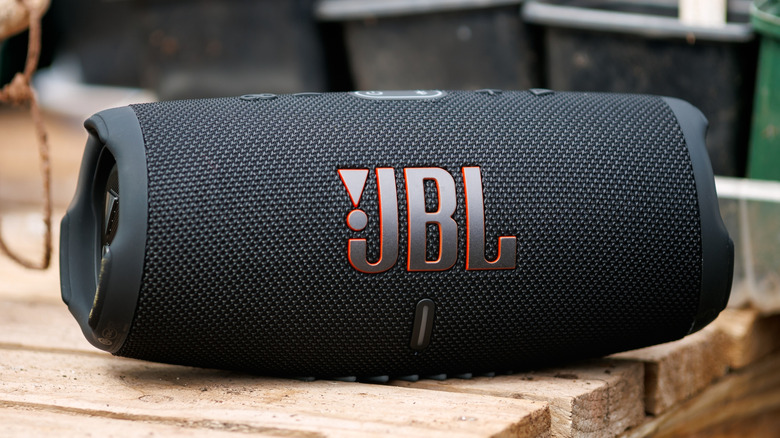
Depending on what you normally do with your JBL speaker, PartyBoost may not be very useful all the time. Since most of the best Bluetooth speakers can easily cover a whole room with music, having multiple units playing at the same time could be impractical in certain scenarios. However, if you want to play music over a large area during an event, such as a barbecue with friends, PartyBoost can be quite handy.
Using at least two compatible JBL devices, start streaming music to one, open the JBL Portable app, and once the first speaker is detected, press the PartyBoost button on both speakers. When using PartyBoost, there are two settings to choose from. The first one is Party mode, which makes every synced device play the same music. The other is Stereo mode, which lets you split the sound between right and left channels. But keep in mind, Stereo mode requires two of the same speaker models to work properly.
Not all JBL speakers are compatible with PartyBoost
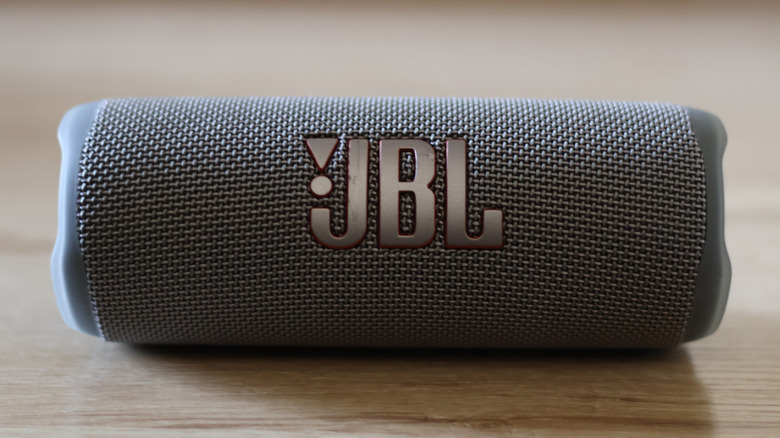
PartyBoost isn't a feature that you'll find in every JBL speaker, so if you're interested in buying a device to sync with it, make sure that model supports it. Flip 5 and 6, Charge 5, Pulse 4, Boombox 2 and 3, and Xtreme 3 and 4 all come with the PartyBoost function enabled. The only two exceptions from those models are the Wi-Fi versions of Charge 5 and Boombox 5, which do not support PartyBoost. Certain older JBL speaker models also aren't compatible with PartyBoost, because they use the Connect or Connect+ protocol for syncing speakers.
While on paper these two technologies work the same way, it's not possible to pair speakers with the different standards. Also, some recent models from JBL are ditching PartyBoost in favor of Auracast, so not every modern speaker from the company will work with PartyBoost. Some, such as the Xtreme 4, include both protocols, but this isn't true across the entire JBL lineup. Despite that, PartyBoost is a useful feature that will remain as a clever way to use your older Bluetooth speakers.