

Your Oura Ring's Sleep Tracking Might Be Wrong, Here's How To Fix It
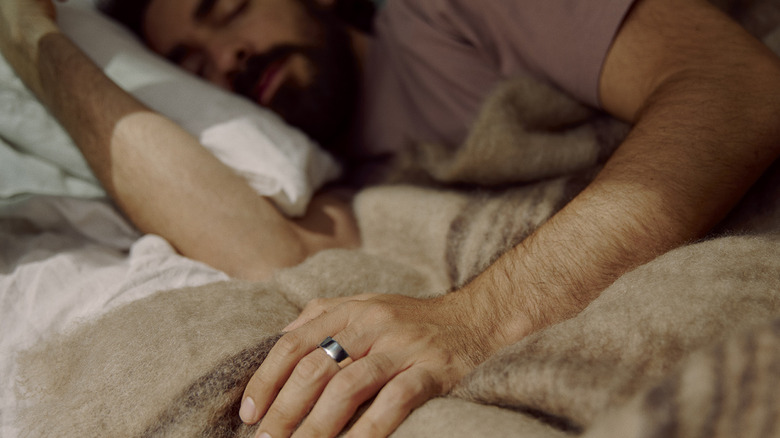
Oura is widely considered to be the most reliable smart ring when it comes specifically to sleep tracking, particularly the newest Oura Ring 4. But you might notice discrepancies in things like duration of sleep or stages, especially compared to another device you might be wearing, like a smartwatch. Given Oura Ring's reputation specifically in this space, you're not as likely to deal with sleep tracking issues as you might with other smart rings and even smartwatches and fitness trackers. But it can occur for different reasons. The good news is that in most cases, it's easy to correct.
There are a few things that might cause your Oura Ring's sleep tracking to be incorrect. Most notable are gaps in the data due to incorrect wear, depleting (or depleted) battery life, not enough sleep, or sleep that was too restless. At worst, it could be a software, hardware, or app issue, in which case you may have to reload or look into a deeper fix. But most issues are solvable, and some are less likely to occur with the Oura Ring 4 because of its modified sensor design. Once you correct potential issues, you can get back to tracking your sleep and analyzing the detailed data. If you use this data and detected patterns to make positive changes to try to get a better night's sleep, you want it to be as accurate as possible, after all.
How to fix Oura Ring sleep tracking
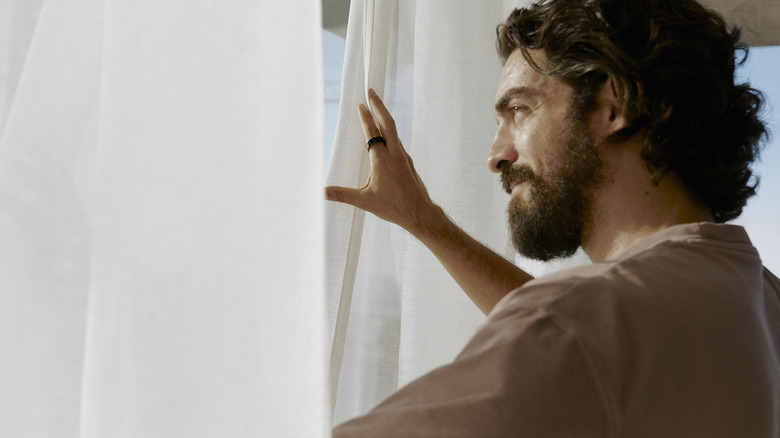
When troubleshooting issues with Oura Ring's sleep tracking, first verify that the ring is worn properly on the index, middle, or ring finger. You need the right size so that the sensors comfortably come in contact with your skin without being too tight. If you're restless or tend to fidget while sleeping, the sensors on the underside of the ring can shift from where they should be positioned, in line with your palm, leading to gaps in tracking or incorrect labeling of sleep stages. Check the battery as well, as the ring won't track sleep properly if the battery is too low and automatically enters a night-time low battery mode. This retains your data until you sync with the app again, but it also means the ring may not accurately gather new data until you recharge it. If this happens, you might only see the time you went to bed and woke up, and your total sleep, but not sleep stage data, because that requires continuous monitoring.
Another possibility is that your duration of sleep was too short. The ring requires that your sleep sessions occur between the hours of 6 p.m. one day and 6 p.m. the next, and have to be at least three hours long in order to track them. Finally, sometimes the simplest solution is the answer: if you haven't yet synced the ring to the app, initiate a sync and see if this refreshes the data.
The Oura Ring 4 is less likely to have issues
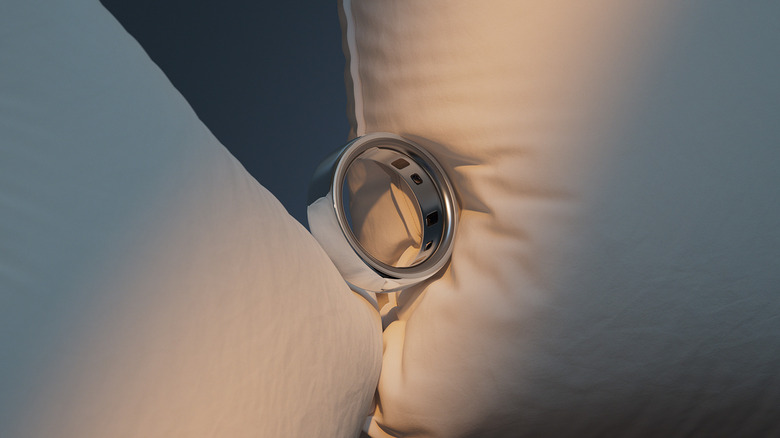
The Oura Ring 4, the latest model, has several features designed to combat inaccurate sleep readings, particularly when it comes to restless sleepers. The technology called Smart Sensing includes recessed research-grade sensors around the entire perimeter of the underside of the ring. Because of this design, you get more accurate data collection since even if the ring rotates around on your finger, it will still capture data. This, in turn, leads to fewer measurement gaps, whether that's during an intense workout or a restless night of sleep.
Overall, Oura Ring is praised for its sleep tracking, a study conducted by the University of Tokyo in 2024, reinforcing the accuracy of the algorithm in the Oura Ring Gen 3. Oura conducted its sleep lab tests using its smart ring against Polysomnography (PSG), which uses electroencephalography (EEG) measurements to determine sleep stages based on electrical brain waves. This is combined with other responses like muscle activity and eye movements. The study found no significant difference in the measurements for key factors like total sleep time, sleep onset latency, and sleep stages between the Oura Ring and PSG. Bottom line: it's pretty well proven through studies like this one that when you wear the Oura Ring correctly, ensure it's charged, and sleep for at least three hours, the data you get about your night's sleep should be about as accurate as it can possibly be.