

What Happened To Screensavers? Why Your Computer Doesn't Need Them Anymore
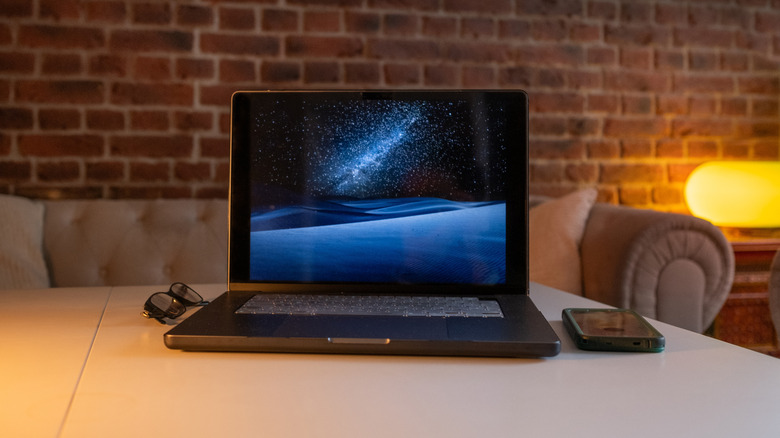
While computers are packed with fun and essential apps and programs, depending on when you bought your first PC, you might have fond memories of doing nothing but watching screensavers play on the screen. However, you don't really see screensavers anymore. That's because they were a product of their time and technology, and we have outgrown the limitations screensavers sought to fix.
The first computer screens available to the public utilized cathode ray tubes (CRT). These made the screens large, heavy, and slightly radioactive. But more importantly, if they bombarded the screen with a static image for extended periods of time, the picture would become burned into the glass, hence why it was called "burn-in." Screensavers were designed to prevent this by playing videos if the computer was idle for too long.
However, many modern screens use a liquid-crystal display (LCD) where liquid crystals twist depending on how electricity flows through them. This technology not only provides a richer tapestry of colors, but is also thinner and isn't susceptible to burn-in. Hence, you don't need screensavers to preserve LCD screens. Screensavers still persist, but they are a shadow of their former selves. In the '90s, strange and psychedelic screensavers reigned supreme with flying toasters and 3D mazes. Nowadays, however, you're lucky if a computer ships with a screensaver consisting of CGI streamers that shift between random colors.
Some modern screens still need screensavers
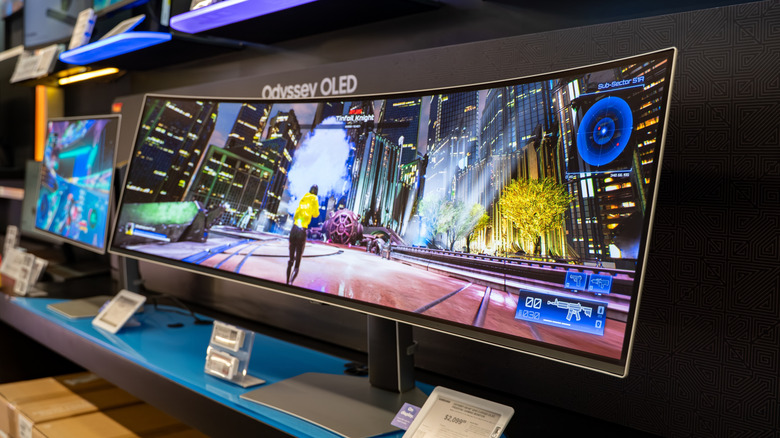
The rise of the LCD screen marked the decline of the screensaver, but entertainment technology never stopped evolving. While many modern TVs and monitors use LCDs, organic light-emitting diodes (OLEDs) are another popular option. However, you know what they say: One step forward, two steps back.
OLED displays produce vivid images thanks to thin layers of organic molecules that generate light when electricity is applied. These screens aren't as bright as LCD models, but they offer superior contrast, high dynamic range, and viewing angles. Many of the best 4K monitors (including those for work and gaming second screens) utilize OLED technology. However, these diodes render OLED screens vulnerable to burn-in. This issue should not be confused with dead or stuck pixels, which are caused by hardware and software malfunctions. You can easily fix those static dots of light with some technical know-how (or a technician), but screen burn-in is permanent.
While one can argue that computer manufacturers left screensavers in operating systems out of habit despite not needing them with LCD displays, technology has made a full circle and requires screensavers once again. If you have an OLED, that is. Heck, if you have an OLED TV with Amazon Fire and walk away for a bit, you might hate coming back to see full-screen advertisements, but at least those semi-intrusive commercials help preserve the integrity of your TV's display.
You can tie screensavers to functionality
While early screensavers only served to fend off burn-in, computers have evolved by leaps and bounds since then. At first glance, screensavers are purely aesthetic on modern computers with LCD screens, but they can still provide useful functions. If you own a laptop and take it with you to public spaces, security is probably a top priority. While leaving a computer in a crowded area is just asking for someone to steal it, you can also turn a screensaver into an added layer of security, especially if you force the computer to show the login screen after exiting. That way, so long as you have a solid password, your files should remain safe.
A screensaver can also serve as an indicator to start certain programs. For instance, you can instruct some antivirus suites to only scan when your computer is idle. Well, what defines an "idle" period? If you don't touch your computer for long enough and a screensaver starts running, that counts as "idle." More importantly, many idle scans are designed to use more resources than standard scans. While an antivirus sweep of that magnitude could clash with most functions and slow down programs, if your computer is doing nothing but running a screensaver, it probably has CPU and RAM to spare for such a procedure.