

4 Cool Things You Had No Idea Ethernet Ports Could Do
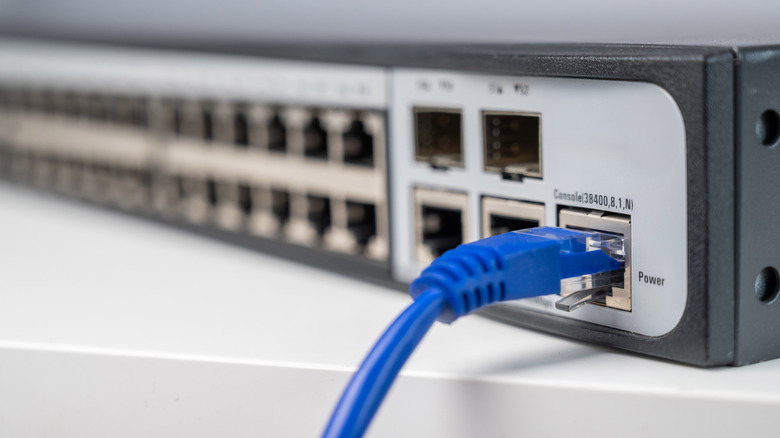
Most people use the Ethernet ports on their devices for one primary purpose: To establish a wired internet connection. After all, hooking up your laptop or computer to the internet via an Ethernet cable is a straightforward way to achieve a stable, high-speed connection, allowing for lag-free gaming, faster uploads and downloads, and an overall less frustrating online experience. In fact, there are some devices you should always have plugged into Ethernet ports.
But Ethernet ports have a lot more uses than simply being a gateway to a more reliable internet connection. The eight-pin interface can also be used to wake up your sleeping devices, transform your laptop into a router, to power security cameras and IP phones, or even run separate virtual networks within your home, to, for example, keep private devices separate from your smart home ones. Below, we break down four cool things you probably had no idea Ethernet ports could do.
Power devices through PoE technology

Power-over-Ethernet (PoE) is a technology that allows an Ethernet cable's copper wires to carry electrical power and data at the same time to devices, allowing one cable to be used to power a device and connect it to the internet, meaning you don't need a separate power cord.
However, PoE probably isn't something you would utilize in your own home, as it doesn't work simply by connecting your home devices to an Ethernet port. It requires a PoE switch – that can transmit power and data simultaneously — to be connected to a PoE-compatible Powered Device (PD) via an Ethernet connection. Alternatively, a standard, non-PoE switch can be used alongside a PoE injector, which "injects" power into the cable to allow data and power to be delivered at the endpoint.
PoE technology has a lot of benefits, primarily that it saves time and money. If there are a lot of IP phones in a workplace, for example, it removes the need for multiple (potentially costly) cables and power outlets for each phone. It's also used for security cameras, as it allows them to be strategically placed where needed, without being constrained by power cables.
Wake up sleeping devices

Wake-on-LAN (WoL) is a technology that allows you to wake a device that's on standby remotely through another device on the same network. It works by sending a special network message, called "magic packet," to the targeted device's MAC address, which wakes the hibernating device up — saving you from manually having to press the power button.
For this to work, the sleeping device ideally needs to be connected to the network by Ethernet connection, its network card driver needs to support the feature, and you need to enable WoL on the device. Once you've enabled the feature, you can use a WoL tool, like a third-party app, to send the magic packet to the device you want to wake up.
Wake-on-LAN is therefore very useful when you need to turn on a computer when you're not physically in front of it. It's particularly helpful when paired with a program like TeamViewer, as you can use it to first turn on your computer before controlling the device remotely with another program.
Turn your laptop into a router
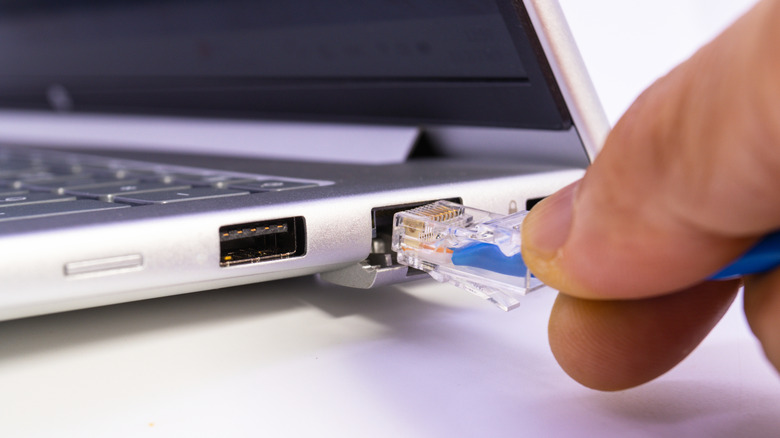
An Ethernet connection can provide a straightforward way to turn your laptop into a wired router. By connecting your laptop to an Ethernet port via a wired connection, you can then share your internet connection with other devices. This can be done in one of two ways: Via another Ethernet connection or Wi-Fi. However, first, you need to go into your laptop's internet sharing systems and allow your connection to be shared with other devices.
This process differs depending if you're on a Mac or PC. For Macs, when enabling internet sharing, you should choose the "Ethernet" option under "Share your connection from" and either "Wi-Fi" or "Ethernet" under the "to devices using" option. On a Windows PC, you need to right-click your internet source under "Network Connection," followed by "Properties," and then select to enable internet sharing. Alternatively, you can toggle on "Mobile hotspot" sharing to connect via Wi-Fi. This will then allow you to connect devices to your laptop internet connection — though it may be slower than connecting with a traditional router.
Run multiple VLANs

A Virtual Local Area Network (VLAN) is a way of splitting a single physical network into multiple, separate networks. In other words, while you may have several devices connected to one router or switch, VLANs can make it so each device (or group of devices) performs as if it's on its own isolated network, allowing you to set up your own restrictions and permissions for each. While VLANs can be established over Wi-Fi, Ethernet connections allow for more stable connections and better control over network traffic, as you can assign specific ports to specific VLANs, with tagging ensuring each device is always on the right network.
So, for example, you can set up a VLAN that groups your private devices, like your phone and laptop, together, and another one for your smart devices, like your Amazon Echo Show, allowing these two groups to share the same internet connection but not communicate with each other.
VLANs can therefore provide an extra layer of network security. If, say, your smart device is hacked, it can help prevent hackers from having direct access to your personal devices, such as your laptop, and therefore your personal data. In addition, by separating networks in this way, VLANs can reduce traffic congestion, which may help speed up your internet connection without replacing your router.