

You Can Use Apple CarPlay To Save Money On Gas - Here's How
Gas prices fluctuate year-round and vary wildly by region, with higher prices in touristy areas, near airports, and in urban centers. Drivers can pretty easily adapt to this everyday reality and adjust their budgets as needed. The bigger challenge to people's wallets is when prices skyrocket due to seasonal demand spikes (like summer travel) or sudden supply limits. We've all seen gas prices rise during a global pandemic, widespread blackouts, extreme weather, and international incidents.
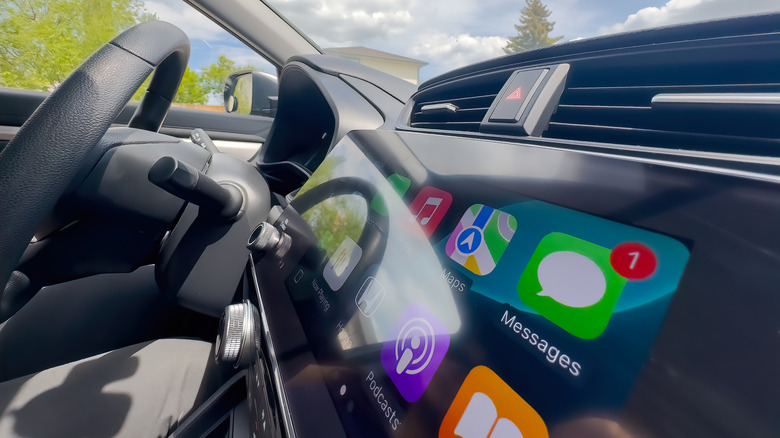
If you drive daily, filling up the tank is can be a large part of your budget. There are many ways to save on gas, including regular car maintenance, like keeping your tires properly inflated. You can also carpooling and bundle errands to reduce the number of trips you take in a day. If it's available in your area, using public transit is also a worthy alternative to driving. Another simple solution is to compare prices before you get to the pump. Whether you're going on a road trip or just fueling up for your daily commute, planning ahead can save you money. Apple CarPlay users can find the closest gas stations and get up-to-the-minute gas prices right from their dashboards.
It's worth noting that many apps don't support CarPlay, including perhaps the best-known app, GasBuddy (it's not on Android Auto either), but there are a number of other options below.
These apps can help you find the closest and cheapest gas stations

There are a number of apps you can use on CarPlay to plan your fuel pit stops and compare prices, namely: FuelUp, Waze, and Google Maps. FuelUp is an app that displays gas prices near you, either as a list or on a map, and lets you save your favorites. You can sort the list by price or distance, depending on when or where you want to stop. It shows all types of fuel, including regular, plus, premium, and diesel. The information is crowdsourced, so you can contribute too by adding or updating pricing as you see it. However, you'll have to do this on your phone once you've pulled over, as this and a handful of other features aren't available in the CarPlay interface. If you have a Pro account, you can set your fuel tank size to see the cost of a full tank at each gas station, so you don't have to do the math.
On the other hand, if you're already using Waze or Google Maps to navigate, you'll be able to see nearby gas stations and the latest prices on one half of the screen, while the other half shows the map. In both apps, which happen to share parent company Alphabet, you can set your preferred gas station and fuel type in advance. Like FuelUp, these apps rely on crowdsourcing. However, again you can't confirm or edit prices through CarPlay, that's an activity to handle on your phone instead.