

What Happened To Live Wallpapers On iPhone? Why Apple Got Rid Of The Feature
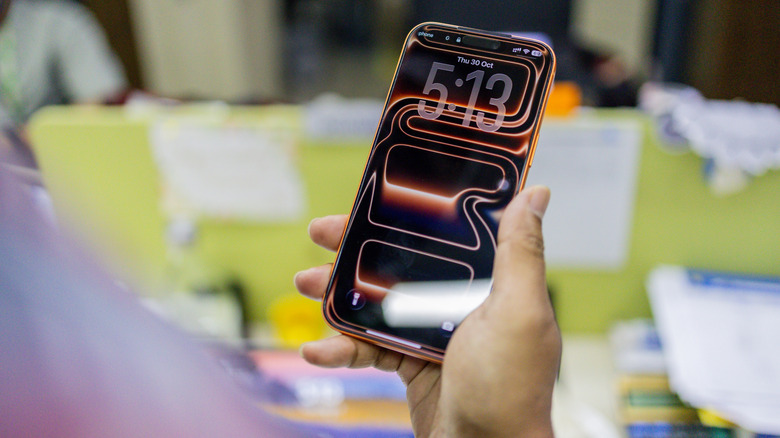
When Apple first introduced live wallpapers years ago, the feature became a hit with many users. The functionality was long missing from iPhones, and its introduction felt like a much-needed addition. Live wallpapers brought static images to life with a long press. But if you've tried setting live wallpapers on newer iPhones or iOS versions, you might have noticed the feature is missing. That's because Apple removed live wallpapers from iPhones.
Although the removal didn't make sense to many users, it appears to have been done to streamline lock screen customizations. Since the Apple Watch already utilized the same long-press gesture for customizations that the iPhone used for live wallpapers, Apple phased out the latter for a unified experience. So while it may feel like Apple quietly got rid of a great feature, there's a lot more to the story, and it plays a critical role in the overall user experience.
Apple prioritized lock screen customizations
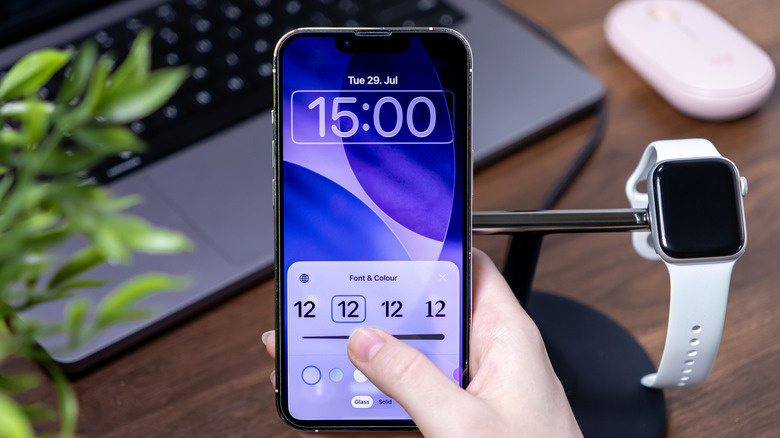
Apple's decision to move away from live wallpapers in iOS 16 didn't happen in isolation. It was a calculated move. Instead of retaining live wallpapers — which was a pretty limited feature – Apple prioritized a customizable lock screen. Now when you long-press the lock screen on newer iOS versions (from iOS 16 onwards), it opens up a wide array of customization options, including changing the wallpaper, setting up Photo Shuffle, adding and removing widgets, and more. Live wallpapers, in contrast, didn't offer any of that.
When Apple decided to introduce lock screen customizations, it had two options: either to come up with a new gesture that would trigger it or remove live wallpapers. The first option came with a major downside. It could have ended up confusing users. Besides that, it would have been different from the approach Apple adopted for its smartwatch lineup, where the long-press gesture triggers the customization screen. Consider that not everyone was using live wallpapers, and, to Apple, it made sense to remove the feature from iPhones in favor of a more streamlined, user-centric lock screen experience.
You can still set dynamic and animated wallpapers
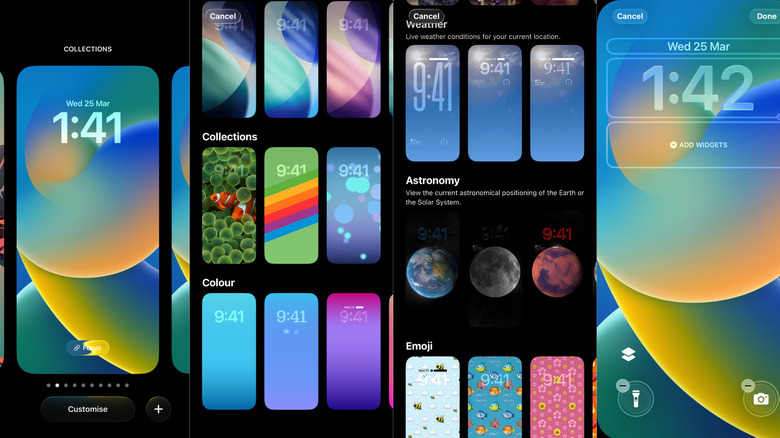
While live wallpapers are no longer an option, that doesn't mean lock screen animations are entirely gone. Apple still offers ways to make your lock screen feel dynamic, although it's a little different than before. For instance, you can still find natively available dynamic wallpapers on your iPhone. Long-presses or taps don't change the appearance or add effects, but in some cases, moving your phone adds subtle effects. Spatial Scenes is another feature you can try. It too adds similar effects, making a photo appear 3D when you move your device. There's also Photo Shuffle, where you can pick a set of photos that change as you use your iPhone. You can configure them to auto-shuffle after a fixed period or when you tap the screen.
So, even though live wallpapers are no longer supported on iPhone, you can still achieve similar results with other native features and functionalities, and some quick iPhone tricks. While it won't be the same experience, it's as close as you can get given Apple's tighter control over iOS.