

4 Cool Things You Didn't Know Xbox Controllers Could Do
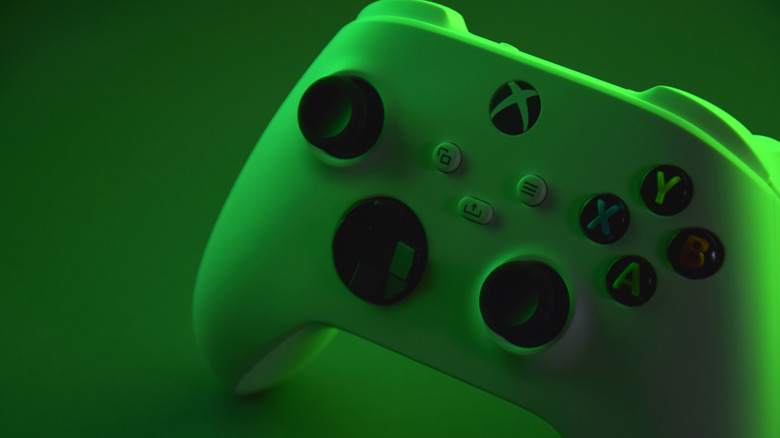
An Xbox controller is, of course, primarily designed for use while playing games on an Xbox entertainment console. There are various iterations from both Microsoft and third-party Xbox controller brands with the same general button layout. This includes the ABXY face buttons, a D-pad, dual thumbsticks, bumpers, and triggers, each of which perform distinct actions depending on what game you're playing. But did you know there's more you can do with an Xbox controller beyond that?
From moving gaming away from the console and to your desktop or laptop PC, to controlling a drone using a clever hack, there are so many ways you can use an Xbox controller beyond maneuvering its controls for a single game played by a single person in front of a TV and gaming console. A controller is a remote, after all, and the Xbox one extends far beyond what you might think. Plus, with rumors that Microsoft will be releasing a new controller that leverages Wi-Fi connectivity, that could unlock even more options.
Enable console-style gaming on a computer
Since 2006, when Microsoft launched software that allows its Xbox controllers to work with the Windows operating system, you have been able to connect a controller to your PC and use it for PC gaming. It's a viable alternative to using a mouse and keyboard, though some still prefer this for certain PC games.
You can connect an Xbox controller to your PC using a USB cable if it's a wired controller, or wirelessly via Bluetooth if the Windows device is running Windows 10 Anniversary Update or later. There's also an Xbox Wireless Adapter for Windows, and some Windows computers with Xbox Wireless built in so you don't need an adapter at all.
Once you've settled on a connection type, you can play using the Xbox PC app or Xbox Game Pass. A new Gaming Copilot feature in beta provides recommendations and assistance for gaming fans once you tap Windows + G on a compatible computer. With rumors of a new Xbox Mode for Windows 11, gaming on a PC could become even easier. The mode could transform the PC UI into one that resembles the ROG Xbox Ally handheld gaming device for a more game-friendly experience.
Activate a different sort of co-op mode with Xbox Controller Assist
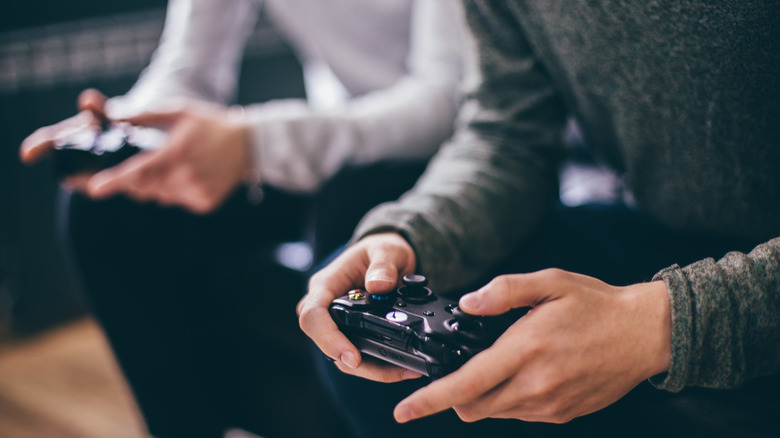
With the Xbox Controller Assist feature, two people can control the same character using two different controllers. This feature was formerly known as Copilot mode, but has since been renamed to avoid confusion with a suite of Xbox AI features called Copilot for Gaming. Whatever you choose to call the co-op controller mode, it's great for teaching someone how to play or get past a difficult part in a game, or for helping someone with mobility issues navigate complex games. Rather than handing the controller back and forth so someone takes over from time to time, you can share the control. This can help instill confidence and a sense of autonomy.
For those with more intense accessibility needs, Microsoft does offer the Xbox Adaptive controller. This specially-designed controller allows for custom controls that you can tailor to the player's unique needs and comfort. But Xbox Controller Assist is great for training and assistance, not to mention collaborative play. Some individuals may even prefer using two controllers — place each on a flat surface on either side and control certain games more easily than using a single controller in two hands.
Turn your smart TV into an Xbox with Game Pass
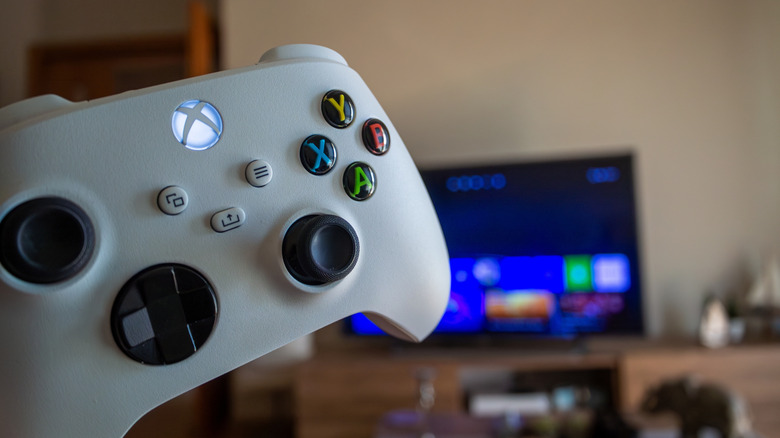
You don't even need an Xbox to play games with an Xbox controller. You can access the Xbox app on a compatible TV or streaming device and use your Xbox controller along with it. Once you connect a compatible controller via USB or Bluetooth (the former via a cable and the latter by pairing it with the TV's built-in Bluetooth or an adapter), you can use it to navigate TV menus as well.
This can be convenient for kids who might be more comfortable using the Xbox controller versus a TV's remote. It can also make gaming without a console possible and more seamless. Note that to access Xbox cloud gaming from a TV, you will need an Xbox Game Pass subscription. But once you have one, you can stream games right to your TV and use the controller just as you would with the console. This setup works on a wide variety of TVs from Samsung, LG, and Amazon.
Control a drone like you're playing a game
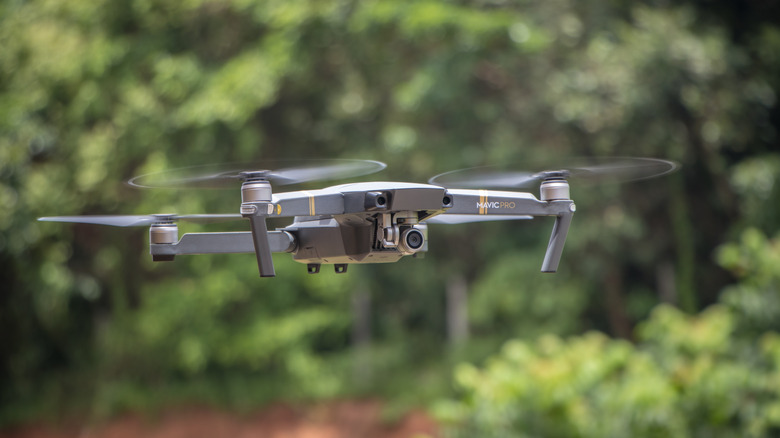
If you have a compatible drone, you may be able to use your Xbox controller to operate it. Most drones already come with a basic controller and offer a companion smartphone app for remote control. Using an Xbox controller with a drone will require some know-how, as it doesn't typically work natively. You'd have to build a hack to get it to work. But it is doable — YouTuber Dennis Baldwin used one to control his DJI Mavic Mini drone, for instance.
Baldwin accomplished the feat by building his own app that connects the Xbox controller to his iPhone, which then relays button pushes from the app to the drone. So this option is reserved for the especially tech-savvy who like to tinker. But his creation proves that it's entirely possible with a bit of finesse and creativity. For avid drone users, this might be worth it to have a better, tactile remote for the flying device.