

Why HDR Looks Washed Out On PS5 (And How To Fix It)
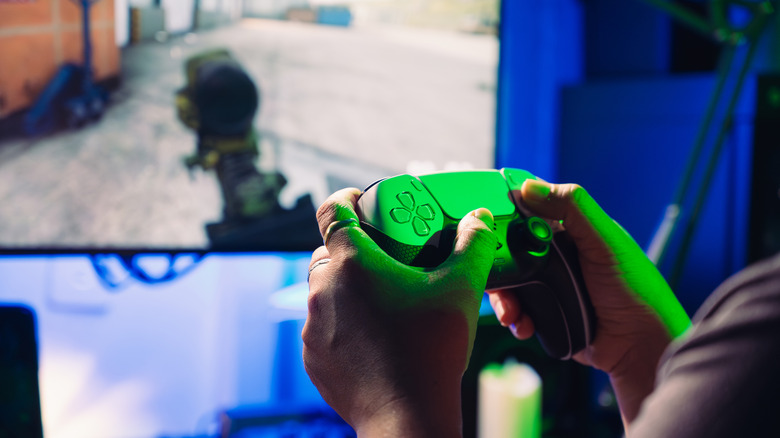
HDR, or High Dynamic Range, improves color vibrancy through contrast enhancements so the picture on your TV is crisp and more lifelike. With a PlayStation 5, that's true as long as your TV supports HDR and the settings are optimized on both systems. Otherwise, you might end up with a washed out picture. If this happens, restart both devices and see if it helps. If not, ensure the TV port you're using is HDR supported, specifically an HDMI Arc or HDMI 2.0, and above, port.
Using a High Speed HDMI cable is important and remember to optimize the settings for your display. Depending on the TV model, you may need to adjust HDR-exclusive picture modes, brightness, and contrast as misconfigured settings could be ruining your TV's HDR experience altogether. If the picture is still washed out, go to Screen and Video > Video Output > HDR in the PS5 settings, and select On When Supported.
This will revert games that aren't compatible with HDR to SDR (Standard Dynamic Range), while the Always On option forces HDR regardless of compatibility and may cause issues. Another option is to go to Screen and Video > Video Output and change the RGB Range to Limited or Full. Between adjustments, boot a game with HDR to check the picture quality and be aware that games sometimes have a dedicated HDR tool to adjust brightness and white levels.
Why the screen can look washed out with HDR
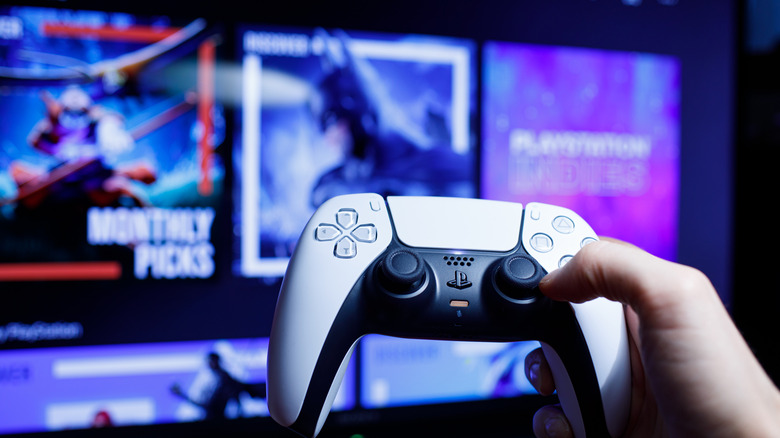
This issue with washed out images is generally due to a display being configured for SDR content that's oversaturated to compensate for a limited color range. When you swap to HDR, and there's a signal issue, the conversion process doesn't work properly. This can also happen when using the wrong HDMI port as it's not receiving the true HDR signals. Moreover, there are varying HDR formats like HDR10 and Dolby Vision that have unique considerations.
At a high level, these formats have different ways to adjust picture quality through metadata that can affect colors and clarity. Ideally your TV has HDMI 2.1 capability and you're using an Ultra High Speed cable for these advanced formats. But due to a wide range of reasons behind the issue, trial and error is often the best way to fix a washed out picture with your PS5. It could be the port, the cable, misconfigured software or display settings, or in-game HDR settings. Ultimately, that PlayStation 5 might have you buying a new TV to fully enjoy your high-fidelity console games.