

Deleting Messages In Signal Doesn't Keep Them Private - Until You Make This One Change
Signal is one of the most secure private messaging apps around. Developed by the nonprofit organization Signal Foundation, the free messaging service offers end-to-end encryption for all communications sent through the platform, including text, voice calls, images, and videos — made possible by its innovative open source Signal Protocol.
As a result, no one can access your conversations with others on Signal, not even the Signal organization itself. In addition, the messaging app only requires users to submit their telephone number to sign up, with Signal Foundation promising no ads, affiliate marketers, or tracking. As such, Signal has become a popular choice for hackers and activists, with the company openly supporting protests in 2020 and even rolling out a feature that easily allows users to blur faces to help protect protestor identities. The app is also popular with those concerned about privacy, with Signal growing in use as people looked for secure chat app alternatives following WhatsApp's privacy policy update in 2021.
However, while Signal offers the ability for users to also set their messages to automatically delete after a certain time frame through its disappearing messages feature, this doesn't necessarily keep your incoming messages private. A defendant in Texas found that out firsthand when the FBI managed to extract some of their deleted received messages from their iPhone's notification database. Below, we break down how to prevent Signal message content from appearing in your phone notifications on iOS and Android to help your communications actually stay private.
Signal previews show up in phone notifications
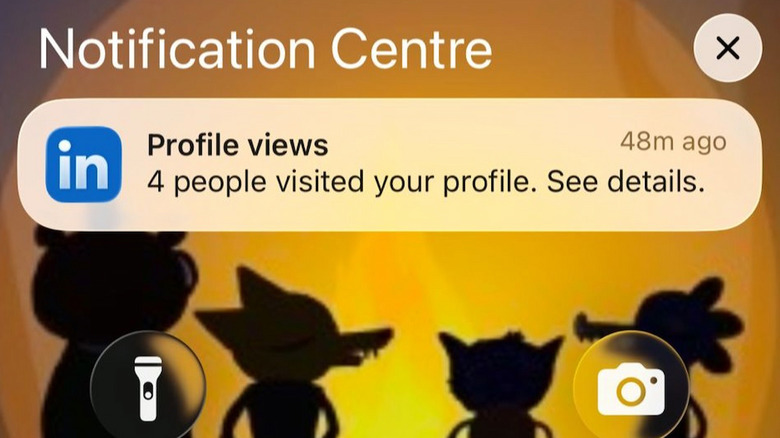
While Signal's end-to-end encryption means communications cannot be viewed by others, content from your incoming messages may still be saved in your phone's notification database. When enabled, notification previews — which show the content of a message in the notification — may be stored locally on your device in an internal database.
How long these notifications remain stored depends on your phone's OS. On Android, users can choose to enable or disable their phone's notification history log — and even if it's enabled, the system only stores notifications for around 24 hours by default. However, on iOS devices, cached notifications, and therefore notification previews, are stored on the system for an unspecified amount of time, meaning that these notifications (and their content) can still be accessed by forensic tools, even if you've dismissed them or deleted the Signal app from your phone.
On April 15, 2026, Signal president Meredith Whittaker said in an X post: "Notifications for deleted messages shouldn't remain in any OS notification database, and we've asked Apple to address this." However, Apple did not immediately address Signal's concerns, at least not in any public way.
How to prevent Signal previews from being stored
There's a straightforward change you can make to prevent the content of your Signal messages from appearing in your phone's notifications. First, open the Signal app on your device. Next, navigate to Settings and then Notification Settings. Under the Notification Content menu, select No Name or Content. This means that, while you will be notified you have received a Signal message, the name of the sender and the content of the message will not appear in the notification.
To add an extra layer of security, you can also disable notification previews on your phone. On Android devices, you can do this by going to Settings, Notifications, and then Lock screen notifications. Select Hide content and toggle off Show content when unlocked on the Lock screen notifications menu to disable message content from any of your apps from appearing in your phone notifications.
On iOS devices, you can do this by going to Settings and then Notifications. On the Notifications menu, select Show Previews and then Never. This ensures that your iPhone notification previews never display content you wish to keep private, such as incoming messages or email text — another step toward getting your iPhone notifications under control.