

Plastic Or Metal Laptop Body: Which Handles Heat Better?
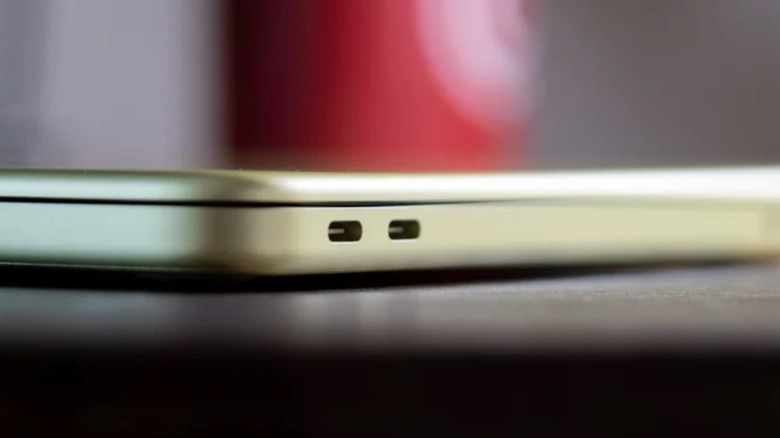
If you're in the market for a new laptop because your current one overheats all the time, a model that handles heat properly should be your priority. Part of that comes down to the material in the computer's chassis: metal or plastic. When comparing both, metal is the right pick for cooling, as it dissipates heat from internal components across the entire laptop surface, which is why laptops like the MacBook Air don't even have a fan.
On the other hand, if you have or had an Intel MacBook, you probably remember how the chassis would get extremely warm because of its inefficient processor. In cases like this, a plastic laptop body is better, as it won't burn your lap, for example. Even though plastic is a thermal insulator that traps heat inside the chassis, the temperature is concentrated on the processor. Internal fans work hard and spin fast to push that hot air through the vents to lower the temperature. Still, there are benefits and downsides for each one of the finishes, and choosing one ultimately depends on what you're looking for on your next laptop.
Metal laptops look premium, but the processor plays a big part
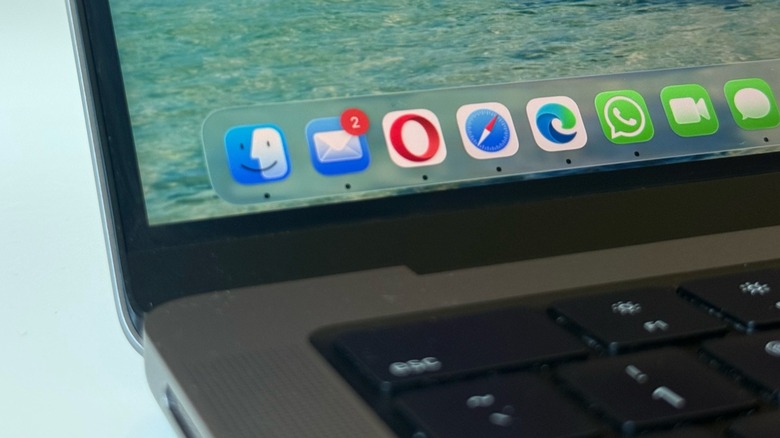
Apple is the best example of a manufacturer of premium laptops with an aluminum finish. All of its computers have metal chassis, and models like the MacBook Air don't have fans due to their efficient heat management. Its silicon is power-efficient, which means that even when the M chip is taken to its processing limits, it won't make the laptop overheat. Besides that, the metal finish takes an important role as it acts like a passive cooldown system, spreading heat away from the processor.
But Apple still added a fan in more powerful models like the MacBook with Pro and Ultra chips, which helps spread and dissipate heat more quickly. This efficient temperature management keeps the internal system cool, which in turn prevents the metal chassis from becoming uncomfortably hot.
The addition of a fan still wasn't enough for more demanding tasks, as Apple's MacBooks with the part still suffered from overheating, bad performance, and poor battery in such situations. That said, if you're in the market for a laptop with a metal chassis, learn more about its processor so you can avoid buying a computer that turns into a frying pan when you need it to work a bit harder.
Plastic laptops got better, believe it or not
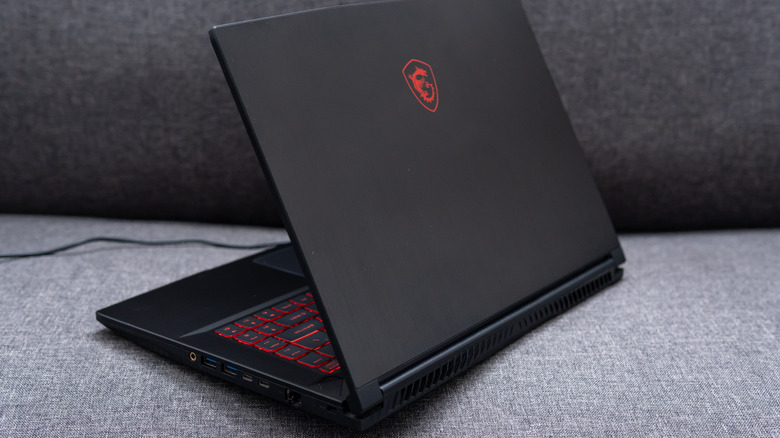
Plastic laptops aren't the ideal choice for maintaining internal hardware in good health, as heat doesn't dissipate as efficiently as on metal. Still, if you take a look at high-power laptops, like gaming ones, they all use plastic.
The reasons are that a plastic chassis is cheaper to produce, makes the laptop lighter, and ensures the computer is more resistant to drops, as plastic is more flexible and less vulnerable to denting than metal. So, if you're into really heavy tasks that include getting the most out of the processor and GPU, like online gaming, 3D rendering projects, and so on, then a plastic laptop can be a good deal.
Plastic laptops are usually easier to upgrade, as metal computers usually feature a unibody construction making them nearly impossible to open. With a plastic bottom, it's easier to open the laptop and upgrade its internals, like RAM, storage, and more. On a MacBook, for example, everything is so strictly controlled by Apple that trying to open it likely means you'll damage your pricey computer.