

You Should Keep Your Kindle In Airplane Mode - Here's Why
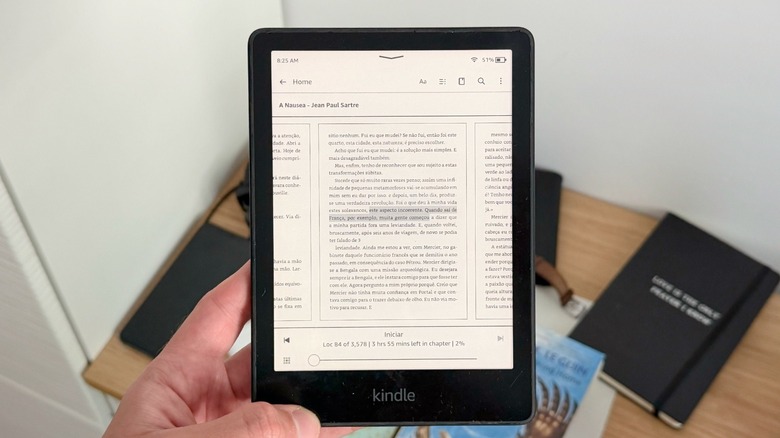
In modern tech, your best friend shouldn't be your phone or an AI companion, but an e-reader like the Kindle. This device, known for its great battery life, e-ink display, and just a few functions, can be a great companion during those long hours when you're traveling, or just at home, instead of trying to read on your phone or doomscrolling. While charging a Kindle is already something you don't need to do very often, putting your device in Airplane Mode can greatly improve the number of days you can spend without charging it, in addition to a few other perks.
Amazon says that a Kindle Paperwhite can last up to 12 weeks. Reddit users say these estimates are based on Wi-Fi being turned on, assuming you read for around 30 minutes a day at a mid-to-low brightness setting. Other models, according to Amazon, can last from 6 to 8 weeks, which is still a solid battery life, especially if we think that we're always charging our smartphones, tablets, and computers.
That said, to maximize battery life, in case you hate to charge your Kindle even occasionally, or you just discovered Elena Ferrante's "My Brilliant Friend" saga and can't get enough of Elena, Lina, and Nino, putting your Kindle in Airplane Mode can be great, but there's also more to it.
How to turn on Airplane Mode and other benefits
It's really straightforward to turn on Airplane Mode on Kindle. From the home screen (or even from a page of a book), you can swipe down to open the Quick Actions menu or select the Settings icon. There, you can select Airplane Mode.
More than just saving battery life, it's also a great way to extend a loan from a friend. While not every book supports it, some let you loan a book to a friend for about 14 days. If you need more time to read a book, keeping your Kindle in Airplane Mode will let you keep it for longer. However, you also won't be able to get new ones, as Airplane Mode will prevent you from syncing or downloading Kindle content to the device.
Besides these two perks, keeping your Kindle in Airplane Mode can also prevent you from just buying several books just because you discovered a new list of hot things to read, or even prevent it from getting a random Amazon update. After all, Amazon doesn't often update this device's software, so what's the point of trying to fix something that isn't broken?