

5 Reasons Why Reading On A Kindle Still Beats Your Smartphone
We may receive a commission on purchases made from links.
There was a time when carrying a dedicated e-reader felt like a natural part of life for book lovers. When devices like the Amazon Kindle first came along, they changed the way people interacted with books, offering an entire library in a package that was thinner than a paperback. But smartphones quickly jumped on the bandwagon, becoming the default appliance for almost everything. Now, with the Kindle app, Apple Books, and Google Play Books available to install on just about any phone, many smartphone users feel they have all they need when it comes to reading e-books and other digital file types.
But a convenient reading experience isn't necessarily the same thing as a quality reading experience. Kindle devices are designed with features that are completely different from those of a smartphone. The hardware and software are intended solely for reading books digitally, and that singular focus comes with benefits a phone can't replicate. The smartphone has certainly replaced gadgets like alarm clocks, MP3 players, and even cameras to an extent, so it's reasonable to conclude there's no need for a Kindle anymore. But for book lovers in search of a quality reading experience, the Kindle still beats the smartphone in a number of ways.
Distraction-free reading

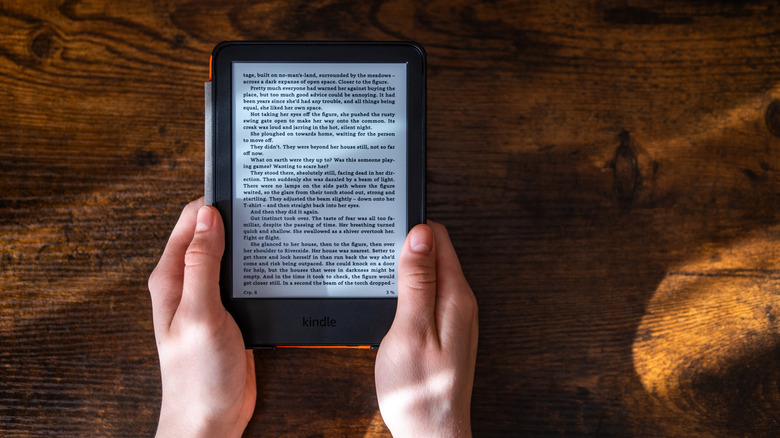
Smartphones are attention machines. Every app on the home screen is a potential detour, and the notifications that arrive throughout the day are designed to make the mind drop what it's focused on and look at what's popping up. Reading on the same billboard that hosts all of those other distractions is working against the entire purpose of kicking back with a book. It's not easy to get lost in an imaginary world when the ins and outs of daily life are constantly knocking on the window for your attention.
One major advantage of reading on a Kindle is how completely the device removes the temptation to do anything else. Because of its single-purpose design, there are no social media notifications, no text messages waiting to be read and responded to, and no browser tabs open in the background. The only thing on the screen is the book you're reading. For anyone who's ever picked up their phone to read a chapter and found themselves responding to emails 15 minutes later, a Kindle can be a godsend.
Do Not Disturb settings, of course, can be utilized on a smartphone. But notifications can still make themselves known, and a conscious act of will is required every single time one does. Even if you decide to install some apps on your Kindle, the device makes distraction-free reading the default setting and allows you to place everything else far away from you while you read.
E-ink display
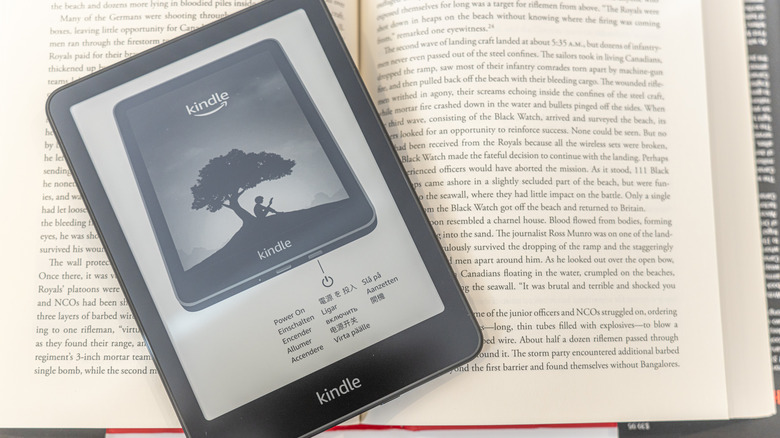
One of the major hardware differences between a Kindle and a smartphone is its display technology. The backlit displays that smartphones utilize emit light directly into the eyes, which can make them difficult to look at for long stretches. Because they use only reflected light, e-ink displays are much easier on the eyes. One of the best e-ink tablets is the Amazon Kindle Scribe, though the entirety of the Kindle lineup features e-ink displays, so you are ensuring a more paper-like reading experience, no matter which Kindle is in your price range.
Anyone who has spent an extended period of time reading on a smartphone has likely noticed eye fatigue setting in. With an e-ink display onboard, Kindle devices make the reading experience a much more comfortable one, particularly when reading for hours at a time. The absence of the backlight flicker and blue light emission that comes with phone screens means the eyes are doing less work to process the text on the page.
The lack of backlighting means the Kindle won't light up like a phone, which would normally make it impossible to see in the dark. But Amazon has designed the Kindle lineup with front lighting built into the bezels. These lights work to keep the display visible even in poor lighting conditions, allowing you to read on a Kindle just about anywhere without the more aggressive glare of a smartphone screen.
Longer battery life
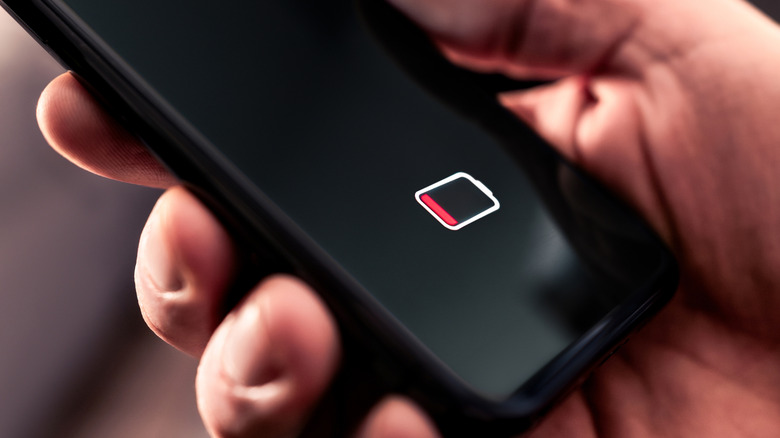
Relatively speaking, smartphones don't last all that long between battery charges. They're meant to take on all things throughout the day, which can leave such devices without much battery life when you want to kick back with a book at night. Those who spend the day watching YouTube videos, participating in video chats, or even just scrolling through social media will likely find themselves needing to plug in at some point before bedtime, which isn't the most comfortable way to read.
By contrast, a Kindle can last weeks between charges, and it's not uncommon for the battery to make it more than a month, even with regular reading time scheduled. The e-ink display doesn't draw nearly as much power as the backlit display of a smartphone. The Kindle also won't be doing all of the background processing that a phone does throughout the day, so it can hold a charge longer during periods in which it's not in use at all. You can also change settings on your Kindle to potentially optimize the battery life even further.
A long-lasting device matters for travelers and those who want to ensure they always have something to read on hand. A long flight or a week away from reliable charging isn't particularly troublesome with a Kindle, so book lovers can roam freely when using one instead of a smartphone.
Book-like styling
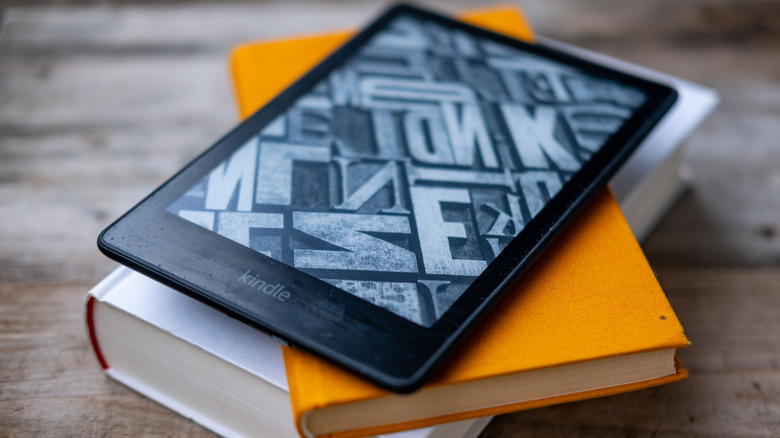
Part of what makes reading on a Kindle feel different from reading on a smartphone is how deliberately the lineup has been designed to evoke the experience of reading a physical book. While smaller bezels provide more touchscreen surface area on a smartphone, Kindles utilize larger bezels to provide a more comfortable way of holding the device. And despite the lightweight designs Amazon implements for Kindles, they still have enough bulk to feel more like a book in the hand than like a piece of technology — especially compared to a phone.
The book-like qualities extend beyond the physical design and into the Kindle software experience as well. Even many Kindle alternatives can't keep up in that regard. The reading interface of a Kindle is clean and uncluttered, and you can customize the style and size of the text to suit your reading preferences. These preferences can also be adjusted within the Kindle app on a smartphone, but user-experience features like page-turn animations can feel more natural on the matte finish of an e-ink display than on the glossy, ultra-sharp touchscreen of a phone.
Additionally, smartphones tend to come in just a couple of sizes that are similar across different brands, but the Kindle lineup offers a number of different sizes. The base model Amazon Kindle, for example, has a 6-inch screen, while the Amazon Kindle Scribe utilizes an 11-inch display and might appeal more to those who enjoy the feel of a larger hardcover book while they read.
Affordability
Smartphones can be a significant investment, and can even be the most expensive piece of tech a person owns. Flagship models from Apple, Samsung, and Google regularly push past the $1,000 mark. That pricing is reflective of all of the things a smartphone is capable of, but it also means the device that a lot of people use to read books is a very costly piece of technology. Dropping it in the bathtub or leaving it behind on an airplane can require a major replacement expense.
A Kindle, on the other hand, starts at a considerably more accessible price point. The base model Kindle begins at $110, and you can frequently find it at a discount throughout the year. Midrange Kindle options include the Kindle Paperwhite, which is priced at $160, and the Kindle Colorsoft, which is priced at $250. Amazon even makes Kindle models with children in mind, as the Kindle Paperwhite Kids is priced at $180 and comes in a variety of color options. Even with a price tag of $500, the aforementioned Kindle Scribe is far more affordable than many flagship smartphones.
A Kindle e-reader also carries no cost beyond its initial purchase price. There's no data plan required, nor is there any kind of carrier contract to commit to. The device works over Wi-Fi when needed and otherwise functions entirely on its own. This makes the continued cost of ownership simply a matter of how much you want to spend on e-book purchases or on subscribing to an e-book service like Amazon Kindle Unlimited.