

5 Features Only Apple Watches Have
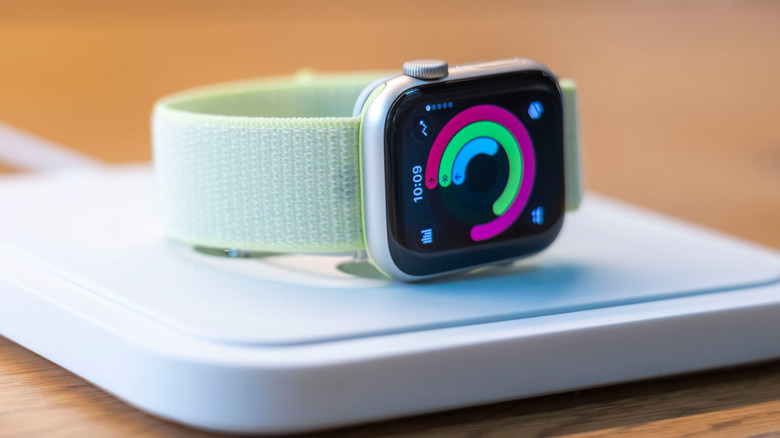
The Apple Watch is the perfect pairing for an Apple iPhone, and in fact, it only works with Apple devices. While you can use other third-party smartwatches with an iPhone from brands like Garmin, Amazfit, Fitbit, Withings, and others, there are features that are exclusive to the Apple Watch that you might appreciate. Some are specific only to newer models, but most are available across the board on all the latest ones, even dating back several generations.
It's not just about the seamless connectivity to iPhone, like syncing available apps, Siri voice control integration, and compatibility with other Apple products, from iPads to even Apple TV. There are other features exclusive to Apple Watch that you might find make it worth paying a bit more for one. From access to specific apps to special health notifications with newer models and adjustable tracking based on your unique situation, these features, or at least a specific version of them in some cases, are only available for Apple Watch.
Access to Apple apps
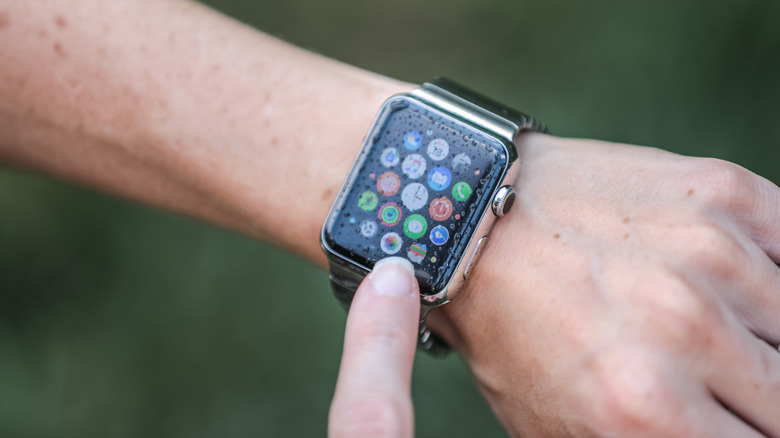
The most obvious feature is access to Apple apps, which you'll only find natively on Apple Watch. This includes popular ones like Apple Fitness+, which, with a subscription, allows you to track Apple Fitness workouts from the watch face, including advanced features like real-time heart rate and interval tracking. Other smartwatches have their own companion services, too, or let you access third-party ones (which you can also do with Apple Watch). But Fitness+ offers a seamless experience.
Apple Music is another native app you can only access from Apple Watch. With a subscription, you can control playback from the watch and download playlists right to the watch's internal memory, playing them without the need for your phone to be nearby or even internet access. Of course, Apple Pay is another app exclusive to the Apple Watch, allowing you to use the same virtual cards you have loaded on your phone to tap and pay. This also works for instant tap and pay for subway rides, without needing to open the app or double-click to confirm payment. And, of course, there's Apple Maps, another exclusive app for the Apple Watch, which can be handy when you're walking around town.
Pause logging as needed
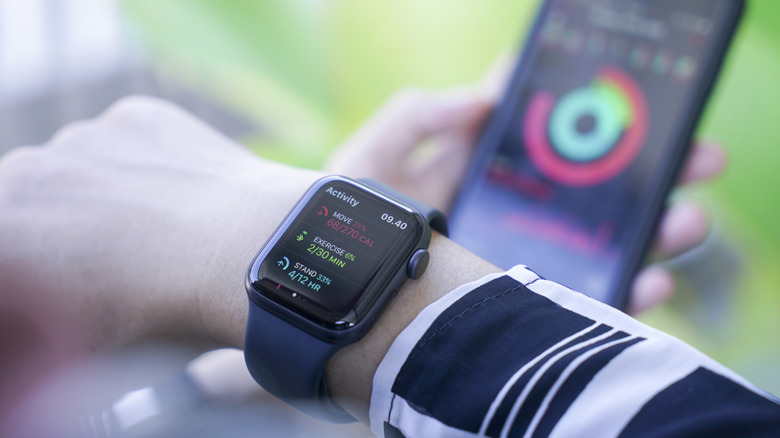
Most smartwatches are an all-or-nothing proposition when it comes to tracking your progress towards reaching daily steps, calorie burn/move, and stand goals. Apple Watch has a neat under-the-radar feature that lets you pause your rings to prevent you from breaking a streak or impacting your overall aggregate stats. You might want to do this while you're on vacation, on a work trip with no time to work out, or maybe because you have an injury or you're sick.
If you were to take a week off working out while wearing any other smartwatch, this could impact your overall stats. The watch doesn't care that you broke your leg and you're in a cast for six weeks, or that you have been under the weather for three days. It just thinks you've been lagging. Apple Watch lets you pause these and resume when you want, so your overall figures aren't impacted. You could also adjust goals during this time, though such a feature is available with most smartwatches. But being able to put a pause on everything is a feature I haven't seen in any other smartwatch.
Built-in noise monitor
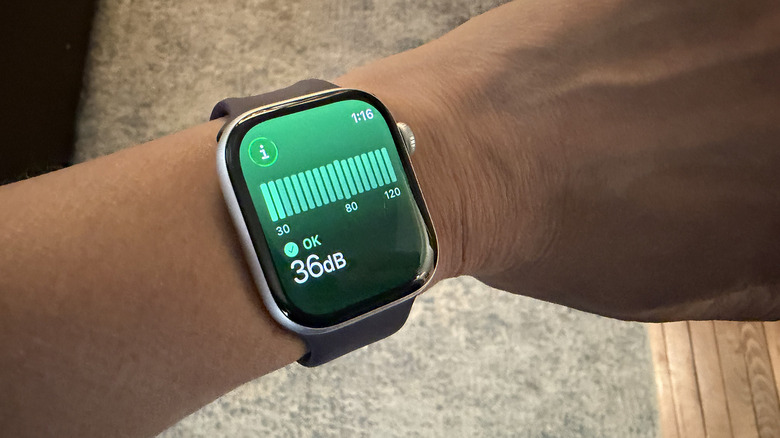
You can technically use a smartwatch from other brands to monitor noise through a third-party noise meter app. Some Samsung Galaxy watches have a noise monitoring feature as well, but Apple Watch has the built-in noise level feature that will notify you on screen if you're in an environment that is too loud. This is based on guidance provided by the World Health Organization (WHO) that notes constant noise above 85dB can damage your hearing if you're exposed to it for lengthy and repeated periods of time. You can also adjust the max level to your liking, maybe making it lower if you have especially sensitive hearing.
Additionally, you can measure the noise levels around you at any time by opening the Noise app right from the watch, then holding it out to capture noise in your environment and see the decibel level in real-time. This can be handy if you're checking decibel levels for things like home theater speakers while setting up a new home audio system. Or you might use it at a loud restaurant to determine if you should put headphones on your toddler to help mask some of the noise and protect their little ears.
Hypertension notifications
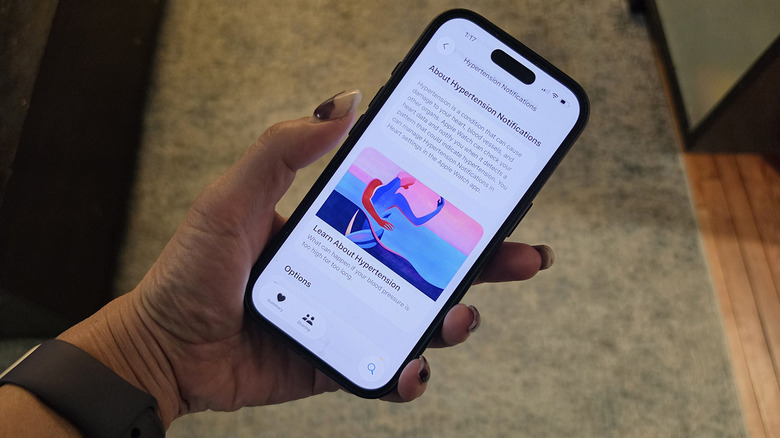
A new feature with Apple Watch Series 9 and Apple Watch Ultra 2 is the hypertension notifications that can detect and alert you of potential high blood pressure. The same optical heart sensor used to monitor your heart rate analyzes vascular patterns over a period of 30 days. As it measures, it can sense changes in arterial stiffness and blood volume, which could be an indication of hypertension.
The feature is only designed for people 22 years old and older who have not already been diagnosed with hypertension. It's not suitable for those who are pregnant or think they might be pregnant either. It's also not designed to be a medical tool but an at-home tracker similar to a home cuff that might alert you to see a doctor or log data to present to a medical professional at your next visit. While some smartwatches can log blood pressure when used alongside calibration from an arm cuff, like some Samsung Galaxy Watch models, this screening tool works without one. Other third-party smartwatches offer something similar, but some do not have FDA clearance, which Apple has for this feature on its watch.
Integration with Beats headphones
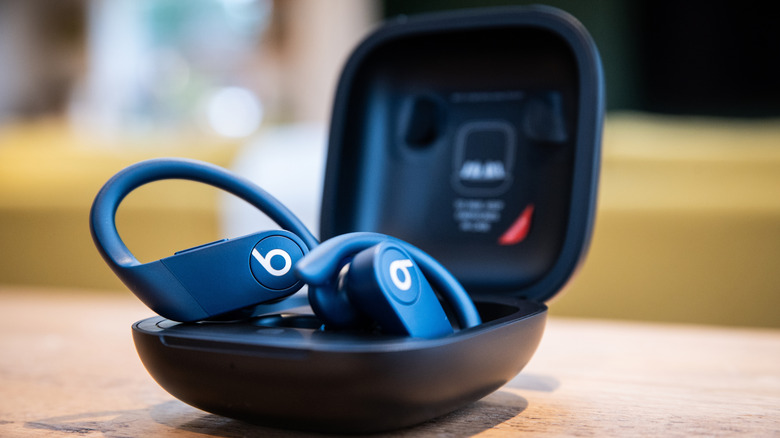
Apple owns the Beats brand, after acquiring the company in 2014. Thanks to this, you can enjoy seamless integration between Beats headphones and earbuds and Apple Watch, similar to the experience you get with Apple's own headphones and earbuds. As soon as they are paired to your iPhone, they will auto-pair to the Watch, too, so you can use them seamlessly when listening to downloaded playlists or podcasts without your phone. If you have them set up with an Apple Watch that has cellular connectivity, the audio will pause to audibly dictate phone notifications. You can also use them to access Siri.
While Beats headphones can pair with any smartwatch with Bluetooth, as any other Bluetooth headphones or earbuds can, you'll only get the audible notifications with a cellular-connected Apple Watch. This could be useful for runners who travel light and don't want to have to raise their wrist to hear an incoming message, or even reply to one. Some of these five features are available in one variation or another on other smartwatches, but many are unique to Apple Watch in the way they are implemented, adding great value if you decide to opt for the brand-specific wearable.