

5 Reasons Why Gaming Routers Can Be Worth Buying (Even If You're Not A Gamer)
We may receive a commission on purchases made from links.
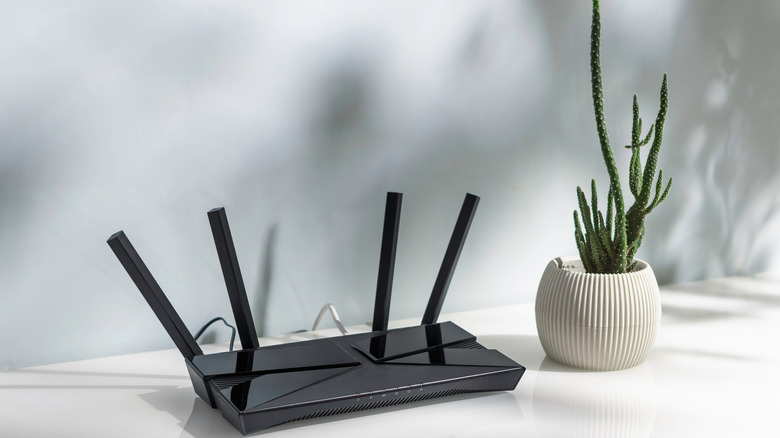
A good gaming router, especially the flagship models from companies like Asus and MSI, will cost you several hundred dollars more than a standard router. But you also need to be aware of the features that an actual gaming router has so you don't fall for marketing gimmicks. Many companies are giving their routers a flashy design, outfitting them with multiple antennas and RGB lights, and slapping the "gaming" brand on them to mark up the price. If you purchase these routers, you will be disappointed because they're no better than your standard router.
Don't let the flashing lights fool you. True gaming routers solve a wide range of frustrating issues that gamers experience every day, especially when playing online. These include high latency, long buffering, and an unstable internet connection, particularly when multiple devices are connected to the network. If you are thinking that these problems would drive even the average person crazy, then you would be right. While gamers will get the most out of these devices, the problems are universal and might make a gaming router worth it if they're a sticking point for you.
As newer models become available, older gaming routers often go on sale. You can get them for the price of a standard router through clearance sales and enjoy all the benefits that come with them. Just don't get one that is too old and no longer supported, as a router is something that should never be without updates.
Better QoS
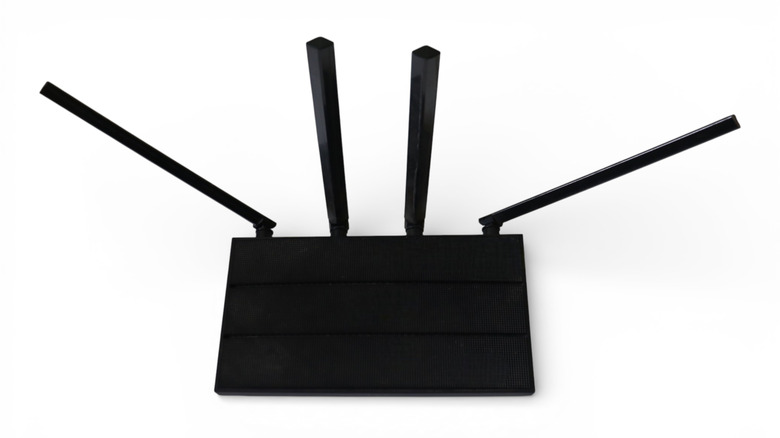
Quality of service (QoS) is probably a feature that will make the biggest difference for many users. It's a set of tools that help the router prioritize certain internet activities over others. A major cause of lag in networks is buffer bloat. Certain activities such as streaming videos or downloading a large file can cause the router to keep excess data packets as a buffer. This is like a queue, with the packets at the back taking longer to be sent out, leading to lag. When the buffer gets too big, you get buffer bloat. Because of their superior QoS, gaming routers are designed to prioritize some data packets over others, allowing them to cut in line and go all the way to the front so they can be sent out faster, which reduces the lag.
For a gamer, the router can be set up to prioritize packets from online games like "Call of Duty: Warzone" or "Fortnite" and voice chat. For non-gamers, this can be video conferencing, real-time voice calls, remote desktop management, and live streaming. QoS ensures that activities like streaming a YouTube or Netflix video in 4K, downloading a game on a console, or downloading an update on a phone do not cause significant lag. However, it's worth mentioning that QoS won't be able to help if the lag is caused by proximity issues with the server.
Optimized to handle multiple devices
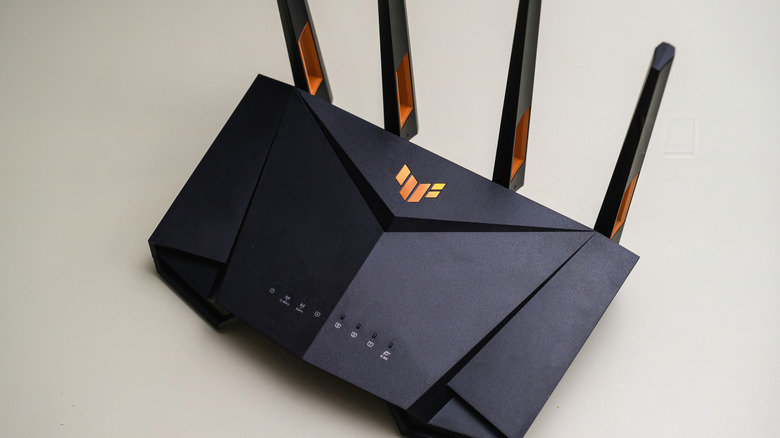
If you connect too many devices to the network, it can create congestion that causes the internet connection to slow down. QoS is just one way gaming routers manage traffic when too many devices are connected. Another is through their superior hardware. Take the Rog Rapture GT-AXE11000, for example. It's a $395 gaming router with a 1.8GHz quad-core processor and 1GB of RAM. It can handle multiple connections that would bottleneck a standard ISP-provided router.
Gaming routers also use something called beamforming. Without beamforming, the router broadcasts its signal in all directions. Since the signal is everywhere all at once, it is often lower-quality — less efficient, noisier, and weaker. With beamforming, the router aims the signal at the actual devices that need it. This improves the signal's performance, range, and resilience against interference.
Another technology a gaming router uses is MU-MIMO (Multi-User, Multiple-Input, Multiple-Output). Traditionally, single-user MIMO routers communicate with one device at a time in a channel, but they cycle through them so fast that it gives the illusion that the router is communicating with them simultaneously. The delay between switching devices causes lag. With MU-MIMO, simultaneous communication isn't an illusion, since the router splits the antenna array into spatial streams so each device on the channel receives it at once. Not only does this reduce lag, but it also allows connecting multiple devices without slowing down the network.
6GHz internet
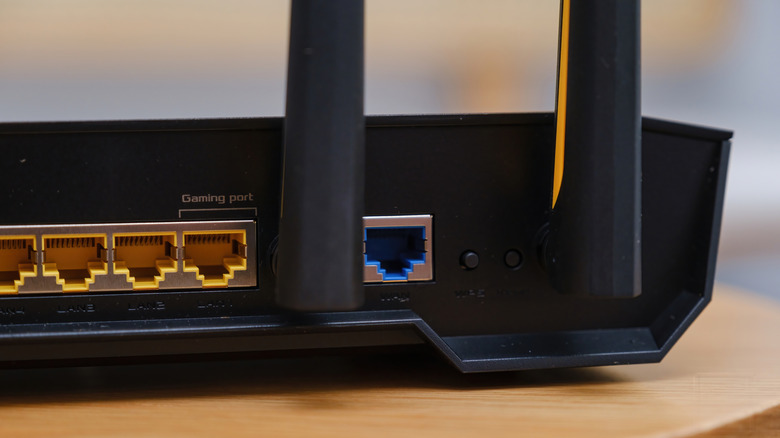
Modern gaming routers also support Wi-Fi 6E or Wi-Fi 7. With these comes an additional frequency band — 6GHz. One of the major causes of slow internet speeds is interference from other gadgets in your home. That is why it is often recommended to switch the frequency band from 2.4GHz to 5GHz, considering the latter provides more speed and isn't as prone to congestion because not many devices use it. But if your home is full of bandwidth-hogging devices, even on 5GHz, switching your gaming router to 6GHz can improve your speeds without paying your internet service provider for more bandwidth.
Keep in mind that not all devices support Wi-Fi 6E and Wi-Fi 7. So before you switch to the 6GHz frequency, be sure to check. For instance, Apple devices like the iPhone 15 Pro and newer, MacBook Neo, and MacBook Pros from 2023 and later, all support Wi-Fi 6E. A console like the PlayStation 5 Pro supports Wi-Fi 7, and so do many high-end PCs and laptops. One caveat is that the 6GHz frequency band has a shorter range than other bands, meaning you need to stay closer to the router. It also cannot penetrate through walls, so you probably won't be able to use it if you are in the bedroom and the router is in the living room.
Better security features

If you're an individual who values router security, gaming routers usually have features that can put your mind at ease. For instance, they might have a built-in firewall that protects your network from harmful inbound data packets coming from the internet. This is different from the firewall on your computer, which only protects itself. This one protects all devices on the network through intelligent filtering of packets. Since devices on the network can still communicate with each other, they can still send harmful packets to one another, so don't turn off their individual firewalls.
Another advanced security feature the router might have is a VPN. You usually need to set up a VPN profile from a reputable VPN provider. But once it's up and running, the router does all the encrypting and decrypting of incoming and outgoing data, as well as establishing a secure tunnel to the VPN server. Again, this level of protection doesn't apply to only one device, but to all devices on the network, eliminating the need to have a separate VPN installed on each device.
Gaming routers might also have malware protection, which stops malicious code, files, and websites from infecting devices on your network and turning them into spies. This is important for protecting devices that cannot install antimalware programs (e.g., smart TVs, cameras, and other IoT tech).
Advanced parental controls

Many gaming routers have an advanced set of parental controls that provide additional safeguards for the household. All the controls you set will apply to all the devices on the network. Also, since the rules work on the network level, no one can change them unless they have access to the parental dashboard or app, giving you complete control over certain aspects of the internet connection.
A common parental control is content filtering. This allows you to block certain web content, such as social media, gambling, and adult websites. This comes in handy in scenarios where you don't want others to access known or potentially harmful websites, particularly the ones that can infect devices with malware or expose kids to adult content.
You can also view usage statistics that allow you to tweak the rules based on the insights provided. Are the kids spending too much time on YouTube or Facebook? You can instantly block them. Don't want other devices congesting the network during intense gaming sessions or during a Monday meeting? Then block them during those specific times.