

How 'Find My Phone' Still Works Even When Your Battery Is Dead
Apple's Find My network has been available for a few years now. Under the Find My app, this has become a hub not only for customers to find their lost Apple products, but also for third-party companies that make gadgets to work with the Find My network. However, one of the most interesting features iPhone users have at hand is the ability to find their devices even if the battery is dead. This is accomplished, on iPhone 11 and newer devices, using power reserve mode, which can prolong some iPhone features even if the device is completely drained.
If your iPhone is linked to an Apple Account with Find My connected, you can locate it for up to 24 hours after it's been turned off or for five hours in power reserve mode. Should the battery charge hit critically low levels, the iPhone's last location is automatically sent to Apple as a last resort. With this, Apple gives users extra time to find their devices in case it's been forgotten or stolen, or if they just need to quickly use Express Mode and get home using public transportation.
The technology behind Find My
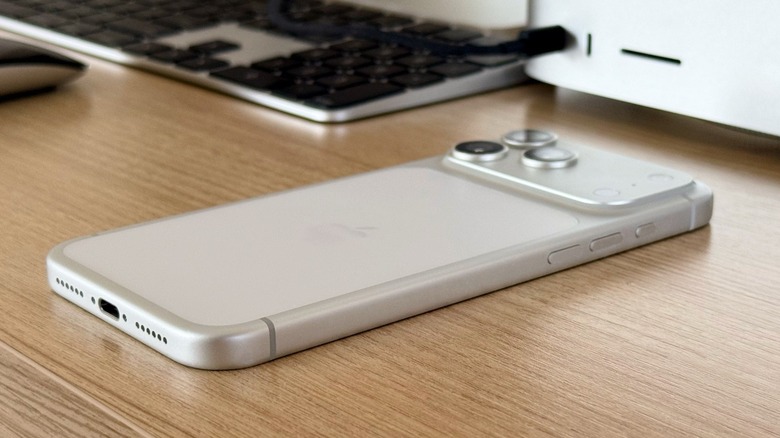
When your iPhone drains to zero and shuts down, iOS reserves a fraction of battery power to run certain functions. While you won't be able to turn on the display and use the phone normally, the low-power state transforms your iPhone into something like an AirTag. It goes back to the unique Ultra Wideband chip in the iPhone 11 that provides precise location along with the help of Bluetooth Low Energy (BLE) technology.
With BLE, every time an Apple device passes close to your iPhone, it pings the general location, while the spatial awareness technology within the Ultra Wideband chip provides a more precise location. This technology is widely supported across Apple products starting with the iPhone 11, though you can consult this list for the full scope of availability.
If you have one of these iPhones, it's worth ensuring your device is connected to the Find My app. In the iPhone Settings, you need to tap on your name, and then Find My. There, you'll need to sign in if needed and then turn on Find My iPhone. This ensures your iPhone is paired with Apple's Find My network. After that, you can open the Find My app, and verify your phone is visible under the Devices tab.