

When Is The Best Time To Run Your Robot Vacuum?
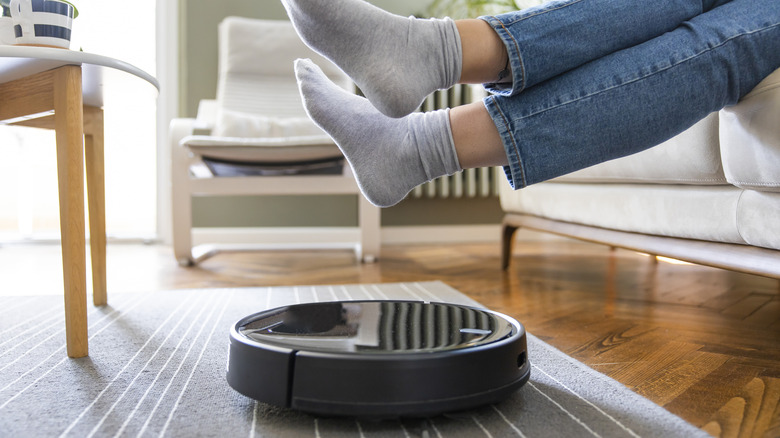
Robot vacuums have come a long way since the first ones trundled aimlessly across our floors more than three decades ago. In those days, the plucky little devices could be charmingly clumsy, sometimes getting stuck or inexplicably leaving half the floor untouched. Today, however, some brands worth trying are a marvel of modern engineering, with significant upgrades that include features like LiDAR mapping, AI navigation, smart no-go zones, mopping, and self-emptying. Some can even climb (very small) steps!
Whether you've owned a robot vacuum for years or are thinking about getting your first one, you've probably wondered at some point: when is the best time to run a robot vacuum? Broadly speaking, the best time to run a robot vacuum is when your home is at its quietest. Finding a routine for it that suits your lifestyle, and those of anyone else in your home, is essential if you're ever to achieve a stress-free coexistence with your trusty automated helper. After all, a low-slung machine like this definitely shouldn't be puttering about in the morning in a space where lots of people are dashing about, getting ready to leave.
Quiet time use means fewer interruptions for the robot, allowing it to work more efficiently while reducing the chance of accidents. Quiet times for most people will include late mornings and early afternoons on weekdays, or at night when everyone's asleep. However, people have different living spaces and comfort levels, so the ideal time for your own home will depend on a number of factors.
Maximize cleaning, minimize disruption with a robot vaccuum
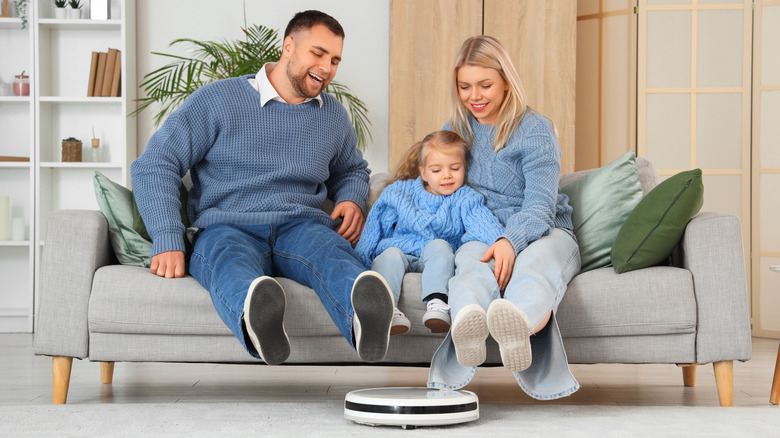
You'll want your robot vacuum to work at a time that maximizes cleaning and minimizes disruption. In many households, weekday mornings, for example, are busy with people getting ready for school or work. Running a robot vacuum at this time could cause endless interruptions for your automatic cleaner, unnecessarily draining its battery. Worse, someone could trip over it. Noise levels can also be an issue, with some cleaners reaching 70 dB — loud enough to interfere with work calls, watching TV, or even sleep.
The layout of your home matters, too. In a large house, for example, you could have the robot clean quieter rooms (like a home office) while the morning rush happens in the kitchen and lounge. Perhaps the best time to clean is when no one is home, or when everyone is tucked up in bed. The robot can then work methodically and undisturbed. However, not everyone is comfortable leaving a vacuum to run by itself when no one's around. While most robot vacuums are generally safe, some might worry about the machine's lithium-ion battery overheating or an electrical fault occurring. Such incidents are rare, but some folks feel better being close by when their robot vacuum is doing its thing.
With that in mind, a robot vacuum's ideal operation time balances your household's routine, noise tolerance, and comfort level with unattended operation. Once you're able to juggle those elements, you can start to fine-tune how you use it, making the most of features like smart scheduling for a cleaner, tidier home.
Making the most of your robot vacuum
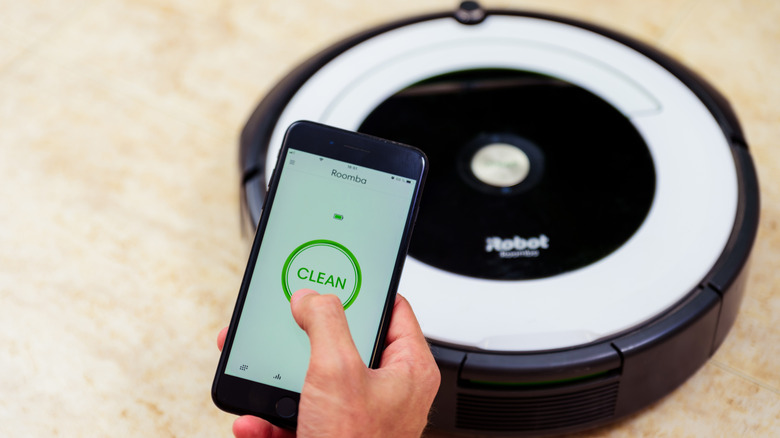
Once you have an idea about when you want to deploy your robot vacuum, smart scheduling can take it to another level. Many modern machines let you configure daily or weekly cleaning schedules to match your lifestyle. In a few taps on a mobile app, you can set the robot to clean when you're out, or to pause when you're home, or vice versa if the safety aspect is important to you.
Even better, robots with mapping capabilities let you clean specific rooms on different schedules so that you can send it to busier areas more often, and also set no-go zones around things like pet bowls, large plants, loose cables, and fragile furniture or ornaments. As for how often to deploy your robot vacuum, that's something you'll likely learn over time, and may well be influenced by your tolerance for dust!
While a robot vacuum can do a lot by itself, it still needs some TLC to keep functioning. For example, don't forget to clean the brushes occasionally, and be sure to empty it regularly, too, unless you have a high-end model that empties itself. Also, be sure to wipe the sensors from time to time, clean or replace the filters, and make sure the wheels are free of detritus. Additionally, make occasional checks to ensure the device's firmware is up to date, and generally do what you can to avoid commonly made mistakes with robot vacuums. Rest assured, if you treat your trusty robot cleaner properly, it should keep the floors in your home spick and span for many years.