

Why Do MacBooks Get So Hot?
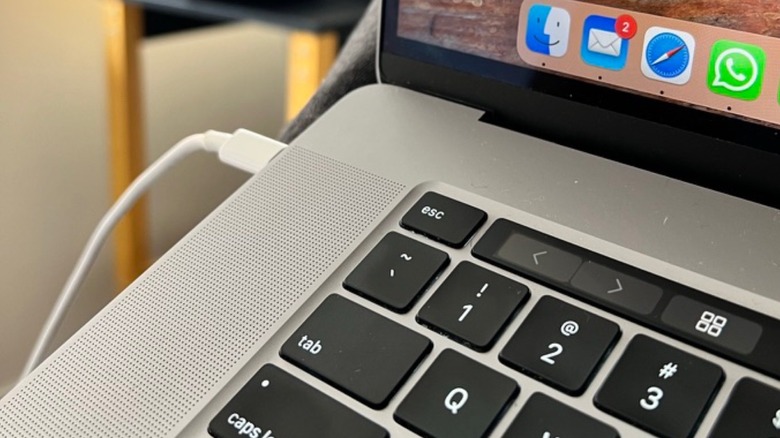
If you have the feeling your MacBook is getting hotter and hotter, there might be several reasons. First of all, most users who complain that their Macs are getting hot have Intel laptops; the last generations of those computers from 2016 to early 2020 were especially plagued by overheating issues, which we'll get into more later. If you have an M1 MacBook or newer, it could overheat when you're overstressing the machine, especially if it doesn't have a fan, like MacBook Air models.
Still, in general, Macs aren't supposed to overheat, especially because Apple has tighter control over hardware and software than most Windows manufacturers. For example, the company says that its line of computers complies with all temperature limits and safety standards set in the U.S. and the rest of the world. Not only does Apple urge users to keep their device up to date, but it also recommends keeping it in ambient temperatures between 50 and 95 degrees Fahrenheit.
Listed among Apple's recommendations for overheating prevention are several things that we, as owners, do with our laptops that we shouldn't. This includes using the Mac on a pillow or on an uneven surface, leaving it in a parked vehicle, or using an adapter that is not ideal for the device.
Intel MacBooks get really hot, and you can't do much about it
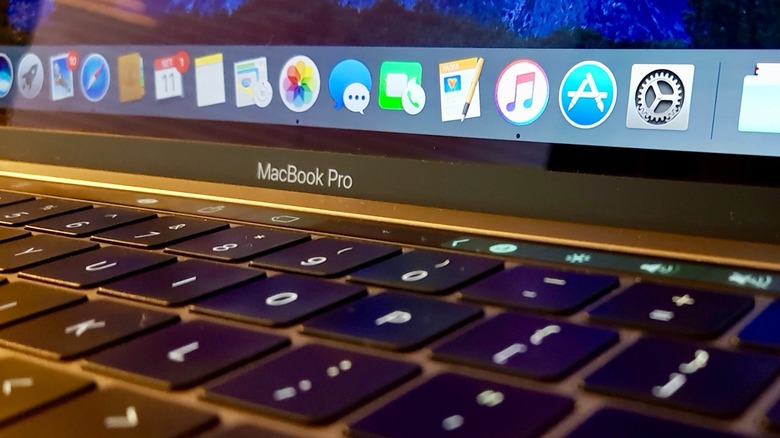
Three issues plagued Intel MacBooks, especially the latter models, before the transition. Apple designed its computers to be as thin and sleek as possible. However, the company left very little physical space in the chassis for the air to properly flow and dissipate heat. Beyond that, Intel chips at the time heavily relied on high power consumption and Turbo Boost frequencies, which generated a massive amount of heat. Finally, MacBooks would take too long to ramp up the fans to maximum speed due to Apple prioritizing quiet operation. Some internal components would get extremely hot before the fans would start to work, and by then, the system would already be throttling, resulting in a subpar user experience.
The good news is that Apple tackled these problems with its proprietary chips and a new industrial design. Even fanless machines, like the MacBook Air, now stay significantly cooler than the Intel-based predecessors did. On top of that, if you're still holding on to an Intel laptop, this is probably the best time to upgrade. With macOS 27 set to be released later this fall, Apple will not support any Intel Mac, meaning it won't be updating these machines to get the latest software features, security fixes, and other upgrades. While macOS Tahoe gave a glimpse of the Mac future, Intel users now have to update to a newer machine.
What if my Apple Silicon MacBook is overheating?
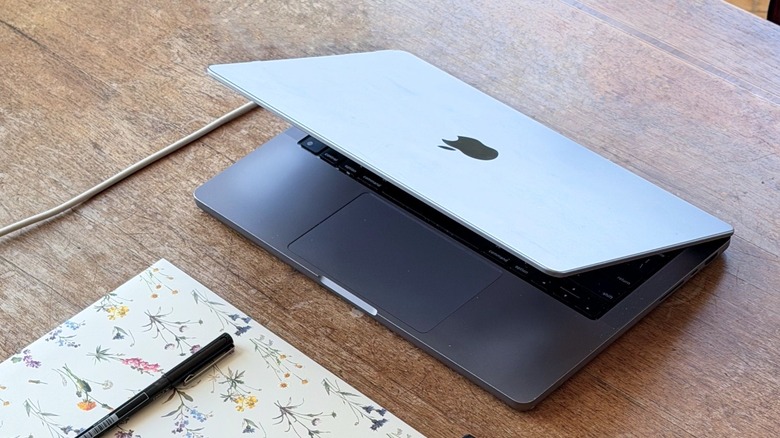
For its own chips, Apple uses a System-on-Chip architecture that integrates CPU, GPU, and RAM into a single unit, which minimizes energy loss and heat generation. With higher power efficiency, the company is able to push its computers without making them overheat. Still, if you have a laptop with an M1 chip or newer that is overheating, it's worth checking a few things.
For example, you might be pushing it to its limits. If you check the Activity Monitor, you can view CPU activity and understand what's consuming the most power on your Mac. Of course, if you're playing demanding games or creating 3D models, then your computer might get warmer, but it shouldn't overheat. Highly demanding AI tasks, or using a Max processor in a 14-inch MacBook Pro, can also cause the laptop to warm up quickly, as the cooling system in a thin design can't always handle the heat generated by powerful chips.
Usually, updating the Mac to the latest software version, checking the Activity Monitor, and ensuring proper airflow is more than enough to bring it back to normal temperatures, but understanding the limits of your Mac can make a real difference. For example, though a MacBook Neo isn't meant for editing ProRes 8K files with multiple layers, it also shouldn't overheat with a few Safari tabs open, Apple Music playing, and some light photo editing.