

HEIC Vs. JPEG: What's The Difference And Which File Format Has Better Image Quality?
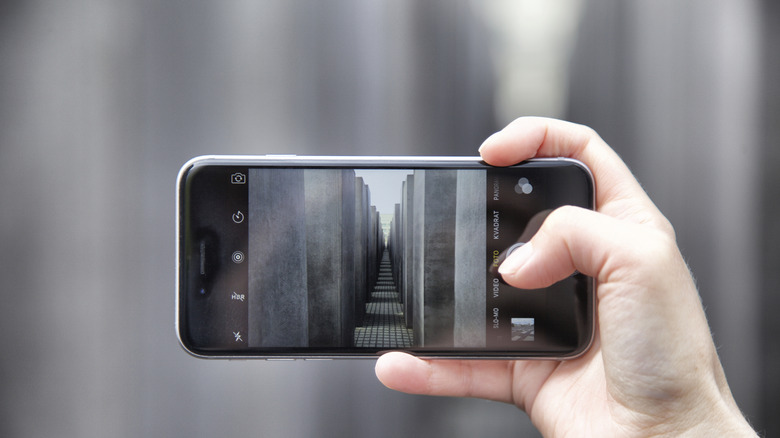
High-Efficiency Image Container (HEIC) and Joint Photographic Experts Group (JPEG) file formats each have their benefits and drawbacks when you think about which is best to use when saving photos on your device. HEIC is a variant of High-Efficiency Image File format (HEIF), which was published in 2015 by the Moving Pictures Experts Group (MPEG) and saw wide-scale adoption when Apple started using it as the default image format for its operating systems in 2017. On the other hand, JPEG was first published in 1992 and became adopted by the Netscape browser in 1994 — as well as the Internet Explorer browser, which was discontinued after 30 years. JPEG played a key role in the early days on the internet and became one of the most-used digital image formats in the world.
HEIC is a more efficient format, able to store highly-detailed photos at approximately half the storage space taken up by JPEG. However, while HEIC can save photos much more efficiently, it's less supported across brands and ecosystems. A JPEG image can be saved and opened on almost any type of device or software. Some other brands allow the use of HEIC, which is one way you can have Roku's backdrops turn your TV into an art display, but it's still not very common.
If you're an Apple user wanting to save highly-detailed photos as efficiently as possible, HEIC will have few downsides — if any. But if your goal is to save photos in a format that can be shared and edited almost anywhere without needing conversion, JPEG is for you. Be cautious, though; while HEIC can be edited and saved without losing quality, JPEG is a lossy format, which means it will reduce an image's quality and detail every time it's re-saved.
HEIC vs. JPEG on Android and iOS
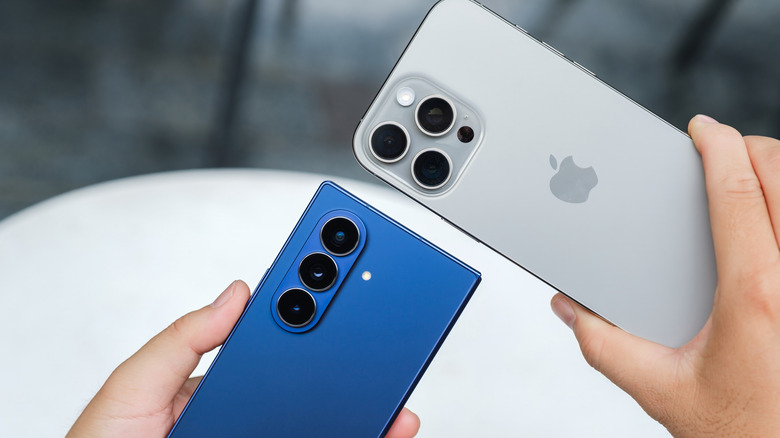
Since Apple adopted HEIC in 2017, the file format is already set as the default image file format on the camera app. Not many users opt to change the default format, as it's compatible across the Apple ecosystem — and Apple systems tend to be considered as the best when editing photos professionally. If you do want to use JPEG on your Apple device (running iOS 26) by default, go to Settings > Camera > Formats, and change Camera capture to "Most Compatible". This will change your still camera captures to JPEG format and your video capture format to H.264, which is also a widely-supported video file format.
Default image formats vary on different Android devices, but most phones with the OS can only take photos in JPEG format. For example, while we praised the Google Pixel 10's camera in our review, it cannot take HEIC-formatted images in its default camera app. The latest Android OS does support reading HEIC files, but actually creating them is another matter. The Samsung Galaxy S26 is an exception to this rule, being able to take photos in HEIF by switching formats within the camera's settings.