

How Long You Should Wait To Charge Your iPhone After Dropping It In Water
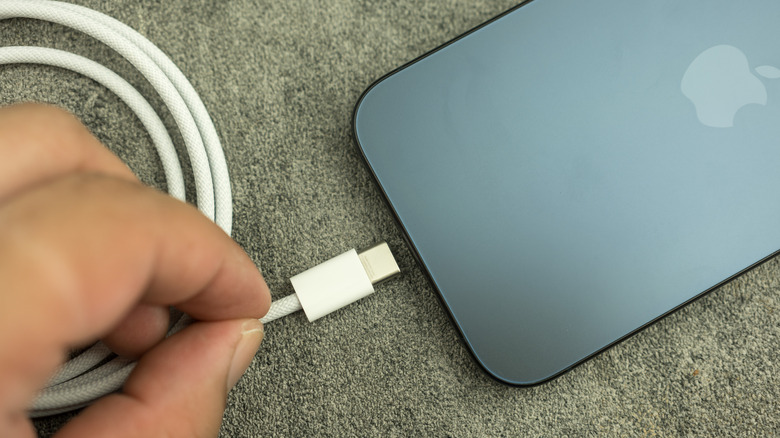
No matter your experience with electronic devices, there's good odds you know they're not friends with water. Considering an iPhone follows you wherever you go, it's possible you've felt your stomach sour when accidentally dropping it into water. These days, water isn't a death sentence, but there are some things to know before reaching for the charging cable.
In terms of water resistance, iPhones received an IP68 rating since the iPhone 12 lineup, meaning they can withstand being submerged in water up to 6 meters for 30 minutes. Even iPhones going back to the iPhone 7 series have water and splash resistance. Despite this, it's actually a popular iPhone myth that they are completely waterproof. However, Apple does have measures in place to warn you if the phone detects water, which will force you to take precautions like waiting 30 minutes to a day before charging your device with a cable.
Apple warns that attempting to charge a wet device can lead to permanent damage or corrosion on the device's charging port and cable. On the flip side, so long as the back of your device is dry, Apple says wireless charging is okay. The company isn't a fan of the rice-in-a-bowl trick, but accidents happen, so here's what you can do should your iPhone take an unexpected plunge.
What to do if your iPhone gets wet
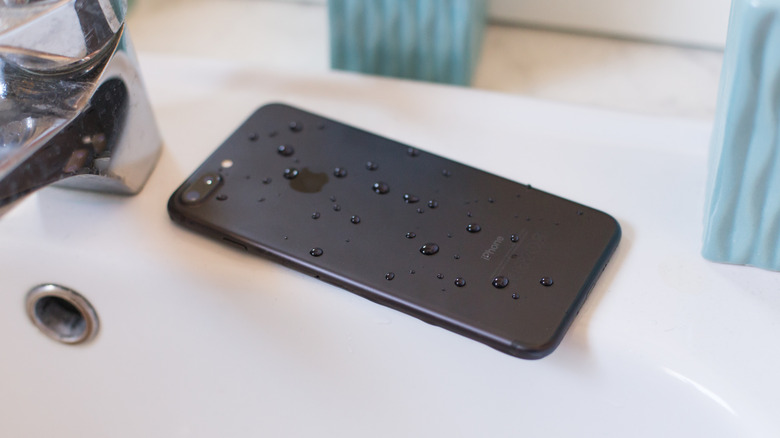
How long a phone port takes to dry depends on a number of factors, but Apple has a contingency plan if a port gets wet. An iPhone has two different alerts when it detects water: A "Charging Not Available" warning if an iPhone with a Lightning port is connected to a cable when it detects water, and a "Liquid Detected in USB-C Connector" warning if the same happens with USB-C. Users who receive either warning need to disconnect the iPhone from the cable, then the cable from the charging block, for safety.
Then, if your iPhone is wet, start by tapping the device against your hand with the connector facing downwards to expel liquid, and leave it to dry in an area with airflow. After 30 minutes, you can try charging the device using a cable. If you get the message again, let the phone dry in the same area for up to 24 hours — you can keep trying to charge during this time. If the battery still won't charge, remove the cable from the adapter, the adapter from the wall, and reconnect everything again.
Do not insert anything into the port as you wait for it to dry. Additionally, don't use compressed air or an external heat source to try to speed up the process. The cable or wall charger may also be damaged if they got wet, so test other models once the phone is dry. You may also want to know how to deep-clean your iPhone safely.