

Is Apple's Touch ID Button On Your MacBook Actually Safe?
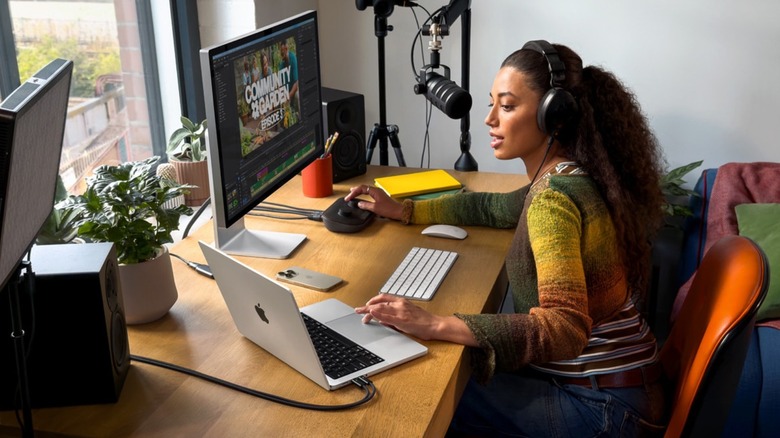
Apple's Touch ID button on the MacBook is safe. The biometric authentication tool reads the skin pattern directly underneath your outer skin, then turns it into a mathematical representation of your print that gets stored in the device's Secure Enclave. The Secure Enclave is like a security chip. It stores sensitive information, like your passwords, health data, and your fingerprint representation, so nobody can access it — including Apple.
First released over a decade ago on the iPhone 5s, Apple quickly expanded the Touch ID button across its products, first arriving on the iPad and later on the MacBook. With the launch of the iPhone X in 2017, the company introduced Face ID. This split Apple's devices; some, like the iPad Pro and most iPhone models since the iPhone X, use Face ID, while devices like the rest of the iPad lineup and all MacBooks use Touch ID.
Even though Apple touts Face ID as its best biometric authentication tool, Touch ID never went away. It actually only got faster since it was first released so many years ago. When it was first released, Touch ID took a few seconds to work, but starting with the iPhone 6S, Apple updated the sensor, making it a lot faster. On MacBooks specifically, it works great to rapidly and securely unlock the computer, make payments with Apple Pay, and even authenticate passwords with just a tap.
How safe Touch ID actually is
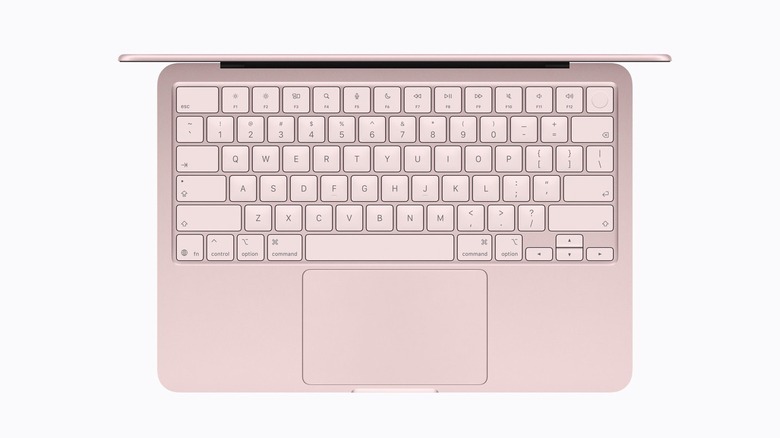
A regular four-digit passcode offers a 1 in 10,000 chance of it being guessed by brute force. Touch ID, on the other hand, operates on an entirely different scale. Not only is every fingerprint unique, but the mathematical probability of two separate prints sharing enough similarities to register a false match on the sensor is 1 in 50,000 for a single enrolled finger. Unlike a password, there's no such thing as an easily guessable fingerprint pattern.
Besides that, users have five unsuccessful biometric attempts before the sensor shuts down completely, forcing you to input your password. What also makes Touch ID so good is that whenever you restart your Mac, if it has stayed more than 48 hours without the last unlock, or when a fingerprint or security settings are being changed, Apple requires users to confirm their password again.
On the Mac, Touch ID is even more useful. Since computers are often shared with different people in a household, Touch ID makes macOS' secure, instantaneous profile switching even easier based on who touches the sensor. To maintain performance and security boundaries within the secure enclave, the system limits data storage to three fingerprints per user account, with a strict system-wide cap of five total prints across all profiles.
Face ID might be more secure, but it's still not on the Mac
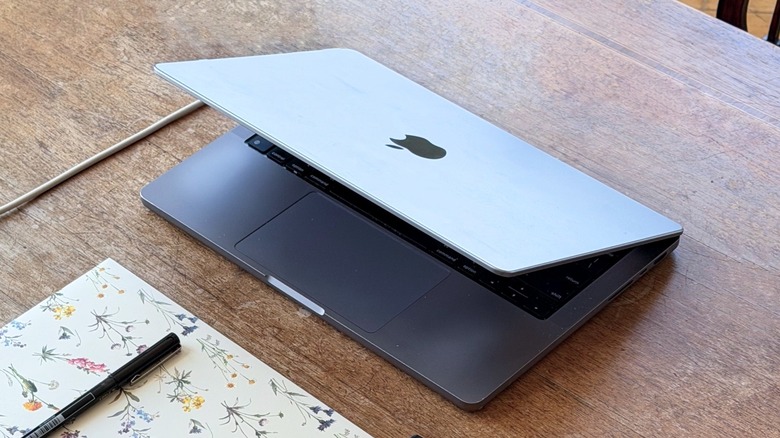
Both Touch ID and Face ID are really secure, but Mac users only have access to the former. There are rumors that Apple is planning to bring Face ID to the Mac, but this is unconfirmed. Comparing both of them, Touch ID has a 1 in 50,000 chance for a false match, while Face ID drops it to 1 in 1,000,000. However, as many reports showed in the early days of the Face ID launch, Siamese twins or close family members have a higher chance of unlocking each other's phones. This wouldn't happen on a Mac, as even twins don't share similar fingerprint patterns. Still, there might be a few situations where Face ID is more convenient. For example, if your hands are wet or sweaty, the Touch ID sensor might not work properly. With Face ID, as long as you're looking at the sensor, you're good to go.
Long-story short, Mac users shouldn't worry about the biometric authentication on Apple's computers. There is no evidence that this sensor can be hacked, and the only recorded time it happened was in the early days of Touch ID. Since then, Apple has improved the technology, and users can rest assured their data is safe. If Apple ever updates the MacBook with Face ID, then unlocking the Mac will be even more convenient. But the way the authentication works right now is already top-class level for users.