

Why Did Apple Bring Back MagSafe Charging On MacBooks After It Was Discontinued?
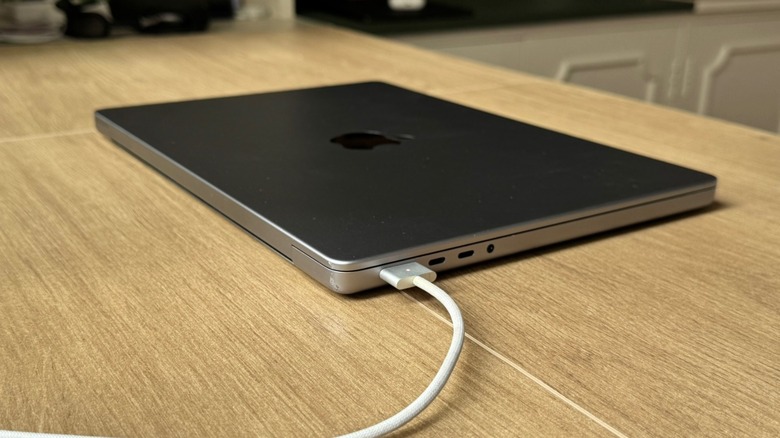
You shouldn't fix what's not broken, right? Well, in Apple's case, the company greatly revamped the MacBook Pro in 2016 with a Touch Bar, a thinner and lighter design, a new keyboard mechanism, and only USB-C ports. Why? There's no proper answer, but a few years before, when the trashcan Mac Pro was announced, an Apple executive said the company would just continue to innovate (or something like that). Still, what was supposed to be a revolution in the MacBook's case backfired. While Apple got back on the right track five years later, one of the biggest misses of that generation was that it removed the MagSafe charging port.
At that time, the company didn't explain why, and its press release only mentioned that the brand-new MacBook Pro featured "super-fast SSDs and up to four Thunderbolt 3 ports." It was the era of Apple's very thin products that eventually started to overheat and present several other issues. Fast-forward to 2021, when Apple redesigned the MacBook Pro with the M1 Pro and M1 Max chips, and, among the changes, the company brought back MagSafe, now in its third iteration, with everything users loved about the previous version, but with a few extra perks. At that time, the company only acknowledged the return of this fan-favorite feature without a big mea culpa over previous faulty keyboards, the not-so-useful Touch Bar, lack of ports, and terrible thermals with underwhelming chips.
Here are the advantages of MagSafe 3
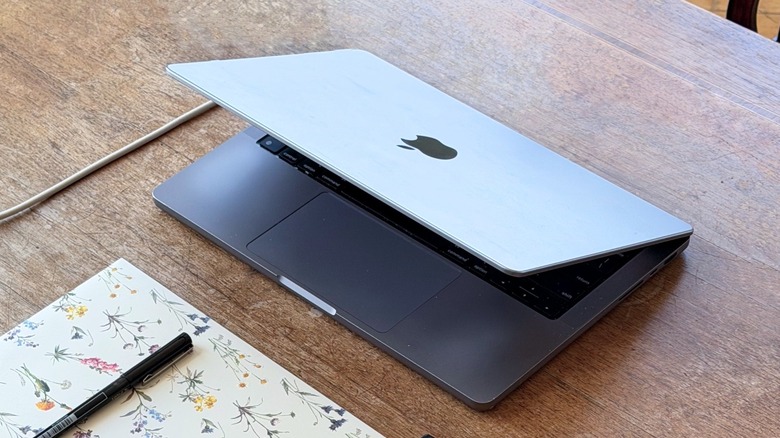
When Apple revealed the 2021 MacBook Pro, it added an all-new mini-LED display, an improved industrial design, the old and reliable scissor mechanism for the keyboard, new ports, Apple Silicon chips, and a revamped internal design to keep the laptop cooler, while also bringing back MagSafe. In its third generation, the company explained in a press release what made this technology so good. "MagSafe returns to MacBook Pro with MagSafe 3, featuring an updated [braided] design and supporting more power into the system than ever before. MagSafe 3 makes connecting a charge cable quick and easy while protecting the MacBook Pro."
Apple also promised fast charging for the Mac, with the computer charging up to 50% in 30 minutes. Still, as a long-time MacBook Pro user, the most important gain from having MagSafe back is that every time I bump into the MacBook cable, I know the laptop won't fall. Instead, the MagSafe cable will simply pop out of the computer, ensuring that I'm not breaking the cable or sending the MacBook crashing to the floor because I forgot I was charging it.
Unfortunately, this happened to me with the last Intel 16-inch MacBook Pro, which was what made me quickly upgrade to the M1 Pro version right after it became available. While MagSafe 3 only works with compatible newer MacBooks, it's more convenient to have an extra, more secure cable than just relying on USB-C, even though a USB-C cable can charge almost all my Apple products.
When you should use MagSafe or USB-C
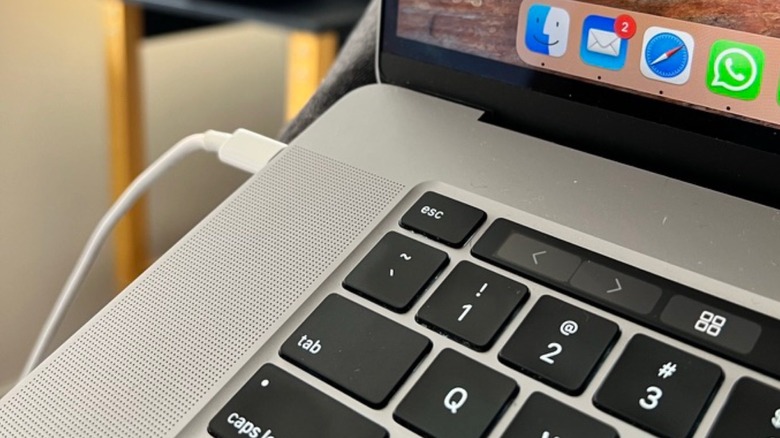
While a regular braided USB-C cable can be really handy during a trip, when you're at the office, and in many other situations, the MagSafe 3 cable should always be your go-to option. That's especially true if you often stumble into things, or if you have kids, pets, and a lot of people around you. For example, as a journalist, I often find myself surrounded by cables in a press conference or a media room.
Over the years, I've seen many accidents where distracted journalists have taken out another person's entire computer setup because they weren't paying attention to the huge number of cables around them. While most cases didn't result in much damage, those of us who had a MagSafe 3 cable didn't have to worry. After all, whenever the cable gets pulled unexpectedly, it just detaches from the port, and nothing else happens. With a USB-C cable, on the other hand, everything flies together.
That said, if you have one of the latest MacBooks, you should treasure the MagSafe 3 cable, as Apple's replacement isn't exactly cheap. Even though a regular USB-C cable is always welcome in an emergency or on a trip where you don't have a lot of space, MagSafe is your best friend to avoid accidents and help you take care of a very expensive computer.