

Is It Safe To Download Apps Outside Of The Mac App Store?
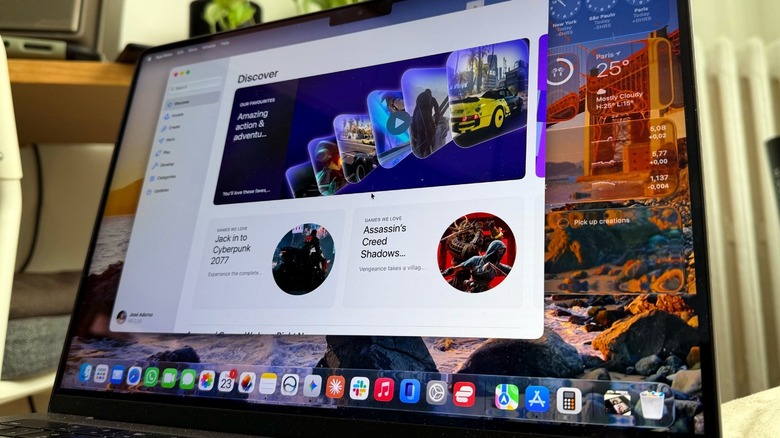
Downloading apps outside of the Mac App Store is safe, but, as with anything online, you need to be careful about where you find software for your computer. The Mac has been available for over 40 years, but its App Store only arrived in 2011, followed by the striking success of the iPhone App Store, which means that for the longest time, Mac users didn't have an "official" place to download the software they needed. So what did they do back then? They used to buy CDs to install software, or they would download them online, such as a new browser, a program to unzip files, and so on.
Seeing how popular the iPhone App Store was becoming, the company decided it would be convenient for users to have a single place where they could find, buy and download apps using the iTunes (now Apple) Account. At that time, Steve Jobs announced that more than 1,000 apps were available. Over the years, Apple added to the discourse that the App Store would give users peace of mind, as every app would undergo rigorous testing, avoiding malicious apps, software that could steal your data, or explore possible security flaws.
Still, while many Mac users do take advantage of the Mac App Store, there's no real reason why someone should only download apps from there, especially because computers, in general, always worked differently than an iPhone, for example.
How to spot malicious apps
While some apps can only be found on the Mac App Store, such as Apple's Creator Studio, it's more likely that you need to go outside the App Store to find a program. For example, if you don't want to use Safari, you'll need to download Google Chrome, Opera One, or Microsoft Edge outside the Mac App Store. However, since customers know that Google, Opera, and Microsoft are trusted brands, they don't worry about downloading these apps outside Apple's system.
The real trick is to pay attention to the URLs, especially since Google offers sponsored content before the proper results. Check in forums and with other users to see if they're familiar with the app you want to download. It's important to get software directly from the source. That said, if you want to take advantage of Adobe Premiere, it's safe to say that you should go to Adobe's website and subscribe to the Adobe Cloud to get access to Premiere. Downloading a rip-off version from a weird internet forum will likely lead to problems, and you can never trust what else the person who ripped off the software put into their version of Premiere.
Still, even if you don't follow these rules, Apple also has a few security protocols whenever you try to download something outside the Mac App Store, all to help you avoid getting a virus on your MacBook.
Apple has your back (a little too much) when you download outside the Mac App Store
When you download an app outside the Mac App Store and try to open it, Apple will give you a warning: "The app is not from the Mac App Store." After that, you can choose whether or not you want to open the software. While this can be a good last-minute thought before opening a malicious app, it shouldn't be a problem if it's from a trusted brand, even if Apple will display that for every app downloaded outside its store.
If you want to stop seeing that warning, go to the Apple menu, System Settings, Privacy & Security, Security, choose "Allow applications from," and select App Store & Known Developers. If you're sure that you have a legitimate app, but Apple keeps denying you from opening it, you can override the security settings to allow any software to open on your Mac after you double-click.
In the same Security tab, click the "Open" option and then "Open Anyway." Apple says this button becomes available for about an hour after you try to open an app the company prevented you from opening. After you authenticate with your login password, the app will open, and it will be saved as an exception in your security settings.