

4 Disadvantages Of Using Bluetooth For Everything
The tech industry has spent the last decade pretty much forcing everyone to ditch cables. In recent years, headphone jacks have vanished from most phones and true wireless earbuds have become the ubiquitous accessory, all thanks to Bluetooth technology. And at first glance, a completely cable-free lifestyle feels like magic; you're free to comfortably walk around your house without snagging a cord on a rogue doorknob. But in leaning so exclusively on Bluetooth to connect all of our gadgets, you end up dealing with a variety of common Bluetooth problems.
Bluetooth, with its unmistakable blue rune icon, is all around us today, from smart home speakers and wireless earbuds to our smartwatches and gaming controllers. Diving headfirst into Bluetooth means trading the flawless simplicity of a physical plug for regular headaches over issues like random disconnections and struggling to pair your earbuds. Living the Bluetooth lifestyle means regularly dealing with these hidden costs.
So before you go all-in on Bluetooth for everything, it's worth taking a moment to understand some of its functional limitations. The tech world's relentless push into wireless tech makes it easy to forget things like the sheer reliability of analog connections, offering up new glitches and hassles we simply didn't have to deal with a decade ago. Is it worth the trade?
Constant battery drain anxiety
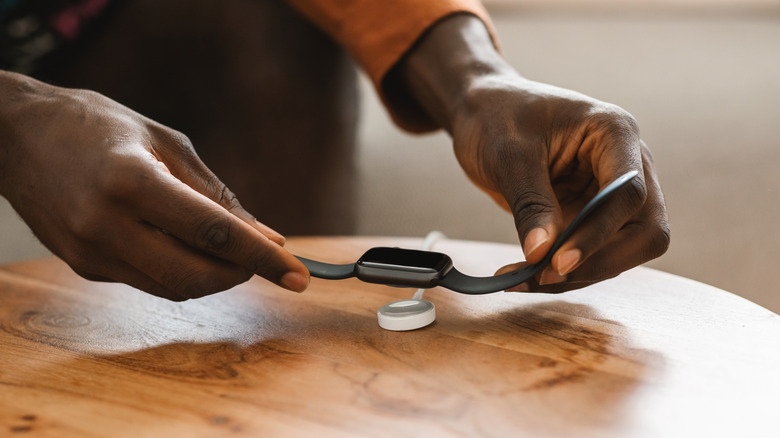
Analog accessories are the ultimate plug-and-play devices because they draw power straight from the source; your wired studio headphones and wired computer mouse will never, ever need a wall outlet or die on you right when you need to use them. But stripping away those cords means you need to keep an eye on the batteries for all your wireless devices. And when you own wireless earbuds, smartwatches, mice, keyboards, speakers, and even things like the Apple Pencil, it can be a challenge to keep them all up and running.
This relentless cycle breeds a uniquely modern issue: battery drain anxiety. While it's nice to have a fleet of cordless accessories you can easily take with you on the go, the trade-off is having to ensure they stay charged and worrying about how much juice they have left. Think about it: there's nothing more aggravating than sitting down for a long flight or meeting with your boss only to hear your earbuds ding their dreaded low-battery chime. That's just as inconvenient as a cable tethering you to your laptop, if not more so.
It's worth noting that continuously broadcasting a wireless signal also drains the battery of the device you're connecting your Bluetooth gadget to. Devices burn through their own batteries faster than normal, especially when juggling multiple wireless peripherals. Furthermore, although battery cells will naturally degrade over time, many of these gadgets are sealed shut by manufacturers and impossible to repair. As a result, some perfectly good hardware gets condemned to the landfill, despite only needing a new battery. Trading cords for this feels wildly uneven.
Decreased audio fidelity and latency issues

For anyone who genuinely cares about how their favorite albums sound, listening to them on wireless headphones via Bluetooth means settling for audio quality that's "just fine," and not "outstanding." Sending complex audio data over Bluetooth requires it to get compressed; when your smartphone beams John Coltrane's "Giant Steps" through an inexpensive pair of wireless earbuds, for example, that file gets aggressively squeezed to fit through the limited bandwidth. This process strips away the song's wonderfully subtle, dynamic details, leaving you with a mix that sounds flat and somewhat lifeless compared to the original master.
While some premium wireless headphones try to mask this with various processing tricks or leave you to tinker with the settings, a copper auxiliary cable can deliver superior sound for much cheaper. Audiophiles know that even budget-friendly wired earphones can outclass premium wireless models simply because there is no digital bottleneck ruining the audio quality.
And sound fidelity isn't the only casualty; latency is also a stubborn problem. The brief delay between a screen playing a video and the earbuds receiving the audio can create annoying lip-syncing issues during video calls. For gamers, this lag is even more destructive, as even a split-second delay in hearing in-game audio, like footsteps or a gunshot, all but guarantees damage or defeat. No amount of sleek, futuristic design can make up for the fact that a simple wire transmits sound faster, richer, and far more reliably than invisible airwaves actually ever will.
Frustrating connection drops and pairing quirks
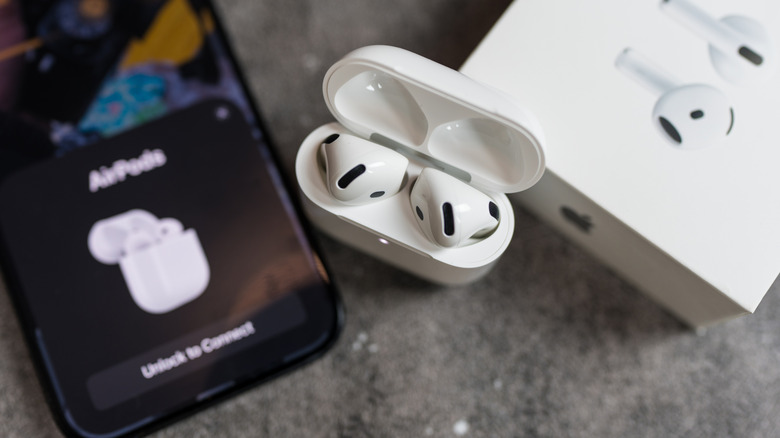
Even after years of constant software updates, pairing devices wirelessly can still be a wildly inconsistent gamble. Plugging a cable into a port works instantly, takes zero thought, and removes any need for troubleshooting from the equation. Wireless pairing, on the other hand, gets messy fast. You can get stuck navigating device menus, trying to find the correct buttons to launch pairing mode and hoping the device you want to connect to actually recognizes the accessory.
And even when you get successfully connected, stability is not a guarantee. In fact, there are plenty of things that can interfere with Bluetooth connections. Random signal dropouts are a common issue, especially when you're in crowded spaces like coffee shops, dense apartment buildings, or busy open offices where there are dozens of overlapping frequencies fighting for the same limited airspace. Multipoint gadgets offer a similar flavor of chaos. They promise to let your wireless headphones effortlessly switch between computer and phone, but sometimes struggle to do so, especially if you're moving between different operating systems like Android and iOS. Either way, you might be stuck troubleshooting.
Fixing these disconnects usually means spending time digging through system menus, forgetting the Bluetooth device, restarting the pairing device, and starting the tedious setup process entirely from scratch. These irritating hiccups turn basic tasks into amateur tech support sessions. In contrast, relying on an old-school wired plug skips these issues entirely, guaranteeing a solid connection the second it's plugged in. Bluetooth is fantastic when it works, but are these ridiculous issues part of the technological future we were promised?
Distance limitations act like an invisible leash

Tech companies relentlessly market wireless Bluetooth gadgets as the peak of freedom when it comes to movement. However, this freedom isn't exactly infinite. In fact, earlier Bluetooth versions limited you to a distance of roughly 33 feet. And although recent Bluetooth versions tout a much greater theoretical range, a variety of everyday physical obstacles like concrete, wood, glass, and metal can aggressively limit or scramble Bluetooth's fragile signal. So while you do have a little more room to roam, comparatively speaking, you'll still need to stay within that range or carry your paired device around with you. If you choose not to, that illusion of mobility will likely be shattered the moment you walk a few steps too far. While that's not much of an issue for many of the Bluetooth gadgets perfect for home offices, it's flat-out problematic for your wireless earbuds or headphones.
On paper, the offered room seems plentiful. In the real world, however, that bubble can shrink at an alarming rate. Walking away from your desk to go grab a snack in the kitchen can be enough to trigger stuttering audio or completely sever an important work call even if you've moved only a short bit, especially when there's a lot of external interference. While Bluetooth headphones are comfortable and offer some convenience, this limited range ultimately only offers you slightly more freedom.