

This iOS Feature Can Be A Lifesaver When Your iPhone Turns Off
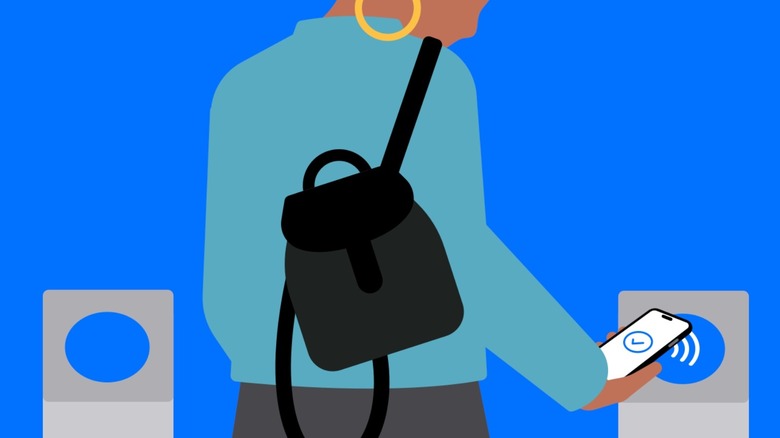
Sometimes, even the iPhone with the biggest battery life can turn off after a long day of intense use, unreliable internet connection, or very warm temperatures. In that case, your device still has a key feature that can allow you to go back home safely, as long as you have Express Mode and an Express Transit Card on with a payment or transit card designated to it. This feature was introduced years ago, and it's available in a wide range of iPhones, meaning that even when you don't have battery left, for a while, you can still use the NFC sensor on your iPhone to use your city's transport card (like Paris' Navigo card or London's tap-to-pay functionality).
More interestingly, Express Mode also allows you to use some keys and passes, which means you just need to approach your iPhone to the sensor, entirely skipping Touch ID, Face ID, or a code. According to Apple, the Express Mode can work for up to five hours for those cards, passes, and keys that have this functionality thanks to its power reserve feature. To check which cards and passes are available, simply press the side button when you have no power left, and then a battery icon will show up to indicate Express Cards can still be used.
How to activate Express Mode before you need it
To activate Express Mode on your phone, you can add a Transit Card through Wallet or check Wallet & Apple Pay in your iPhone Settings. For the sake of making this process straightforward, let's focus on the iPhone Settings option. There, you should scroll down to the Transit Cards option and then, it depends on where you live. After all, the Transit Card is available in Paris, the Greater Toronto Area in Canada, several Chinese cities, Hong Kong, Japan, South Korea, and a few cities in the U.S.
Make sure to activate your Transit Card and then you can select one of your Payment Cards for whenever you're in a city that doesn't have a proper Transit Card but accepts a regular card for paying the fare. With these cards added, you'll be ready if your phone suddenly dies and you still need to make it home. That said, don't forget to add and authenticate your cards to Apple Pay following the on-screen instructions, depending on your bank (as there are three useful features you should be using), to ensure that you won't be literally left alone if your battery dies. Still, it's never a bad decision to take a look at simple iPhone settings to help the battery last for longer.