

The Cheapest Way To Make Your iPhone 17 A Better Work Device
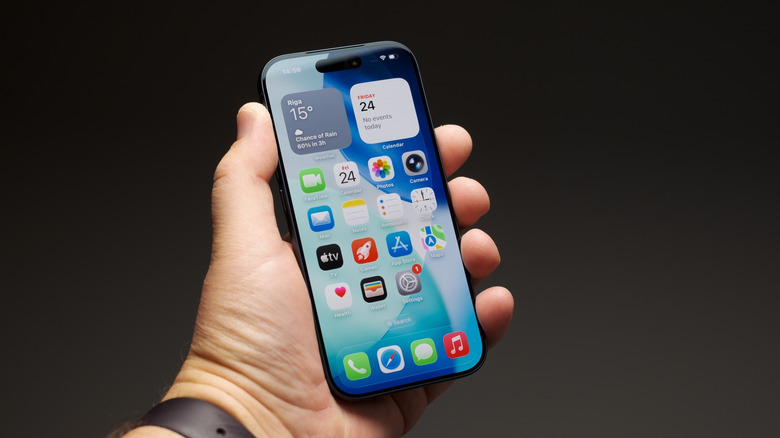
The iPhone 17 from Apple can be a powerful work device once you start cracking the whip. While the phone has automated features to maintain battery life through the day and manage brightness, once you get your fingers into it, you can turn the iPhone 17 — with its genuinely excellent value — into a work productivity powerhouse. The best part is that it's baked into the iPhone already, no need to buy anything. That's right, it's time to use Focus and Shortcuts.
The various shortcuts on iOS are automations that can be run to perform a task. Created using a non-coding scripting language, you can use Shortcuts to save PDFs, manage expenses, and move files without having to touch the Files app, for example. More complex functions, like altering the Action Button to display a menu of tasks you run regularly, are also available. However, this is just one step for improving the work capabilities on your iPhone 17.
Focus on iPhone will help your work-life balance
Another way to boost your productivity, via an improved work-life balance, is to dig into the iPhone's Focus mode. For most users, it may be best to avoid keeping work apps accessible after you're done for the day, or even before you've clocked in. If looking at emails while heading to work is a habit, for example, it's one that the customizable profiles within Focus mode can help you break.
Focus mode allows you to set up Do Not Disturb and Work profiles that can be used to silence apps while that profile is activated. For instance, by shifting your work email to its own app, you can access personal emails while avoiding your work account outside the office. This goes for communication and productivity apps as well, like Signal, WhatsApp, Trello, and Slack. The process also works in reverse, helping prevent you from getting distracted while working.
These profiles also allow you to customize the phone's Home and Lock Screen, so you can dedicate pages for work that only appear when the profile is active. Focus mode has improved since its arrival with iOS 15 in 2021. It now supports mailbox filters, calendar filtering, and allows dual SIM users to choose which line rings through. With Smart Activation, your Focus modes can even be switched on automatically based on a schedule, when you arrive at a set location — like work — or when an app opens.