

What Does Adaptive Mode Mean On AirPods?

Over the past few years, Apple has added several new listening modes to its AirPods. And while the obvious upside is that every addition provides users with more options to improve the listening experience, the downside is that the myriad of listening options can leave new users a bit overwhelmed, if not downright confused. Indeed, even seasoned AirPods users might not be fully aware of the difference between listening modes like Active Noise Cancellation (ANC), Transparency mode, Conversation Awareness, and Adaptive Audio.
The good news, though, is that each of these features becomes rather intuitive once you start playing around with them. One of the more useful features listed above is Adaptive Audio, a highly praised AirPods feature Apple introduced in 2023 via an AirPods Pro 2 software update. Adaptive Audio eventually came to Apple's regular AirPods line one year later with the release of the Active Noise Cancellation version of the AirPods 4. Incidentally, Apple just announced the AirPods 5 at its media event last week.
So what exactly is Adaptive Audio? Put simply, the feature is able to determine what type of acoustic environment a user is in and automatically and dynamically adjust the balance between Active Noise Cancellation and Transparency mode. For example, if you walk into a bustling Apple Store, your AirPods will automatically dial up the amount of noise cancellation based on how loud the surrounding environment is. When you leave the Apple Store and step onto a quiet street, the level of noise cancellation will go back down. All told, using Adaptive Audio is a helpful way to keep the volume of noise in your headphones somewhat consistent even as the noise levels around you might fluctuate drastically. The feature ultimately eliminates the need for users to constantly adjust their noise-control settings between different environments.
Adaptive Audio works seamlessly with Conversation Awareness
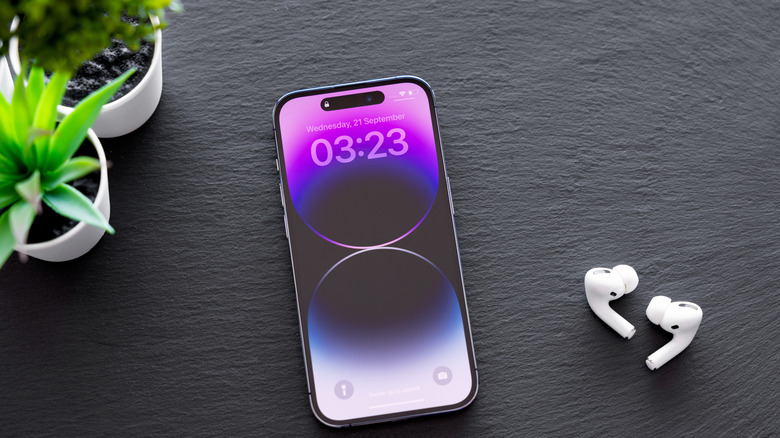
Adaptive Audio is even more useful when used with Conversation Awareness. While Adaptive Audio adjusts the level of noise cancellation based on surrounding background noise, Conversation Awareness comes into play when you actually need to talk to somebody.
In the Apple Store scenario above, imagine that an Apple retail store employee approaches you and asks a question. Conversation Awareness kicks in when you respond. As a result, it can spring into action and adjust the balance toward Transparency mode while also lowering the volume of any media you're listening to. Users can then have a normal conversation without having to remove their AirPods.
Conversation Awareness is particularly helpful because Apple notes it is able to "enhance the voice in front of you" for additional clarity. When the conversation ends, AirPods will revert to the previous listening mode at the same volume. Users can also end Conversation Awareness mode manually by pressing the AirPod stem and holding it briefly. If you have both features enabled, it's easy to go about your day wearing AirPods without having to manually adjust the mode you're in. Moving between noisy and quiet environments becomes seamless.