

How Many Photos Can The Average USB Flash Drive Hold?
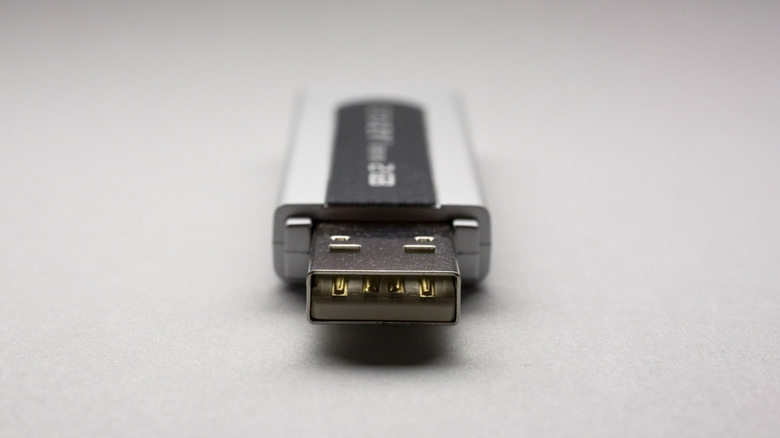
USB flash drives are not obsolete, despite what you might hear sometimes (even from us). For some people, it's extra dedicated space outside of their phone or computer where they can store documents or photos without them having to compete with their "Genshin Impact" installation. All those files are also easy to access — just plug the drive into your device. Plus, even with memory prices at inflated levels, they're pretty affordable. You can reliably pick up 64 GB and 128 GB sticks for $15 to $30, give or take — 256 GB is where there's an appreciable step up in price.
So, how many photos can you store on a fairly cheap USB flash drive? Well, let's take a 128 GB stick for example: If you're chucking straight JPEGs captured with your smartphone at around 13 megapixels, you could cram anywhere from 12,000 to 40,000 photos into that disk — if we had to pick an over-under, we'd put it at around 24,000. That variance might be astounding to you, but it will make a little more sense when you consider how much of a wild card image compression can be.
The size of a photo depends on a lot

Even when controlling for resolution and formatting, you'll find photos tend to size up quite differently when comparing dark and bright scenes. Two rules of thumb play into that. One is that image formats handle brightness data in ones and zeroes and a lack of brightness in any given area will tend to output a zero. Furthermore, with JPEG, that format's compression algorithm prioritizes preserving brightness in areas of well-defined contrast such as the edge of a sunlit object placed in front of a shaded background. There are different compression priorities across different formats such as HEIC, but the overall thrust remains the same, especially on the first rule.
Applying those rules to finer details and adding in the complication of color data, it becomes difficult to pin down a "typical" image size. The typical smartphone photos we shoot range between 3 and 6 MB, and we've seen some files tick up to 9 MB. That said, if we stick with 5 MB as a happy medium, we end up with an average figure of 23,800 photos on a 119 GB stick. Wait a second — 119 GB?
One more thing about USB flash drives

You might also notice your computer or phone reporting less storage on your drive than what's been advertised. Sadly, that's nothing new. Storage producers use base-10 or decimal data units to define and market their products, whereas computers, which make binary calculations, use base-2 or binary units. This means that a gigabyte might be 1 billion bytes or 1,073,741,824 bytes, depending on your interpretation. Binary-based units have special industry-recognized names with binary prefixes that incorporate 'bi' into the names of existing decimal orders of magnitude: Instead of kilo, mega, and giga, you have kibi, mebi, and gibi.
Now, just because computers do their math in binary doesn't mean they're obligated to display binary units. There's actually little consistency between operating systems in terms of whether they display binary or decimal units. But the worst sin, in our opinion, occurs when those choosing to display binary units will denote them using the decimal names. One such offender is Microsoft, and that's how you get a 128-gigabyte drive reporting back in Windows as having 119 gigabytes (not gibibytes) of space.
To top it all off, any sort of storage drive will cordon off a portion of their space which users cannot access. This partition contains dedicated firmware for the drive as well as infrastructure for storage and file lookup, and recovery resources in case the drive experiences a failure — something you can take steps to prevent.