

How Long Should You Charge A New Laptop Before Using It For The First Time?
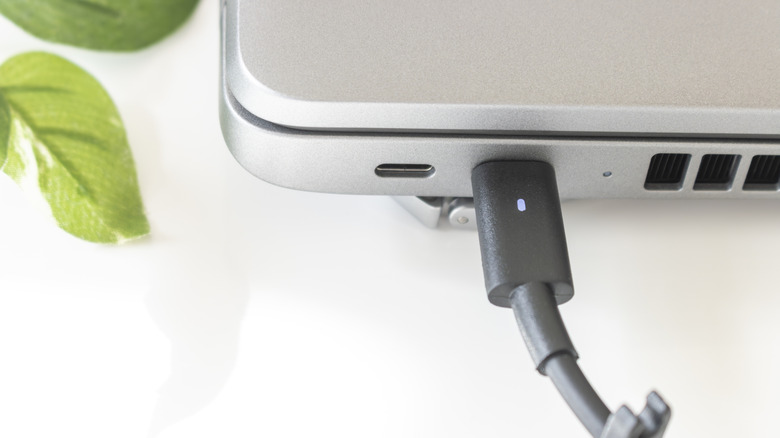
You've probably heard that new laptops should be charged fully before use. Some even say you should drain the battery and then charge it again. This initial break-in phase is believed to help calibrate the battery so its true capacity sets in. The aim is to avoid the memory effect, where partial discharge cycles lead to the permanent loss of the battery's capacity due to the unused portion of its electrode material crystallizing over time. In this sense, the battery "forgets" about the unused capacity. It usually takes about two to three hours to fully charge a laptop, but others say you should leave it plugged in for about 12 to 24 hours before the first use.
The two types of batteries known for developing the memory effect are nickel-cadmium (NiCd) and nickel-metal hydride (NiMH) batteries. Sometimes, these batteries might need three to five full charge and discharge cycles to start working properly. However, modern laptops use lithium-ion (Li-ion) or lithium-polymer (LiPo) batteries, which have no such memory effect. So you do not need to leave your laptop plugged in for any specific time before using it — these batteries do not need to be broken in.
With that said, it's recommended that the laptop be plugged in when you're using it for the first time. You don't want the battery to die on you when setting it up. Li-ion and LiPo batteries self-discharge at a rate of one to three percent per month. So if the laptop has been sitting on a shelf for too long, the battery charge might be low.
How long does it take to set up a laptop?

Setting up a laptop can be an involved process if you want to configure everything to your liking and get the most out of your new computer. However, for an out-of-the-box experience, it can take less than 30 minutes. Basic setup includes unboxing and setting up the operating system. Both Windows and Mac have setup assistants that walk you through the process, and this includes creating a Microsoft account or Apple ID (if you don't already have one). Once you can boot into the operating system, you're good to go. You just need to perform a few updates, since the OS and drivers might be outdated, and install the basic software you need (a browser and a few productivity apps).
Where it starts taking hours is when you need to transfer data from an old computer during the setup process. This will depend on how much data there is and the speed of your internet connection. What can add even more time to the setup process is installing all the software you need and customizing the appearance, security configurations, and performance optimizations. It can also pass the one-hour mark if you intend to set up backups and recovery options. All in all, you're looking at two to four hours. Of course, if you do decide to charge the laptop fully before your first use, you can add that charge time to the overall setup duration.
Is it okay to leave a new laptop plugged in all the time?
The thing about modern laptops is that they "know" when to stop charging. They have a specialized controller called the Battery Management System (BMS), and it constantly monitors the battery's condition, including the charge level. When the battery reaches 100%, it cuts off the charging process, switching the laptop's internal power to the charger. So, yes, leaving your laptop plugged in all the time is generally okay. The battery will not overcharge, meaning it won't generate excessive heat, which could speed up the rate of thermal degradation and reduce device lifespan.
However, since it's in the nature of batteries to self-discharge when not powering anything, the BMS will re-enable charging once the battery drops below a certain threshold (usually when it drops below 95%). This is called trickle charging, where the charger delivers a small amount of current to keep the battery topped off. That means you don't need to worry that your laptop is constantly trickle-charging.
While it's usually okay to leave your laptop plugged in all the time, it's also not optimal because it forces the battery to remain at its upper voltage limit for a long time. This is stressful for the battery and can lead to electrochemical changes that degrade its capacity. You should also never completely drain your laptop's battery. While the sweet spot is 50%, you should follow the 80-20 rule for rechargeable batteries.