

What Does The Watch Icon Mean On A Galaxy Watch?
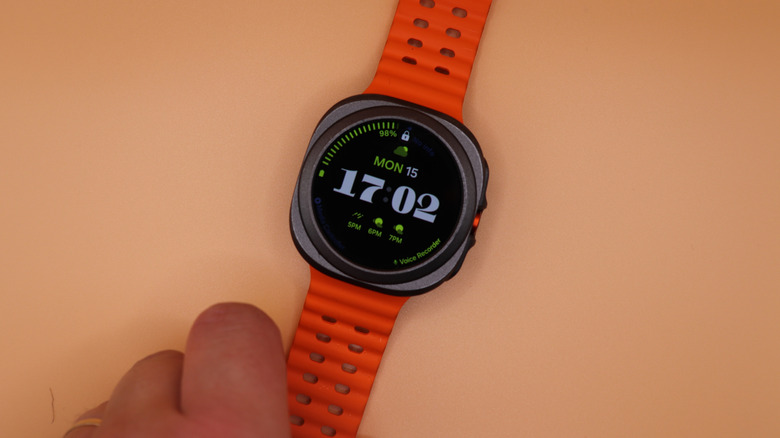
If you own a Galaxy Watch, you may have occasionally noticed a white icon that looks like a watch face, typically at the top center of your smartwatch, indicating it has lost its Bluetooth connection. This can happen for several reasons, including your watch being too far away from your phone, your phone battery dying, or because you've turned Bluetooth off on your phone. We found that some Galaxy Watch users referred to the phone being in "Watch Only" mode, but this isn't correct. Watch Only mode is a separate feature on Galaxy Watches that you must activate manually.
When you see the watch icon, you will not be able to access any of the watch's Bluetooth-enabled features, like taking calls or reading text messages from your phone via your watch. However, your watch can continue to store health data remotely, like workouts, steps, heart rate, and sleep data, as long as there is storage space on the device. Once the Bluetooth connection is restored, you can sync this information to the Samsung Health app.
What is Watch Only mode?
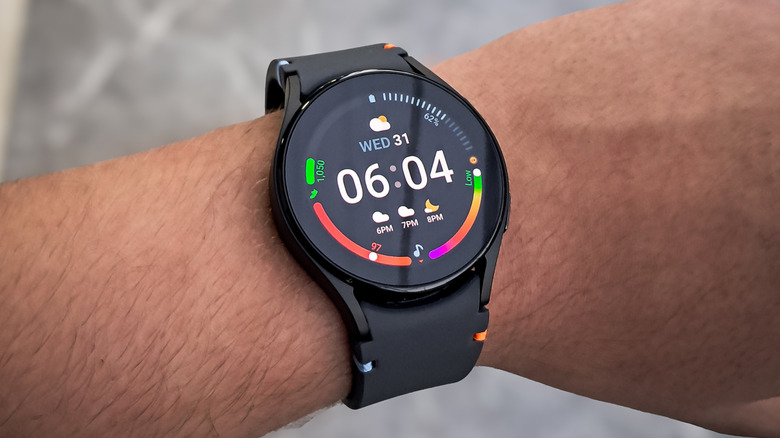
If you're wondering how the aforementioned Watch Only mode differs from the disconnected state, putting your Galaxy Watch into Watch Only mode turns your smartwatch into a regular watch and disables all other features. In addition to needing to be turned on manually, there's no icon indicating that Watch Only mode is on. The only display is a simple, non-customizable watch face showing the time.
To activate Watch Only mode, open the settings on your watch and choose Battery and device care, then Battery. From there, you can toggle Watch Only mode on and off. This mode extends battery life and keeps your watch from interrupting you during meetings or other times when you don't want distractions. However, it's important to remember that activating Watch Only mode means that your watch will not track, record, or save any data. All notifications, app connections, sensors, and smart features are completely disabled in this mode.