

When Should Galaxy Watch Owners Charge Their Device?
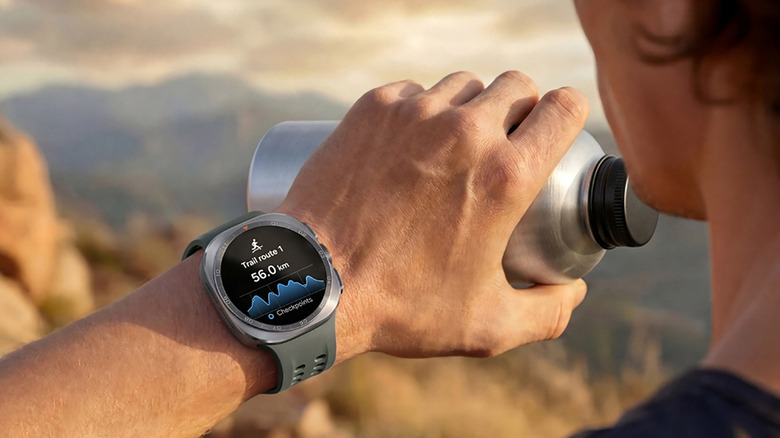
Samsung Galaxy watches can connect to any Android phone, though they're ideally paired with a Samsung Galaxy phone, which also unlocks all their features. While Samsung's smartwatches are among the best powered by Android, one downside is battery life. The best Samsung Galaxy Watch for battery life is the pricey Galaxy Watch Ultra model. As noted in our review, which called the $700 Galaxy Watch Ultra 2 Samsung's best smartwatch yet, the device can last up to 60 hours even with its always-on display. With other Galaxy Watches, however, you'll need to charge daily or at least every day and-a-half. I reviewed the Samsung Galaxy Watch 9, which was one of the new devices announced at Galaxy Unpacked in July 2026, and I had to charge it every night before going to bed to get a full night's worth of sleep tracking.
That brings up an interesting question: When should you recharge the smartwatch if you want to track activities and vitals throughout the day, but also want detailed sleep tracking at night? You can follow the 80-20 rule for rechargeable batteries, which recommends keeping devices above 20% and below 80% as often as you can to keep the battery healthy for as long as possible. But most important is to plan charging time to maximize accuracy in your active logs and continuous vitals. Your best bet is to choose a time that you'll be sedentary for an extended period, at least long enough for a full recharge. This means losing out on some tracking, though.
The best time to recharge
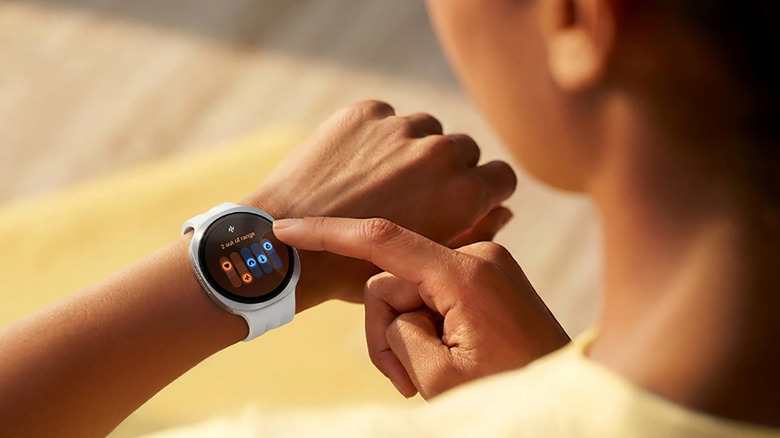
Using a smartwatch that requires daily charging isn't so bad once you get into a routine. But when to charge comes down to how you spend your days. If your evenings involve reading, relaxing in front of the TV, or doing another low-key activity, that's also a good time to plop the smartwatch onto its charger. Since you'll be sitting anyway, you won't lose out on anything crucial. Some people like to recharge as they make dinner: it's a good time to remove the watch anyway while getting their hands dirty.
If the evening is when you're most active, however, consider recharging during your morning routine instead. While you shower, get dressed, and have your coffee, let the watch recharge then put it on before you head out the door. This should provide enough juice to get you through the day and overnight. If you work behind a computer, consider charging it for the first hour of your workday. Some people like to give the smartwatch little top-ups whenever they know they'll be sitting for an extended period. Keep in mind that most smartwatches generally need about 30% battery life to track sleep through a whole cycle. So, if you find that the Galaxy Watch is below 30% before you turn in for the night, give it a quick five-minute boost while doing your bedtime routine to get over this threshold and ensure all-night sleep tracking.
Recharging time and conserving battery tips
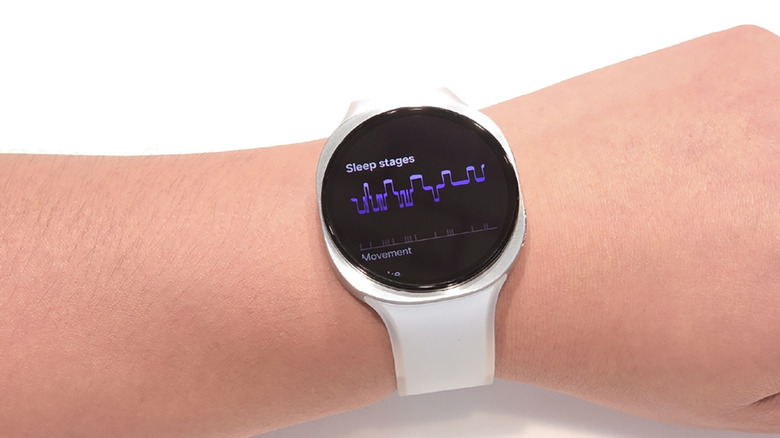
The rated charge time for each Samsung Galaxy Watch is different. With the new Samsung Galaxy Watch 9, the smaller 40mm model charges to 100% in 80 minutes and 50% in 30 minutes while the larger 44mm model takes 90 minutes to charge to 100% and 30 minutes to 45%. Expect about an hour and a half to get any Galaxy Watch from completely drained to full and schedule charging accordingly, especially if you only want to remove it once daily. You can recharge overnight, but getting a good night's sleep is so important, I'd recommend wearing it while you sleep to keep tabs on your metrics. Alternatively, consider investing in a Samsung Galaxy Ring, which works alongside a Galaxy Watch and can track stats like sleep when the Watch has died. Data is combined in the same Samsung Health app, so you can wear the ring to bed while charging the watch overnight.
Some other ways to increase battery life on your Galaxy Watch are to strategically turn off features you don't need. For example, disabling the always-on display is an easy power-savings win, as is turning off tracking you might not need, like continuous heart rate and stress monitoring. Speaking of the display, stay away from bright watch faces as they can drain the battery more quickly. Other power-hungry features include raise to wake, location tracking, and "Hey Google" detection. When in a pinch, you can also use Power Saving Mode, which limits features but extends the battery life until you can get to a charger.