

Apple Music Subscribers Reveal The Key Features They Want Next
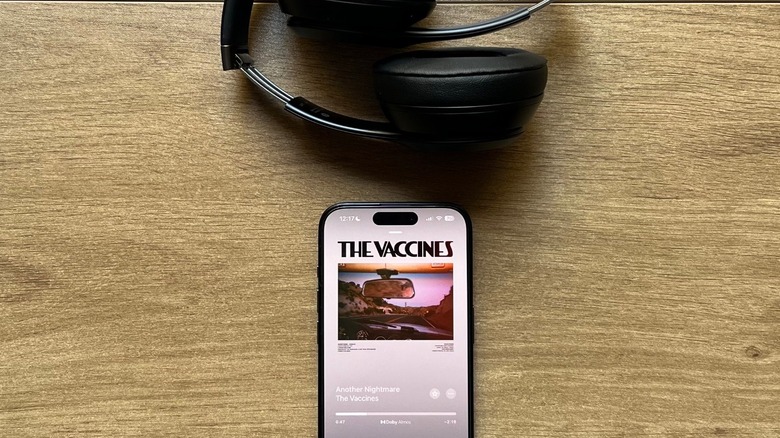
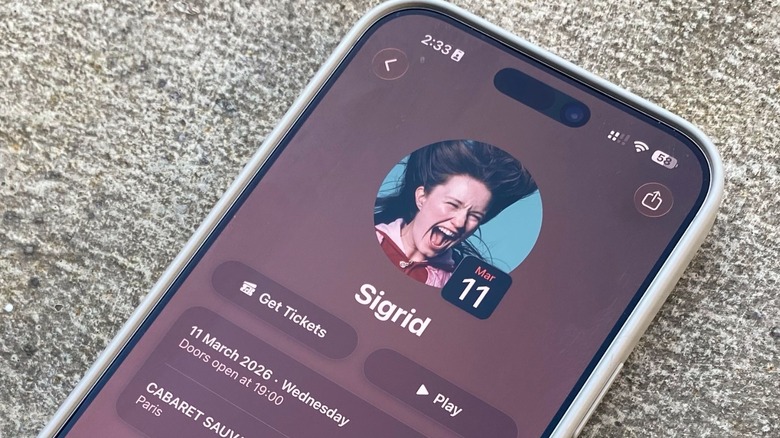
Apple Music has been available for over a decade now, and I've been a subscriber since day one. Over the years, I've experienced the service's early bugs completely wiping my library, duplicating my favorite tunes, and so on. I also saw the platform evolving by adding real-time lyrics, Dolby Atmos with Spatial Audio, and more recently an integration with artists' upcoming concerts and an easy way to acquire tickets.
While iOS 26 was responsible for several new features for the service, I was excited to see what Apple would bring to Apple Music with iOS 27. It's not much. Disappointed by the lack of proper new features, I — and a whole community of subscribers – still think Apple Music has improvements to make. Among the main features, I wish Apple Music was as social as Spotify, offering ways to combine my music taste with friends, and even other artists in a combined playlist — like Spotify's Blend feature, introduced a few years ago. Other unfulfilled dreams include a button to not play a song or an artist, and a more cohesive experience between the different platforms where Apple Music is available.
After all, iOS 26 was expected to bring unity between all Apple systems, as Apple was phasing out different numbers for its software and calling everything a 26 update. In addition, the Liquid Glass design was expected to make the iOS, macOS, and iPadOS experiences really similar to each other. However, with Apple Music this is inaccurate, as the experiences remain fairly different.
Apple Music should offer a more consistent experience first
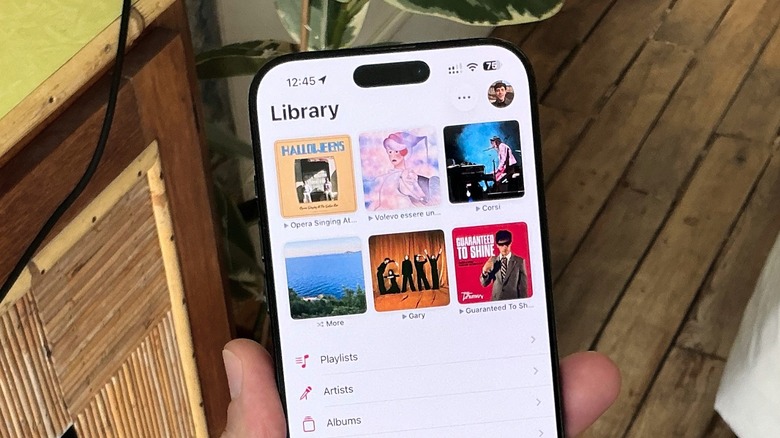
Before diving deep into the features Apple Music should add, I think the service needs to bring a consistent experience between its platforms. For example, iPhone users can add actions for pinned playlists in iOS 26 and iOS 27, but this isn't available for iPad and Mac users. If you use Apple Music on macOS Golden Gate, you can still check the play count of a song in the main library page, while this feature has never become available for iOS and iPadOS.
Even with a big Liquid Glass redesign, the Apple Music app on the Mac still looks very similar to iTunes, while iOS and iPadOS offer a more cohesive experience. This inconsistency with buttons that don't work, or features that are available on one platform but not on the other adds a lot of friction for users with multiple devices. For example, Apple likes to praise itself for how you can copy something on your phone and paste it on your Mac, but a basic universal control is still nowhere to be found on Apple Music. This would let users control their music for whatever device they're using.
Another common issue is that play counts in Apple Music continue to be flawed. The recent All Time and Replay playlists sometimes do not reflect the amount of times someone actually listened to a song, which data nerds can find very frustrating, because they can't keep track of their proper listening history. However, even Android users complain about unreliable play counts.
A wishlist for future Apple Music updates
Apple Music updates are tied to iOS updates, so unlike Spotify, we need to wait until iOS 27.X becomes available. With the current iOS 27.2 beta, Apple is only improving some design tweaks, which means that, so far there are no new features coming for the service. So, if you're waiting for Apple to add ways to share songs with friends inside the platform, combine tastes to create a playlist, or even make an Apple Music Replay wrap up at the end of the year as good as Spotify Wrapped, you might get disappointed.
Apple Music users would love to see more data about artists' popularity, plus a personalized button for favorite songs, playlists with full covers, and even a button to watch full music videos — rather than only a clip. Some subscribers want to see Apple get rid of the 100,000 songs limit for the library, others just really want Apple to delete duplicates — please, Apple.
Last but not least, some would rather have an all-in-one hub with podcasts, audiobooks, and more. Currently, Apple offers these experiences through different apps, so if you want to listen to a podcast, you need to open the Podcasts app, or if you want an audiobook, you need to go for the Apple Books app. Even if you want to listen to a classical song properly, you might have a better experience downloading the Apple Music Classical app.