

3 Reasons To Buy A Local Video Doorbell Instead Of Another Cloud Subscription
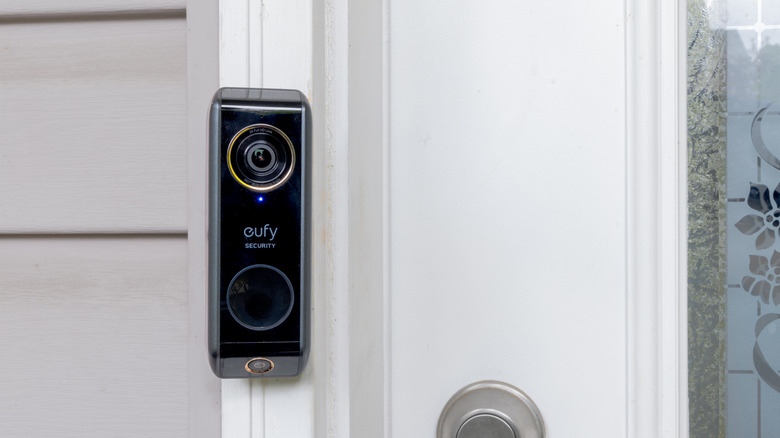
Video doorbells are generally considered one of the most useful additions to a smart home setup, as they not only enhance your home security, but also make it more convenient to see who's coming and going when you are not at home. You can also talk to visitors and delivery drivers using two-way audio, make sure packages are delivered, deter porch pirates, and a lot more. However, many of the popular video doorbells on the market, such as those from brands like Arlo, Ring, and Nest, require you to pay for a subscription to get cloud storage for your doorbell camera recordings, as well as many other value-add features.
Cloud storage certainly offers some benefits. Your video recordings will remain available even if a thief or other miscreant breaks or steals your video doorbell. It can also be easier to share video clips, download them, or access them across multiple devices. However, there are several good reasons to consider a doorbell camera that supports local storage and doesn't need a cloud subscription for basic functionality.
1. You don't pay any cloud storage fees
One of the major reasons to look for a video doorbell without a subscription is the financial one. When you buy a video doorbell with local storage, you aren't forced to pay for a cloud subscription every month or annually. You can simply invest in a good microSD card, which is a one-time cost. Some video doorbells, such as the Eufy E340 doorbell camera, even come with built-in storage. With local storage, you avoid the recurring subscription costs, and you have clarity on the overall cost even before you buy the doorbell. Some video doorbells also support storing your recordings on a companion hub, which over time, compared to a microSD card, is significantly more expensive.
Even when your video is stored locally, you may still be able to access it from anywhere and view the live feed of your video doorbell, alongside any recordings. However, if the microSD card that you're using in the video doorbell is corrupted or otherwise goes wrong, there is a risk of losing all your recordings. Additionally, the doorbell cameras with built-in storage often have limited space — as little as 8GB in the case of E340 — which limits how many recordings you can store.
2. Better control over data privacy and security
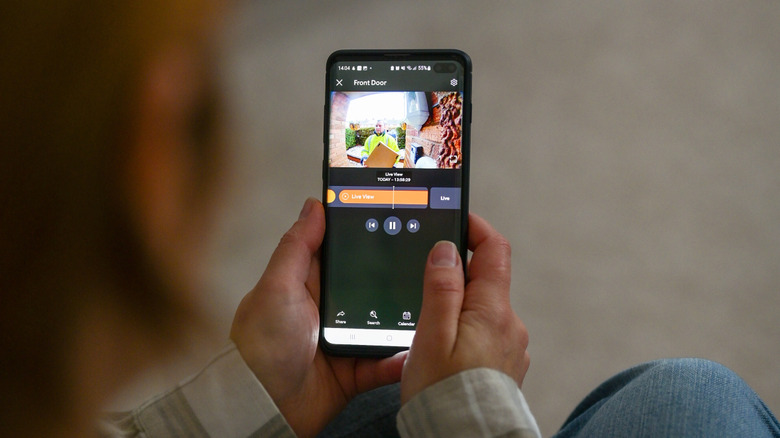
Another significant reason to opt for a video doorbell with local storage is that you gain total control over your recordings and their privacy. Since your video recordings aren't stored in the cloud, you have complete control over them, and — more importantly — only you have access to them. There is also no risk of the cloud storage provider getting potentially hacked or leaking your recordings due to poor security practices. Security incidents are pretty commonplace in the world of security cameras, so protecting yourself from them is not a bad idea.
You can minimize your risk by ensuring your video recordings are stored locally and not in some random data center that you don't control. You may lose some convenience, and there is no way to recover any data if a thief or someone else runs off with your video doorbell. But, you benefit greatly from better data privacy, control, and security.
3. Recordings continue even when there is no internet

If your video doorbell doesn't offer any local storage and completely relies on the cloud to save recordings, any internet outage makes it essentially useless. Anything that it would have recorded when your internet was down will be left unrecorded, defeating the whole purpose of getting a video doorbell. If you have an unreliable internet connection or suffer from frequent outages, this could be a deal breaker.
However, the video doorbells that come with a built-in microSD card slot or built-in storage don't face the problem. Even if your internet goes down, the video doorbell keeps recording anything that happens, and you can access it when your internet is back or by pulling out the microSD card. That said, you may not be able to view the recordings or the real-time feed remotely, get alerts, or use any other features that need internet when there is no connectivity.