

How Long Do AMD GPUs Get Software Support?
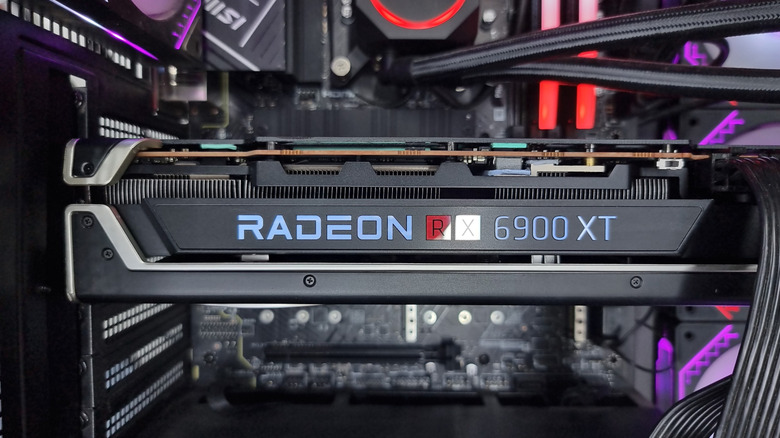
AMD GPUs and their reputation for bad drivers is a tale as old as time. In reality, AMD and Nvidia share the same problem: mixed driver releases. What matters is the update cadence and how long your graphics hardware receives the support it needs to stay compatible with newer games. When a driver falls out of date, it lacks critical fixes and can suffer from the same issues as any software embedded in hardware, including security vulnerabilities.
That's why, as a user, you should know how long AMD supports your GPU. Sadly, the answer isn't quite simple. In 2025, AMD announced that its Radeon RX 5000 and RX 6000 series GPUs (based on RDNA 1 and 2) would no longer receive regular updates, moving those cards into maintenance mode. This varies by architecture, so if your GPU is on an older architecture, it may only receive updates for game support, critical fixes, security, and new features like FSR 4 (if demand is high enough), or none at all.
On the other hand, AMD GPUs using Polaris and Vega architectures no longer receive regular updates and are considered legacy; only critical fixes are provided. However, older architectures are usually mature and don't need specific game drivers (they don't always require special tuning). For RDNA-based cards, it matters more; the RX 5000 and RX 6000 are among the oldest, but they were released in 2019-2022. So AMD has supported them for at least four to six years with day-one game support, which is a solid baseline for what you can expect from AMD before updates slow down. As for when maintenance mode ends, AMD hasn't given a definitive answer.
The best time to update your AMD drivers
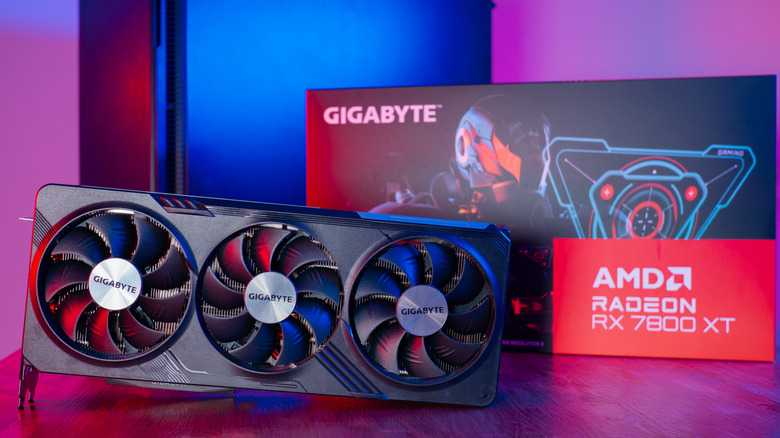
Even if AMD is slowing GPU optimization for the RX 5000 and RX 6000 series, it still focuses on RDNA 3- and RDNA 4-based cards. If you own one, keep it updated to improve performance and efficiency in newer games and demanding 3D applications. AMD also offers dedicated software that can adjust GPU workloads and parameters to tune it with the application/game you're playing. More importantly, you should keep your supported AMD GPU drivers up to date. You can update your drivers in two ways.
First, through AMD's website. The Drivers and Support for Processors and Graphics page lists GPU and Processor drivers you can download by searching for the product. The default list shows the latest versions, but you can click "Previous Versions" to find older ones if you're rolling back after a clean uninstall to fix GPU driver problems.
If you just want the next stable upgrade when AMD releases it, download AMD Software: Adrenalin Edition. That's where you can install new drivers, use AI-powered features, or access a variety of performance options that your GPU supports. It also simplifies your experience by letting you avoid manual updates, automatically detect your hardware, and check its vitals.