

Android Users Find Google Is Quietly Linking Your Phone Number To Different Accounts
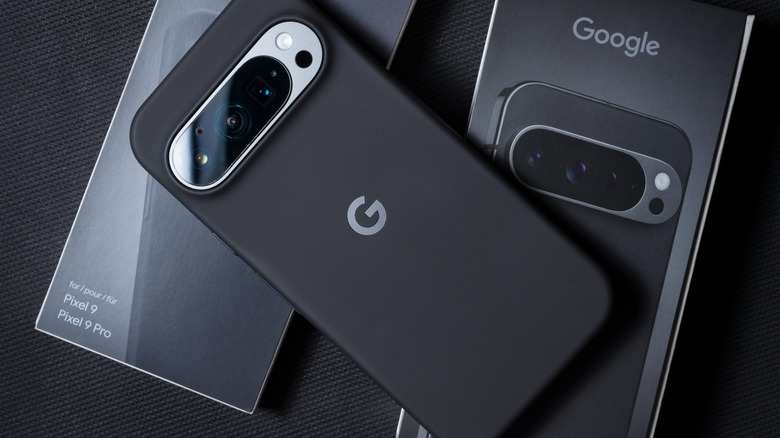
Android owners may want to check their Settings, as Google is now linking their phone numbers to a Google accounts that are signed-in on the device. If you have any additional Google accounts signed in to your Android device for whatever reason, Google Play Services automatically verifies your phone number and links it to all the accounts that are signed-in on the device. Google confirms this behavior in its support documentation and says its for security, but it may change how you might think about your data and whether or not Google searches were actually private, for example.
Spotted by user Nanosinx in the r/Android subreddit (per TechRadar), the post states that users should check their email for any messages from noreply-phone-verification@google.com. Nanosix says that Google Play Services appears to be adding information including "SIM card identifiers and device metadata" without clear prompting for the user. The email then informs users once the syncing has already been completed. Fortunately, there are steps to disable this syncing, though removing the information from additional Google accounts takes a bit more work.
Considering a phone number can be tied directly to your account, users across Reddit are irritated by the situation, to say the least. Reports also suggest that those using GrapheneOS may also experience the issue if Google Play Services are installed. To worsen matters, some users are also reporting that the disabling of this auto-syncing may not go as planned. If you're the type that wants your personal information removed from Google web searches, then you may want to keep an eye on Google's Phone number verification.
How to disable Phone number verification
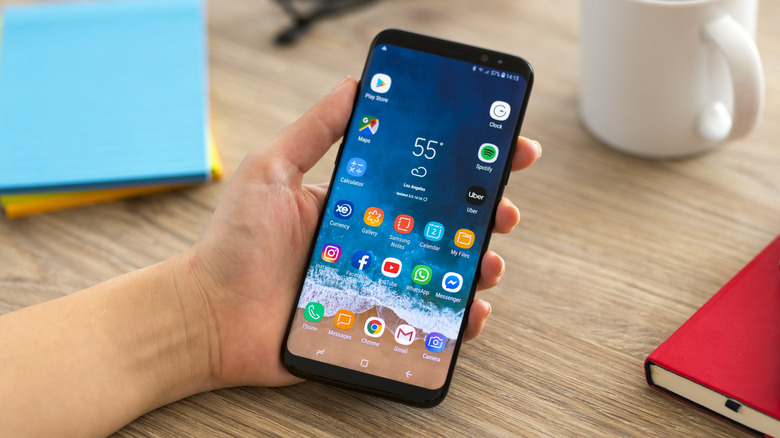
While Reddit users are upset by this, Google's support documentation for phone number verification does mention that this feature is enabled automatically and that phone numbers are verified and added to "all Google Accounts that are signed in on the device." The company also mentions this applies to "current and future accounts," meaning your phone number could be tied to other accounts you sign into on your phone. Fortunately, this feature can be disabled.
If you want to check for yourself, follow these steps:
-
Open Settings.
-
Select Google (or Google services and preferences).
-
Tap All services.
-
Choose Phone number verification.
-
Check to see if Verify phone number automatically is enabled.
If this feature was already enabled, you may need to individually remove any phone numbers Google saved. You'll need to do this from the Google account personal info page. Navigate to Contact info (or Personal info), select Phone, and then eliminate the number. You'll need to do this for each Google account. While you're snooping through your Settings, you may also want to change these Google account features.
According to the Google support document, phone numbers are shared for safety and security reasons, including "help people contact you through Rich Communications services (RCS)," such as with messages and video calls. Looking back at comments on Reddit, some debate why this is even an issue in the first place. However, user F0X0 summed up the criticism rather clearly, "Back in my days, devices asked for permission first before they did anything." As of now, Google doesn't seem to have any public plans to change this behavior back to an opt-in option, disabled by default.