

The Big Problem With Bloatware On Cheap Android Tablets
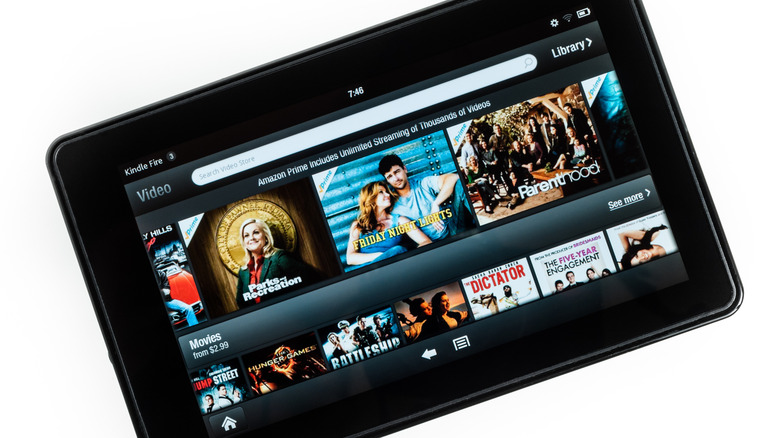
Cheap Android tablets are the last frontier of advancement in the mobile sphere. Low-grade processors, low amounts of RAM, and surprisingly limited onboard storage are quite prevalent in slabs costing $200 or less. What bogs them down even more is the presence of bloatware: apps and services that take up a good chunk of that 64 GB or even 32 GB built-in storage that your device manufacturer and wireless carrier pre-installed on it. Think of antivirus scanners you don't need, games you don't want to play — stuff like that. They'll nag you with notifications and may even run in the background and slow your tablet down.
That said, definitions of bloatware will vary from person to person. For instance, a carrier account manager app would be fairly prudent to include on a cellular-enabled tablet. Samsung has its own app ecosystem and, thus, has its own app store. You might even consider popular apps like Netflix and Spotify to be a welcome inclusion since they're two fewer apps you'd need to install yourself. Still, if it's not an app that comes with Android or has some core functionality, you'd probably call it bloatware. Some of it can only be disabled, but most of these apps are easily and safely uninstalled.
Still, there are some nasty things, such as services that install apps all by themselves and adware that, unfortunately, comes with the low price you paid for your tablet. Let's talk about how to deal with those.
App provisioners and adware
Cheap tablets often come with an app provisioner, a system-level service run by a third party that licenses apps and then automatically installs them on your device from time to time. T-Mobile has AppSelector and AppManager, and Verizon has Verizon App Manager. Samsung also seemingly has a provisioner for its Galaxy devices called AppCloud. To uninstall or disable them, enter your system settings and go to Apps > Show system apps.
Another form of bloatware is adware, and it's just as obvious as it sounds. Amazon is famous for the lockscreen ads that come pre-activated on those Fire tablets — not to be confused with the company's solid new Alexa tablets that are set to replace the Fire series — which you have the pleasure of paying the company an extra $20 plus sales tax to remove. That said, you can also remove the ads for free by connecting your tablet to a Windows or Linux machine with Fire Toolbox installed. The program also lets you open up the Fire OS experience, a heavily locked-down skin of Android, so that you can customize your device, download apps from the Google Play Store, and use your own custom launcher.
Those on a personal crusade against bloatware or those who just want to check up on some potential hidden threats (like the malware that was found on thousands of budget Android phones committing ad fraud) should look into the Universal Debloater Alliance and its various open-source, actively maintained resources for tracking down and removing apps and services.