

The Samsung Phone Voice Recorder App Is Better Than You Might Think - Here's Why
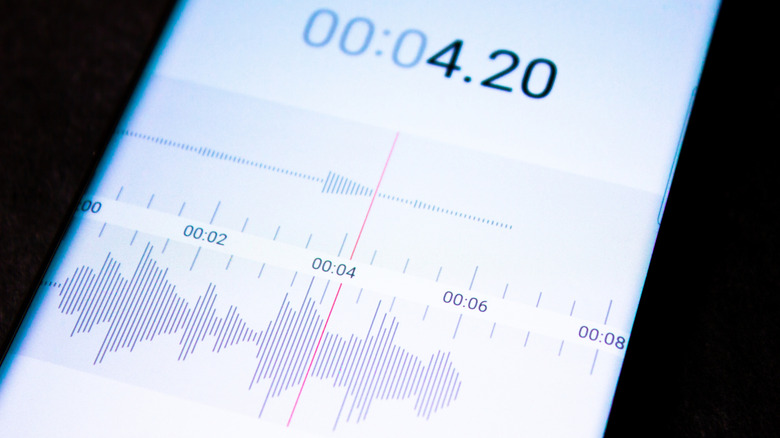
Samsung's built-in voice recorder offers several practical uses beyond audio capturing, with features that can support different recording needs and situations. With Galaxy AI features such as transcription, summaries, and suggested actions, the recording app lets users turn the recording information into something they can later review without having to listen to the whole audio again. For instance, you can record an interview or lecture and review the key points later, thanks to the transcript feature.
Also, with One UI 9, the voice recorder's summary feature has been improved, and it now provides clear formatting, which includes headings and tables. Furthermore, there are additional features like cloud-based transcription, audio conversion, better storage management, and improved playback and settings. Combined with the Galaxy AI capabilities, these new additions could make the app a more useful tool for students, professionals, journalists, content creators, and anyone who wants to regularly capture important information through the app.
What does Samsung's built-in Voice Recorder do?
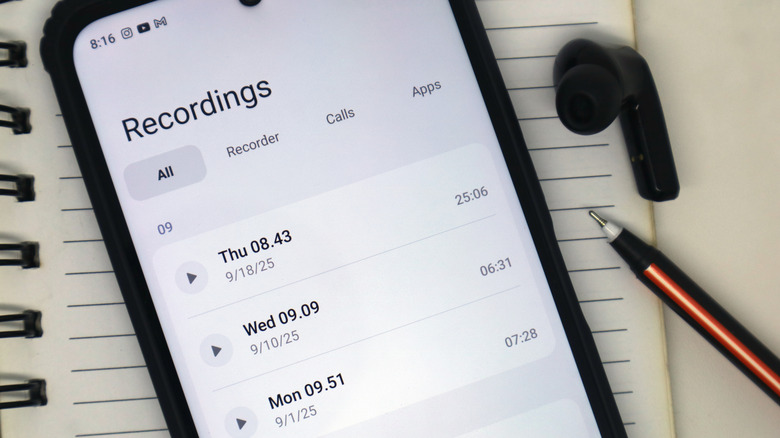
As a Samsung Galaxy S24 Ultra user, I find the built-in voice recorder quite appealing thanks to the transcript assist. This feature helps a lot, especially when reviewing a lecture by simply reading transcripts and summaries while studying. The transcript feature converts recorded information into written text and can even identify different speakers. One reported upcoming feature is said to be Cloud Transcription, which should upload recordings to Samsung's servers for AI processing. Thanks to that, Samsung should be able to produce more accurate transcripts. This could be particularly useful for lengthy recordings, but because it requires uploading audio to the cloud, users should consider privacy before using it for sensitive recordings.
The summary feature in transcript assist highlights the main points of a recording. With the One UI 9 update, the presentation of these summaries has been improved with clearer formatting. The recording app, thanks to Galaxy AI, can also translate transcripts into other supported languages. It can even suggest actions based on the information found in the recording, like setting reminders or creating calendar events.
Aside from Cloud Transcription, more features are reportedly on the way. Audio Format Conversion would allow users to convert the recordings from the app's default M4A format into other formats like MP3 or WAV, making it easier to share or import recordings into audio editing software. Another reported improvement is the storage management, which groups recordings into categories such as large files, short recordings (less than 10 seconds), old recordings, and spam or scam calls. The updated interface is reported to add animated waveforms when playing a recording in the app from the recording list. This replaces the original simpler bar.