

Why Your Video Doorbell Misses People Walking Right Up To Your Door
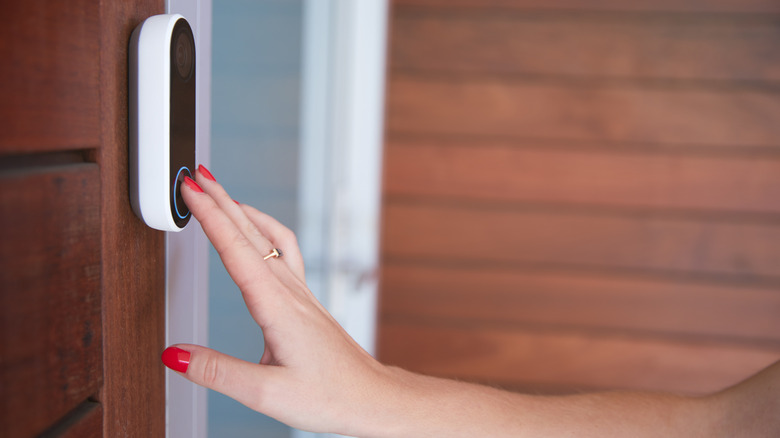
There are plenty of perks of installing a video doorbell, like helping you know what's happening on your front porch. However, despite the fact that capturing footage is what they were engineered to do, they can occasionally miss noticing someone walk up to your door, whether it's your chatty neighbor or your Monday-night cheese pizza getting delivered. But before you box up your video doorbell to return it, take a moment to check its setup; sometimes missed footage can happen because of bad placement or model-specific motion sensor issues, and these are fixable.
When it comes to installation, most folks simply slap their new video doorbell right where their old doorbell sat, which ignores how their motion sensors work. Many of these doorbells use passive infrared (PIR) sensors to detect body heat that's moving. It can be easier for them to detect side-to-side movement, as it's more obvious; they can struggle to detect someone walking straight toward your door. This can sometimes confuse them, which in turn can mean a delayed notification, or none at all. Additionally, if your doorbell is mounted too low or is right above steep steps, an approaching visitor's body might miss the detection band outright.
Fixing these issues requires a minor mounting adjustment. Adding a wedge kit better angles the hardware, giving the sensor a better chance to catch movement. And if your current wiring is mounted low, installing a mount higher up on the doorframe gives you a better vantage point.
Battery settings and wake-up delays cause missed visitors
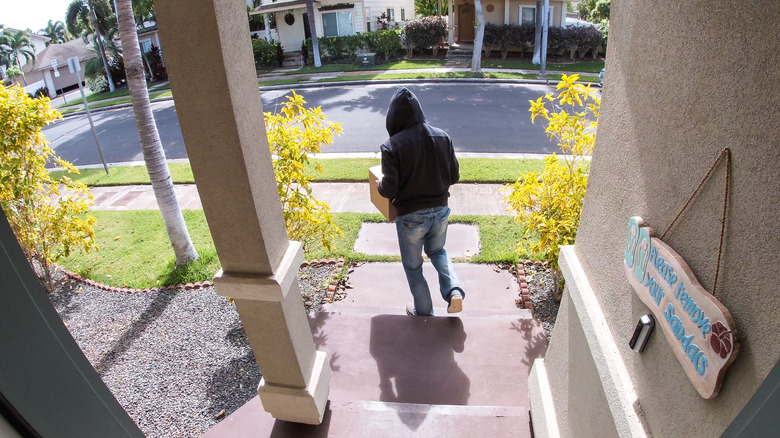
Although wireless video doorbells give you more flexibility for installation, relying entirely on battery brings a big compromise to the table (and it's likely the cause of missed visitor alerts if you have one). To save energy, battery-powered doorbells spend most of the day in sleep mode, only waking up and recording once their motion sensor detects movement.
Because of that, they'll always have a slight delay between the sensor triggering and the camera actively rolling tape. By the time the processor wakes up, a fast-walking delivery person might have already dropped off your package and walked out of frame. And this delay only gets worse in cold temperatures, which can make lithium-ion batteries less efficient. Hardwired video doorbells, on the other hand, bypass this issue entirely since they are always drawing electricity and never sleep. Many wired models even sport a pre-roll function, constantly recording a looping buffer that lets them catch those important seconds before the motion sensor gets triggered.
Fixing this issue for battery-powered models means diving into the mobile companion app and being willing to charge more often. Switching from battery-saving mode to a performance-heavy setting keeps the device more alert; it'll go through the battery faster, though. You could also opt to just buy a hardwired option instead, though there are pros and cons for either design.
Weak Wi-Fi networks can cause missed clips
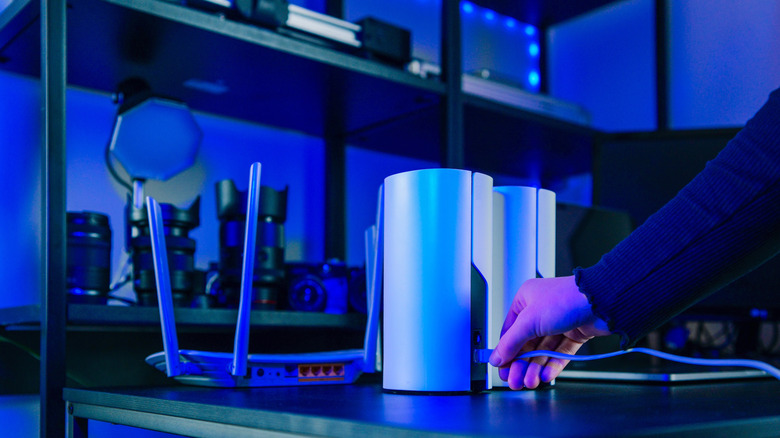
Even top-shelf video doorbells become useless if they can't maintain a stable Wi-Fi connection. These doorbells push high-def video files to the cloud or a local hub, and that's something that requires reliable internet in order to work smoothly. If there are hefty building materials in between your Wi-Fi router and the device (like metal doors or thick exterior walls), that signal can potentially be pretty weak by the time it reaches the front porch. A doorbell struggling to upload footage will absolutely cause those delayed or missed notifications. It can make your pricey video doorbell setup feel useless pretty fast. And statistically, if your router's on the other side of your house or even upstairs, signal strength probably isn't going to be strong near the doorbell, anyway.
This isn't too big of a fuss to fix, and you likely only need to boost the signal. You've got multiple options, like installing a Wi-Fi extender or opting to upgrade to a mesh network and placing a node near your doorbell for a more stable connection. Additionally, most newer routers let you assign more network bandwidth to specific gadgets. Telling yours to give the doorbell a higher priority ensures that motion alerts and video uploads are actions at the front of the line, even when other devices are using high bandwidth. This helps guarantee that visitors will be captured and that you'll be notified faster and more consistently.