

5 Common Signs Your Phone's Been Hacked (And What To Do)
There are plenty of ways for bad actors to try to gain access to your mobile phone. From phishing scams to full-on malware installs, hackers are always looking for some way to get at your personal data and accounts. Keeping an eye on your device's performance, whether it's acting strangely or not, and even checking to make sure someone hasn't forwarded your calls or text messages to another device are great ways to stay on top of things.
If you're worried about someone hacking your phone, then you aren't alone. Cybersecurity has become a huge concern in this day and age, especially with hackers able to do all kinds of things with artificial intelligence (AI) — like hacking a smart home. Unfortunately, many of the signs that your phone has been hacked can look a lot like the normal problems older phones run into. Those include dwindling battery life, performance issues on the device, and even storage problems.
However, there are a few important things you can keep an eye out for that can be good clues that someone has gotten into your phone or accounts when they shouldn't have, like strange background noise during phone calls, apps you don't remember downloading, login alerts you weren't expecting, and so on. Keep an eye out for these signs, then take the appropriate corrective actions, especially if you notice multiple symptoms happening at once.
There's an app on your phone you didn't install
An unfamiliar app on your phone is usually easy enough to spot, though some malware is made so that it won't look unfamiliar at all. RatHat, a new malware threat for Android phone users, copies the look of apps most people already have on their phones, including Google Chrome. The malware mostly spreads through text messages and fake download sites that look like the Google Play Store, and if someone opens it and gives it admin access, it installs an AI agent that pulls passwords, two-factor codes, and messages off the phone in the background.
If your phone ever asks you to install an app you already have, like another copy of Google Chrome, that could be a sign that RatHat is present. On Android, Google Play Protect is turned on by default, and in most cases it will remove a harmful app automatically. RatHat is harder to get rid of than most, though, and a factory reset is the only way to fully remove it.
If you're using an iPhone, then you'll also want to check VPN & Device Management under the General tab of your Settings app for any configuration profiles you don't recognize. These profiles are how a lot of schools and businesses manage the iPhones they distribute, and Apple warns they may allow access to data or location information. A profile from your job is nothing to worry about, but if you have no idea where one came from, then it may be best to remove it. Just know that deleting a profile wipes out all of the settings, apps, and data that came with it.
You're getting login alerts you didn't expect
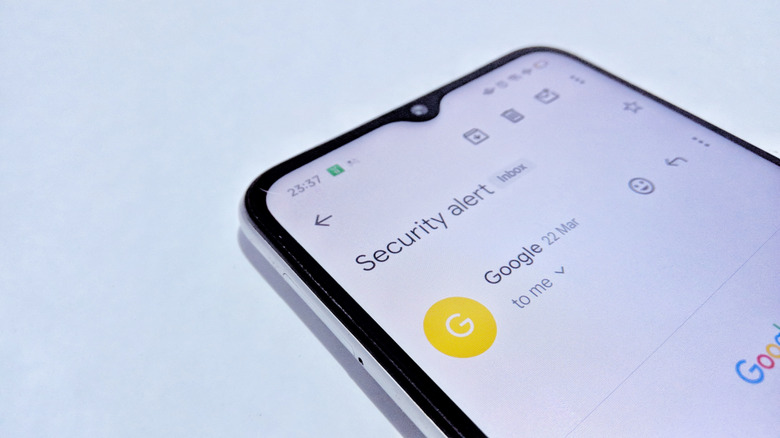
A two-factor code that pops up when you weren't trying to sign in to anything can be a sign your Apple Account has been compromised. Other potential issues include messages you don't remember sending, as well as purchases you don't recognize. Other companies, like Google, also send login alerts and will even notify you if they detect unexpected or irregular activity from your device login.
In a lot of cases, alerts like these just mean someone is trying to get into your account. That could mean they've acquired your password and are trying to access it through their own device. Getting past two-factor authentication (2FA) is a lot harder, thankfully, but this does lead some attacks to go after the phone itself. The Pixnapping Android phone attack, for example, uses a malicious app to rebuild what's on your screen one pixel at a time. Researchers discovered that it could grab a 2FA code in as little as 14 seconds — well before the code actually expires.
If you think your phone might be infected, the Federal Trade Commission (FTC) recommends that you stop logging into your accounts on that device until it's been cleaned up. That means you'll want to change your passwords from a different phone or computer. It's also a good idea to check with your carrier to make sure SMS forwarding hasn't been set up on your number, something Apple specifically recommends when securing your account anyway.
You see pop-ups when you aren't browsing the web
Pop-up ads are annoying, but most of us have learned to just close them and move on. The FTC lists an overabundance of pop-up ads as one of the signs of malware, and ads that keep showing up when you don't even have a browser open are an even bigger red flag. On some cheaper Android phones, you don't necessarily even need to download anything for that to start happening.
Bitdefender's researchers traced the malware found pre-installed in thousands of budget Android phones back to an ad scheme. The malware, which the researchers call Midnight Mimosa, hides inside the phone's system software and installs weather apps and other small utility apps that it then uses to show ads, even if you never open them. The affected phones mostly run on MediaTek chips and are sold under brands like Cubot and Doogee, along with knockoffs of Samsung's Galaxy S series.
If you do end up with a device infected with Midnight Mimosa, you'll need to completely replace the device, as a factory reset won't remove it. You can try asking the seller for a refund or replacement, though you may just need to grab a new device altogether from somewhere else. Additionally, you should always steer clear of unofficial firmware or quick fixes you find posted online. These can often make the issue worse.
Your phone is getting hot when you aren't using it
If your phone has been getting hot while it's just sitting on a table or the battery is suddenly dying hours earlier than it did a month ago, then something could be running in the background that you don't know about. Anything malware does on your phone uses up processing power and battery, which is why heat and faster drain are two of the more common signs your Android phone is infected with a virus. RatHat, for example, keeps an AI agent running in the background to snoop on what you're doing.
Before you simply start deleting apps, though, you should first rule out the usual, normal causes as culprits. A hot battery is going to drain a lot faster even when you aren't using the phone, and a smartphone can lose battery quicker than normal for a little while after a software update as it finishes things up in the background. This can also happen with brand new phones, and you may even need to wait several days for performance and battery life to even out.
If none of these explanations fit, though, then your phone's battery settings can help you narrow down which app is causing the problem. You can check the Battery (or similar) section on most devices to find out which apps specifically have been using your battery, as well as how often they're under heavy use.
Your phone is using more data than it should
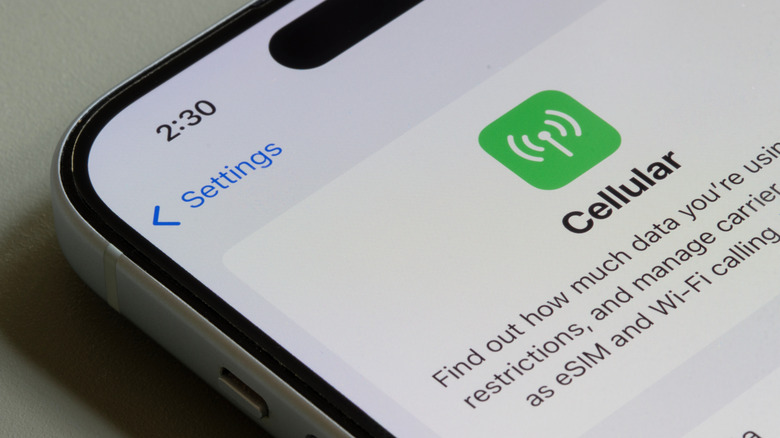
A sudden jump in data usage can also be a sign that something is wrong with your phone, since anything (or anyone) stealing information off your phone has to send it somewhere. In RatHat's case, everything it takes gets sent off through a proxy to the hackers behind it. Midnight Mimosa can use up your data in a different way, as it's able to turn your phone into a residential-proxy relay used to route other people's internet traffic.
You can see how much data each app is using on both iPhone and Android. This is useful for keeping up with what apps are using what, and it should already be part of your routine security checkups on your device anyway. Apple also recommends checking in with your carrier if you suspect more data than expected is being used, as that will provide you with the most accurate information.
Your phone also provides other methods to help you keep tabs on potential hacking activity. For example, you can dial *#21# to check and see if your calls are being forwarded to another number. This could be some bad actors' way of attempting to take calls for you without you being aware of them. Thankfully, you can easily shut this off by dialing *#002# or contacting your carrier. If you do discover that you've been hacked, then you should always change your passwords using a secure device and avoid logging back into those accounts on the affected device.