

4 Big Problems Users Are Already Having With The New Amazon Alexa Tablet
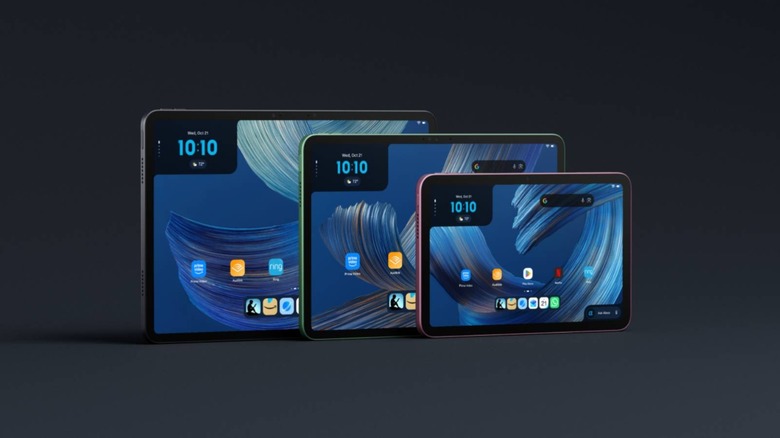
For years now, Amazon's Fire tablets have been a cheap and sturdy option for anyone who mostly wants to watch videos and browse the web. However, they've also been stuck on Amazon's own operating system for the last 15 years, which means there were no Google Play Store, and apps like YouTube were missing from Amazon's Appstore. With the new Alexa Tablets that Amazon announced in October, that isn't the case anymore, as all three models come with the full Play Store. It's a big part of why Amazon has finally given users a solid reason to buy its Alexa tablets, especially if all you ever really wanted from a Fire tablet was to watch YouTube without sideloading it.
The Alexa Tablet 8 starts at $229.99, while the Alexa Tablet 11 starts at $329.99 and the 12 Pro starts at $499.99, and all three started shipping on October 14. After only a month with the tablet, though, some users have started to run into problems. If you've been on the fence about whether to get one or go with one of the several alternative tablets out there, these are the issues you need to consider.
Getting rid of the lock-screen ads costs extra
Like the company's other tech offerings, Amazon's new tablets come with two primary versions: one with advertisements that's a little bit cheaper, and then one that costs slightly more but comes without ads on the lockscreen. The price difference itself is fairly small – $229.99 will get you an Alexa tablet with ads, while shelling out just $20 more will get you an ad-free one for $249.99. Still, the ads can be disappointing for users, especially since you're buying the device outright. Smartphones don't come with ads, so why would a tablet?
To make matters worse, the ads sit on the lockscreen. So, while you'll only see them for a moment, they block the ability to show off other things such as family photos, your favorite wallpapers, and so on. Thankfully, if you're planning to buy the 12 Pro, you won't have to worry about this, as that model doesn't come with lock-screen ads. However, it is $499.99, which could be a bit more than most people want to pay for a tablet.
Bloatware abounds
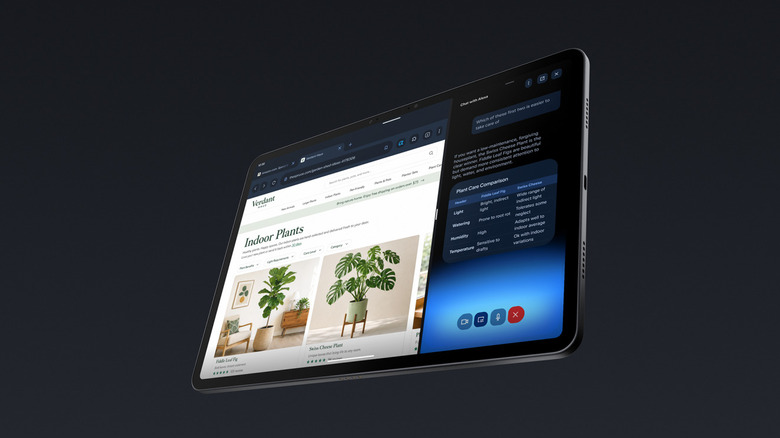
Amazon's apps are front and center on the 12 Pro from the moment you set it up. Right on the home screen, you'll find Kindle, Luna, Prime Video and Audible, while Gmail, YouTube and the rest of Google's apps get grouped into a folder. Amazon also puts its own web browser, photo app and music player on the tablet, and there's a whole page of recommended Amazon content sitting just to the left of the home screen. That panel is at least easy to ignore, since you only see it if you swipe over to it.
The two widgets on the home screen are a lot harder to get away from. The one in the top left keeps track of what you've been doing lately in Amazon's apps, like the last Kindle book you had open, while the one in the bottom right opens up Alexa+ so you can start chatting with it. Neither of them appears to be removable and the top-left widget has also been used to push Amazon's products.
Since the 12 Pro runs full Android, you can get around all of this by swapping out Amazon's launcher for a different one. However, it is worth noting that one user reported that the Alexa button stayed in the taskbar even after switching launchers. Some owners have gone even further, with one getting rid of 53 different packages on their 12 Pro to clear out Amazon's software. But having to replace the home screen on a tablet that costs at least $499.99 is still a bit of a letdown, especially since the 12 Pro is supposed to be the one model that skips the ads.
Some apps struggle or break and performance can be laggy
One of the best reasons to get one of these tablets over an older Fire tablet is that you can download YouTube straight from the Play Store. Unfortunately, not everyone has had luck with this. One Tablet 8 owner said their screen cut to black a few seconds after they put a YouTube video on full screen. They only managed to get the screen to work again after pressing the lock button again and again. Luckily, this doesn't appear to be a widespread issue as far as we can tell, but it is a frustrating issue to run into.
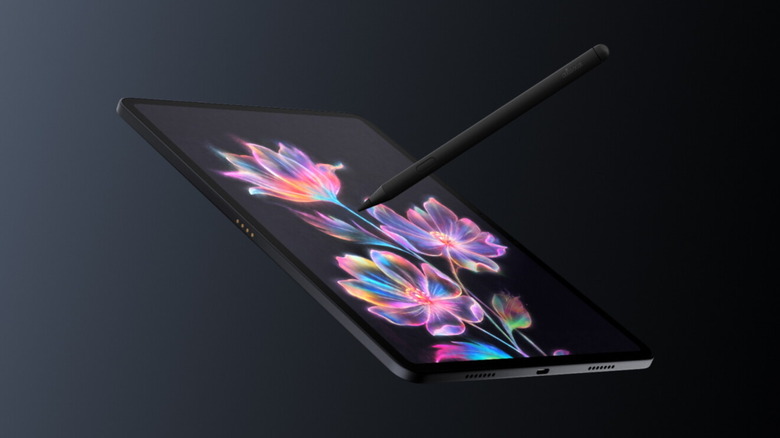
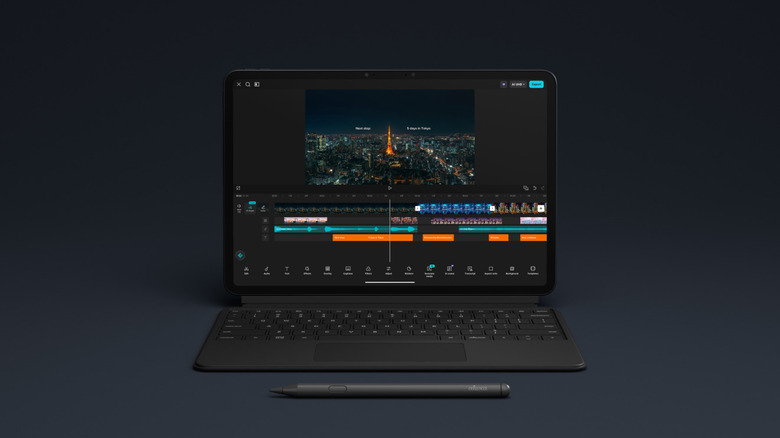
Between its keyboard and the $89.99 Pro Pen, Amazon is coming out swinging at the iPad with the 12 Pro, and it's clearly meant to go up against the iPad Air and Pro. However, some reviewers reported that a few apps froze up on them during testing, and even noted that jumping between apps with the keyboard's alt-tab shortcut felt slower than it probably should be. One 12 Pro owner even traced their tablet's slowdowns back to its memory, since the included 8GB of RAM was getting maxed out from regular use. The app switcher can hitch a bit when you open it, so that's something to be aware of if you plan to multitask with your new Alexa tablet.
There's no microSD slot for extra storage
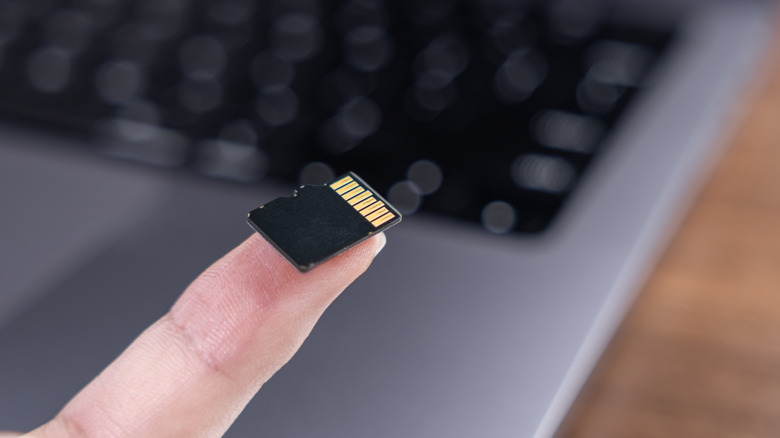
Another thing to keep in mind is that the base Alexa Tablet 8 only comes with 64GB of storage and 4GB of RAM, which might be enough if you mostly stream shows or read books on it. This would be fine if the tablets came with any kind of external storage. However, unlike the older Fire HD 8, which supported microSD cards as big as 1TB, Amazon has chosen to embrace the lack of expandable storage that other devices did a long time ago.
This is especially difficult for those who want more storage in their devices. It's exceptionally unfortunate, especially as we're already seeing some users upset with the fact that the tablet only offers 64GB at the base version, especially since Amazon offers full access to the Google Play Store now. If storage is a big problem for you, then you'll probably need to shell out for the more expensive Alexa Tablet 12 Pro, as it comes with 128GB of internal memory that you can use to store videos, games, and all your apps.